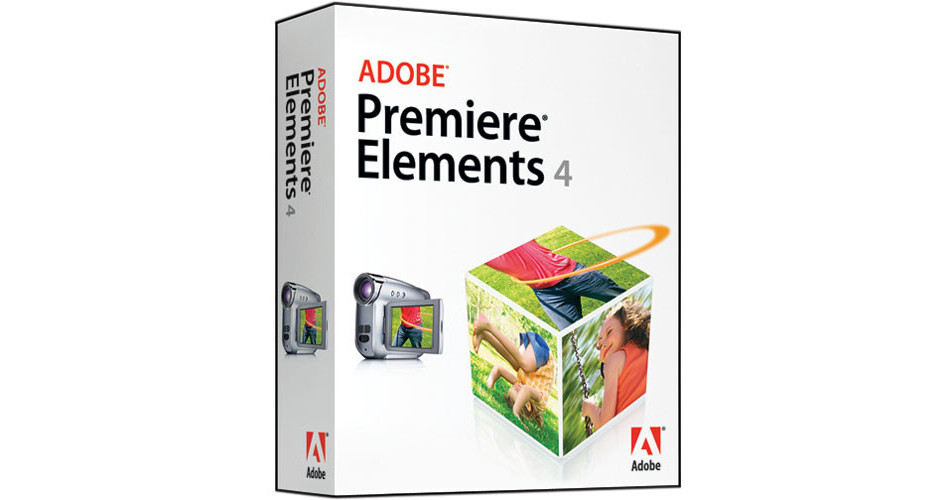
The Premiere Elements 4 Video Editing Software for Windows from Adobe is the perfect choice for home video editing. The intuitive software for Windows lets you edit home movies and share them with family on DVD in a few easy steps. You can rearrange clips with drag-and-drop techniques, and create a DVD menu and scene index to help better organize your memories. You can even output completed projects for use on the web or mobile phones. This is a great software package for anyone who would like to edit their own home movies.
HDV Support
Premiere Elements features native support for the high-definition HDV video format. Many consumer HD camcorders utilize HDV, making this an excellent choice for editing your footage. The software also supports DVD camcorders, web cameras, MPEG-4 video recorders, and select mobile phones.
Video Capture and Editing Tools
Premiere Elements gives you a wealth of capture options. You can import images from a still camera or cell phone, capture video from a webcam, and even capture stop-motion animation. The program gives you 99 tracks of video and audio to work with in your sceneline and a dedicated preview window to trim and split clips.
Titles and Effects
The software lets you easily create and edit titles from within the preview window. You can even drag and drop standard and picture-in-picture effects into the preview window. Freeze frame and multiple PIP effects are also at your disposal.
DVDs and Sharing
Premiere Elements allows you to create multi-page DVD menu templates that include movie playback and scene selection options. You can even export to iPod or PSP in H.264 format or make a Flash video for your web site. The software has tools to burn HD video content to Blu-ray disc.
User Interface and Workflow
The software allows you to customize your workspace via re-sizable windows and docking pallets. It even features video themes, easily allowing you to get started on a project. If you ever find yourself stuck you can access the task-based how-to help file for an answer.