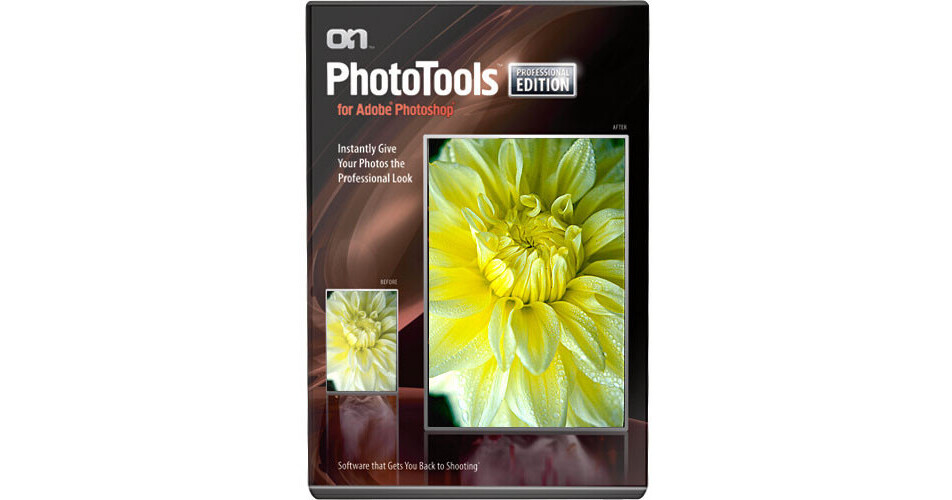
onOne Software PhotoTools 1.0 Professional Edition Plug-in

BH #ONPT1PE • MFR #PHTP-11021
Print
onOne Software PhotoTools 1.0 Professional Edition Plug-in
Key Features
  • Over 250 Photo Effects
  • Easy-to-use Photoshop Plug-in
  • Powerful Preview Function
  • Adjust Image Size
With the onOne Software PhotoTools 1.0 Professional Edition Plug-in, you can instantly give your photos a professional look without spending hours in Photoshop to do it. Jack Davis (Photoshop Hall-of-Fame member and instructor) and Kevin Kubota have teamed up with onOne Software to bring you this indispensable Photoshop Plug-In that includes over 250 traditional and modern photographic effects - but there is much more to PhotoTools Professional than just effects. Users can select, preview and stack multiple effects to get the perfect one-of-a-kind look and then start up the powerful PhotoTools batch processing engine to quickly enhance an entire shoot at once. Get PhotoTools today and save time, energy and money while getting the creative quality you dream of.
More Details
No Longer Available
No Store Display
Ask an Expert
800-606-6969

onOne Software PhotoTools 1.0 Pro Overview

With the onOne Software PhotoTools 1.0 Professional Edition Plug-in, you can instantly give your photos a professional look without spending hours in Photoshop to do it. Jack Davis (Photoshop Hall-of-Fame member and instructor) and Kevin Kubota have teamed up with onOne Software to bring you this indispensable Photoshop Plug-In that includes over 250 traditional and modern photographic effects - but there is much more to PhotoTools Professional than just effects. Users can select, preview and stack multiple effects to get the perfect one-of-a-kind look and then start up the powerful PhotoTools batch processing engine to quickly enhance an entire shoot at once. Get PhotoTools today and save time, energy and money while getting the creative quality you dream of.

Extensive Range of Versatile Effects
Whether you are new to photography and have never experienced the darkroom or you are an experienced pro who has mastered photography you will appreciate the range of authentic camera, filter and darkroom techniques reproduced with PhotoTools. PhotoTools Professional Edition contains over 250 effects by Jack Davis and Kevin Kubota that faithfully reproduce camera filters like neutral density, color correction and polarization as well as darkroom techniques and alternative processes like solarization, cyanotype and many paper toners. You can even simulate the look of different films with a wide range of grain and contrast effects.

The included effects and filters are organized under the following categories:

  • Black & White Effects
  • Camera Tricks
  • Color Treatments
  • Edge Treatments
  • Film & Darkroom Effects
  • Frame Treatments
  • Portrait Effects
  • Stylized Effects
  • Tinting Effects
  • Overlay Effects
  • One Click Effects
  • Photo Filters
  • Landscape Optimization
  • Image Optimization
    Get 30 Years of Photoshop Knowledge
    PhotoTools Professional Edition combines the expertise and experience of both Jack Davis and Kevin Kubota into a single plug-in for Adobe Photoshop. By doing this, PhotoTools Professional Edition makes the task of adding professional quality effects to your digital photos, easier, faster and better than if you were left to do it on your own.
    Powerful Preview Feature
    The key to PhotoTools Professional Edition is its unique ability to provide full-screen previews of an effect on your image before you choose to apply it. But it isn't just a single effect; you can stack multiple effects on top of each other just like you would camera filters. You can control the order of each effect and how they blend together for a truly unique look. You can even save your effect stacks so you can repeat them easily and even share them with your friends who have PhotoTools.
    Batch Processing
    Once you have created your signature look you can use PhotoTools Professional Edition's powerful batch processing engine to apply your look to an entire folder of images. Vastly speed up your production with the ability to batch process files with multiple output formats (such as TIFF and JPEG) of differing sizes (for print or web), color spaces (again for print or web), names and even add watermarks. Now it's easy to prepare small JPEGs from your raw files for the web or presentations with your custom look added.
    Stack & Blend Multiple Effects
    PhotoTools Professional Edition allows you to combine and "stack" effects in a similar way to how you would stack layers in Photoshop. This gives you a tremendous amount of creative control and flexibility while you create your own signature look. You even have control over the strength of each individual effect within a stack so if you don't like the default settings of an effect on your image, you can dial it down to better suit your individual photo.

    onOne Software PhotoTools 1.0 Pro Specs

    System & Software Requirements
    Macintosh System
    • Supports PowerPC & Intel Processors (Universal Binary)
    • Mac OS X (10.4.8 or higher)
    • 512MB RAM (1GB recommended)
    • 50MB hard disk space
    • OpenGL video card with 128MB VRAM (256 recommended) at 1024x768 or higher
    • Adobe Flash Player 9
    • Internet Connection for auto-updates

    Windows System

    • Intel Pentium 4 Processor or better
    • Windows XP (SP2), Vista or higher
    • Microsoft .NET 2.0 Framework or higher
    • 512MB RAM (1GB recommended)
    • 50MB hard disk space
    • OpenGL video card with 128MB VRAM (256 recommended) at 1024x768 or higher
    • Adobe Flash Player 9
    • Internet Connection for auto-updates

    Host Software Requirements

    • Adobe Photoshop CS2 (9.0.2) or CS3

      English Language Support Only - does not support foreign language versions of Photoshop

    onOne Software PhotoTools 1.0 Pro Reviews

    See any errors on this page?
    Whatever You Need, We've Got It