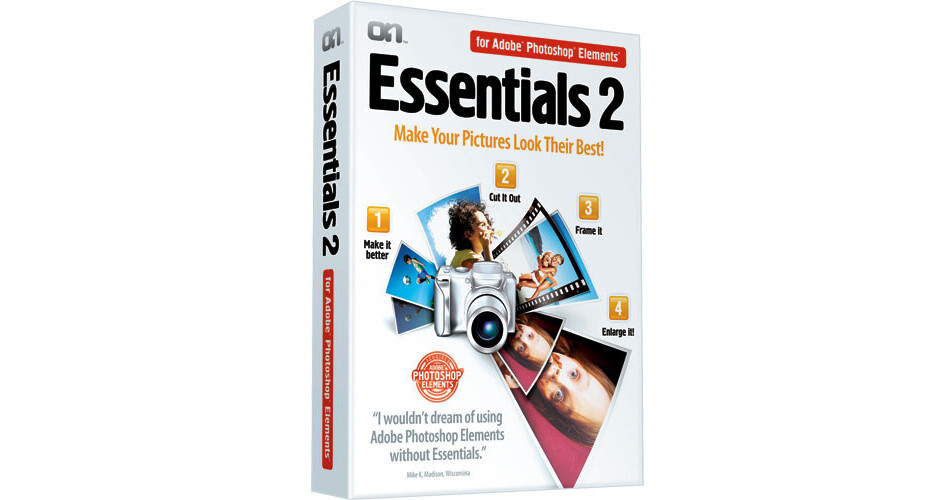
With Essentials 2 for Photoshop Elements from onOne Software, you'll be able to fix four common photographic problems with one application. Essentials 2 is a collection of four tools to help you correct color, remove unwanted backgrounds, add creative borders and resize your photos to get a larger print. Plus with its built-in tutorials and easy to use palette you'll be up and running in no time.
In particular, Essentials 2 now features an updated version of Make-It-Better that works just like going to the eye doctor - just pick which image looks best in several side-by-side comparisons to quickly and intuitively adjust the color, brightness and contrast of your image. No need for any complicated dialogs or wacky auto adjustments.
Make-it-Better
Make-it-Better is now incredibly easy to use in the latest version of Essentials. Simply compare color, contrast and brightness adjustments side-by-side and pick the best looking images to adjust your image. This module combines the power of several Photoshop Elements image adjustment dialogs into a single interface, thereby allowing users to make complex image adjustments without the need to understand the complex image controls of Photoshop Elements. Advanced users still have access to fine-tune controls for color cast removal, brightness, contrast, dynamic range and saturation, and you can even create presets to use over and over again.
Cut-it-Out
Essentials 2 features the Cut-it-Out tool for cutting a subject out of a background even if the foreground subject has difficult masking areas like hair or glasses. The Cut-it-Out tool maintains all of the small details with its unique color decontamination technology. You can even paint away unwanted colors through semi-transparent subjects so that they blend naturally with a new background. And unlike the Extract tool in Photoshop Elements you can see your results in real-time and fix your progress at anytime with any of the tools available in the Cut-it-Out tool.
Frame-It
Add the finishing touch to your images with the Frame-It module, that consists of a collection of over 500 realistic film and darkroom edge and border effects to your images. There are also artistic edges available, like torn paper, brush strokes or even realistic frames and mats you would hang on the walls. You can even stack multiple edges and frames to create your own unique look. The creative possibilities are limitless with the Frame-It tool.
Enlarge-It
The Enlarge-It tool allows you to increase your image size up to 400% without the loss of sharpness and detail that you would normally expect. It is a must for any photo enthusiast who makes big prints or needs to crop a section out of an image to get just the right composition. The Enlarge-It tool is also great for printing images from camera phones and even digital video camera still frames.