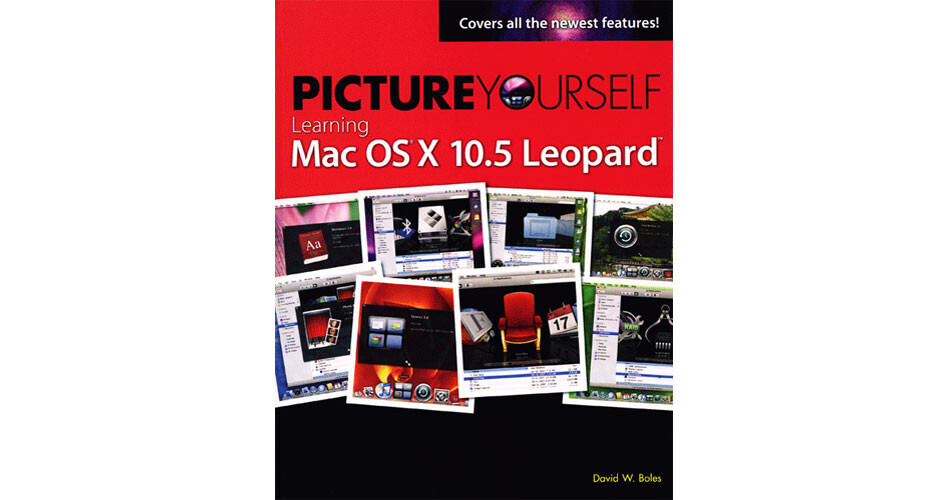
Picture Yourself Learning Mac OS X 10.5 Leopard by David Boles from Thomson Course Technology is the best place to picture yourself, other than in a boat on a river. The training guide is aimed at users who are new to OS X Leopard. It outlines the operating system's features and is presented in a rich full-color visual style, making it ideal for beginners.
Topics Covered
The book covers the entire gamut of features that are new to OS X Leopard. You'll learn all about Time Machine, Spaces, the Finder, Quick Look, Mail, iChat, iCal, Safari, Parental Controls, Boot Camp, Photo Booth, Front Row, Automator, and Accessibility options!