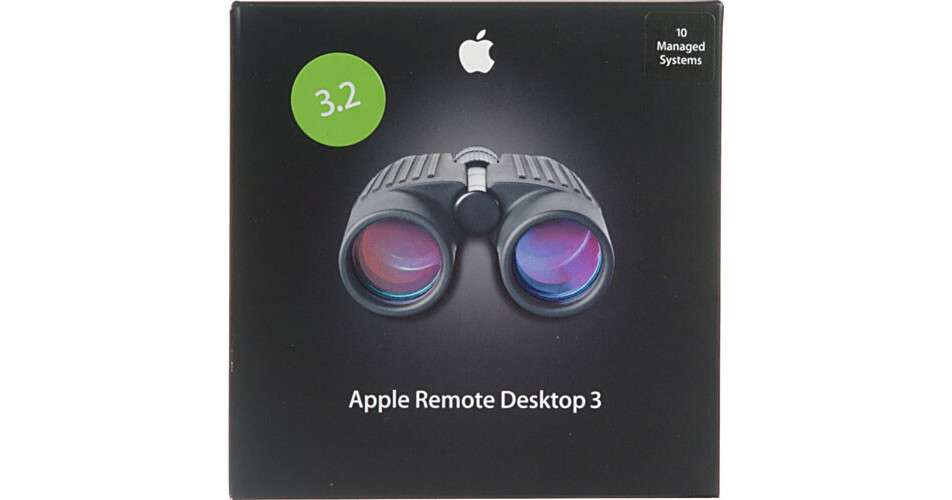
The Remote Desktop 3.2 Management Software from Apple is a desktop management solution for Apple computers running Mac OS X. It allows you to connect to a system to troubleshoot problems and offer help to a user, distribute software and configure systems. The features of Remote Desktop help network administrators more efficiently and effectively manage their OS X network, making their job much easier.
Software Distribution
You can use Remote Desktop to distribute software to computers on your network. This can be done on a machine-by-machine basis, or you can configure packages to be installed on every client on your network. Remote Desktop even allows you to schedule installation so that it doesn't interfere with work. You can also queue installations to run on computers that are currently powered off.
Asset Management
Remote Desktop captures information on every computer in your network and stores it in a local database, allowing you to access the information even if one of the computers is turned off. Over 200 attributes from each computer is stored, and since it is a standard SQL database you can easily build queries and reports to cull specific information to suit your needs.
Remote Assistance
You can provide remote assistance to any computer network in your network. Because Remote Desktop uses the standard VNC protocol this means that you can also connect to PCs with VNC software installed. Using VNC you can take control of another computer's screen to show a user how to perform a task or to troubleshoot a problem. Remote Desktop also allows you to share your screen with other computers running OS X on your network and communicate with users via instant text messages and real-time text chats.
Remote Administration
Remote Desktop allows you to schedule administrative tasks for future deployment, giving you the ability to set routine maintenance tasks on a schedule so that they run without the need for your intervention. You can even execute UNIX shell scripts on client computers, helping you automate many common administrative tasks.
Remote Spotlight Search
Remote Desktop can use the Spotlight feature to search the contents of remote computers running OS X 10.4. This lets you search an entire network of machines from one computer.
Dashboard Widget
The included dashboard widget gives you an instant overview of the computers on your network. The widget works with the Remote Desktop administrative application, letting you jump to a remote computer's screen directly from your dashboard.
Curtain Mode
Remote Desktop features a "curtain mode" that hides the screen of the computer you are accessing. This allows you to perform administrative tasks on publicly facing screens without worry.