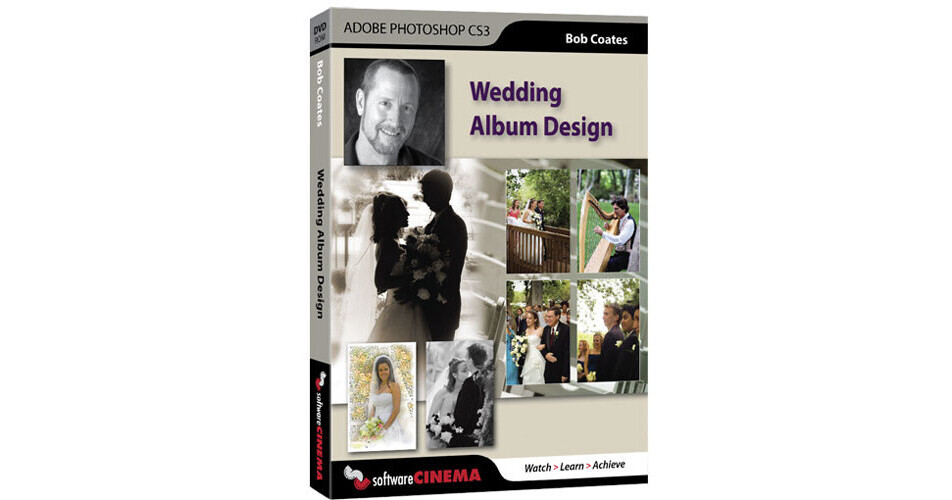
Training: Wedding Album Design in Photoshop CS3 - Become a master designer of the new highly sought after magazine-style wedding albums.
Bob teaches you how to proficiently and artistically design your own custom page layouts in Photoshop CS3 complete with edge effects, textures, backgrounds and multiple image compositing. Make each album a unique and treasured heirloom.
Session 01 : Getting Started with General Workflow
In this session you will learn to prep your files using Adobe Bridge and Adobe Camera Raw. You will also see how to use the production tools to speed your proofing and production.
Session 02 : Color Correction
Learn how to use Curves, Levels and Hue Saturation to tweak the final color on your images. You will also see how dodging and burning can really enhance the final look of the image.
Session 03 : Color Correction with Camera Raw
In this session you will learn color correction with Adobe Camera Raw. You will also see how to recover detail in the whites of a wedding dress without messing up your other color and density corrections.
Session 04 : Design Workflow
See how to design your album pages prior to actually laying out your pages in Photoshop. You will also see how to get your images printed using Photoshop's Contact Sheet feature.
Session 05 : Page Layout Introduction
Learn the basics of getting the overall page layouts started. You will also see how to get set up for output to print different types of albums.
Session 06 : Multiple Image Layout
In this session you will learn how to place multiple images on a single page. We will explore some design concepts and treatments to help your images stand out. You will also see how to use Layer Styles.
Session 07 : Images as Backgrounds
This session will cover ideas for using parts of your images for backgrounds. You will also see how to use selections and the Free Transform Tool.
Session 08 : Creating Backgrounds
In this session you will learn how to create textured backgrounds using Photoshop tools.
Session 09 : Creating Templates
Learn how to save design layouts that you will reuse. You will also see how to use the Paste Into command to help with placing new images into your templates.
Session 10 : Using Text
See how to add text as part of a storytelling element and as a design element. You will also see how to use Layer Styles to make your text stand out.
Session 11 : Black & White Images
In this session you will learn various ways to turn your image into a black and white. You will also see how many different ways there are to accomplish this with each having it's own use.
Session 12 : Sepia Tone & Spot Color
Learn how to use Hue Saturation to create sepia tone images. You will also see how to allow color to show through using various selection techniques and Layer Masks.
Session 13 : Lens Blur
See how to use blurring techniques to enhance the depth of field to help your subject stand out from the background. You will also learn various selection techniques using Layer Masks.
Session 14 : Add Artwork to Your Album
Learn how to create a watercolor line drawing starting with your image. The image is converted to a line drawing then slowly built back up into an artistic treatment that tends to get a wow from your clients. A little of this goes a long way. I only recommend one of these per album.
Session 15 : Composite images
In this session you will learn how to blend images together for a different look in your designs. You will also see how using Layer Masks on multiple Layers will blend your images together.
Session 16 : Graphic Enhancements
This session covers how to add graphic elements like color blocks and lines to enhance your layouts. You will also see how to use the Marquee Tool, Color Picker and Layer Styles to speed your workflow.
Session 17 : Web Photo Gallery
In this session you will learn how to use Photoshop's Web Photo Gallery feature to show your clients the final design of the album with an automatically generated website. You will also see how this tool can be used to enhance your website for sales.