Ask Our Experts800-606-6969
Hello, Log InAccount & Orders
Key Features
- Centris Technology
- Integrated Cable Management
- VESA 75 x 75 & 100 x 100
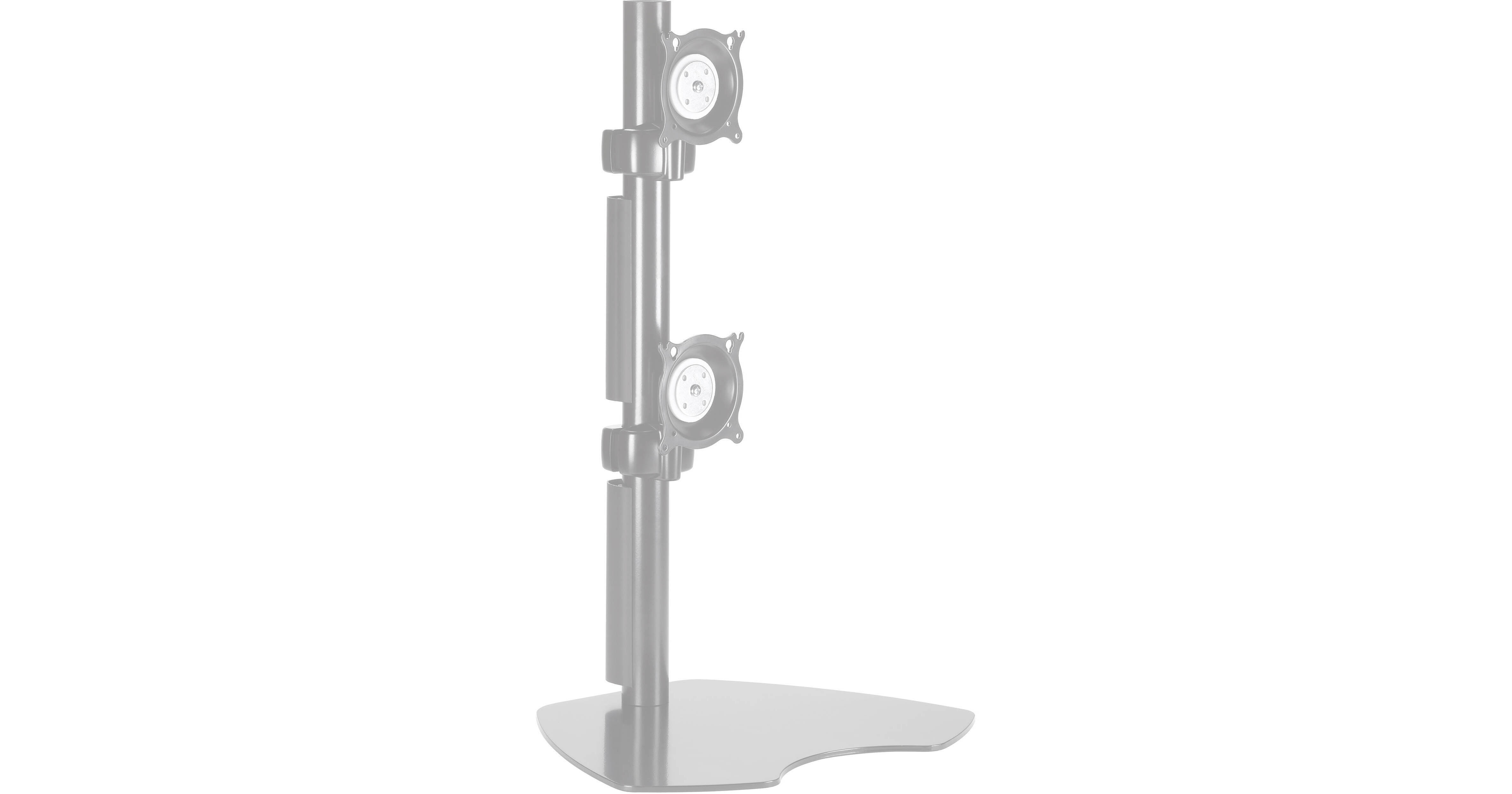
If you work with multiple flat panels displays, the KTP230S Dual Vertical Monitor Table Stand (Silver) from Chief is ideal for you. Tilt or rotate each display independently with Chief's patented Centris technology. The KTP230S also features integrated cable management for a clean installation.
More DetailsSpecial Order
Expected availability: 3-7 Business Days
See any errors on this page?
Will this work withLG 49WL95C-W 49 Inch 32:9 ...
Will this work withLG 49WL95C-W 49 Inch 32:9 UltraWide Dual QHD IPS Curved LED Monitor with HDR 10?
The stand is made to support the weight and mounting pattern of the monitor.
Date published: 2020-10-13
Is this stand compatible with Samsung C49HG90 ...
Is this stand compatible with Samsung C49HG90 monitor?
Yes. See below mounting specs:
Samsung C49HG90
Physical
Height Adjustment 4.72" / 120 mm
Rotation Adjustment None
Swivel Adjustment Yes
Tilt Adjustment -2 to 15°
Mounting-Hole Pattern 100 x 100 mm
Lock Slot No
Dimensions (W x H x D) 47.3 x 14.5 x 7.7" / 120.1 x 36.8 x 19.6 cm (without Stand)
47.3 x 20.7 x 15.0" / 120.1 x 52.6 x 38.1 cm (with Stand)
Weight 26.2 lb / 11.88 kg (without Stand)
33.1 lb / 15.01 kg (with Stand)
Chief KTP230S Specs
Stand Dual Vertical Table Stand
Position Locking Yes
Adjustments Tilt: ±15°
Roll: ±90°
Yaw: ±15°
Max Equipment Size 19.3" (490mm) per monitor
Compatibility VESA 75 x 75 & 100 x 100
Date published: 2021-02-17
Can this stand (Chief KTP230S) be used to mount ...
Can this stand (Chief KTP230S) be used to mount two DELL ULTRASHARP 49 (U4919DW) monitors?
Will this stand be able to hold 2 Samsung Odyssey G9 monitors?
Date published: 2021-01-13
Are the mounts adjustable vertically? I want to ...
Are the mounts adjustable vertically? I want to mount the Samsung Odyssey G7 32 inch & the Samsung CRG9.
Tilt or rotate each display independently
Adjustments Tilt: ±15°
Roll: ±90°
Yaw: ±15°
Max Equipment Size 19.3" (490mm) per monitor
Compatibility VESA 75 x 75 & 100 x 100
Post Length 29.75"
Date published: 2021-02-03
Does this also work with two Samsung C49RG9 49" ...
Does this also work with two Samsung C49RG9 49" monitors too?
You shouldn't have an problems they fit the weight and VESA pattern supported by the mount.
Date published: 2020-06-23
Can I use two Asus ROG XG49VQ on this mount?
Can I use two Asus ROG XG49VQ on this mount?
Yes it will.
Date published: 2021-06-21
Hello, I am interested to mount 2 Samsung ...
Hello, I am interested to mount 2 Samsung monitors, LC49HG90DMUXEN and LC49J890DKUXEN. Will the product work with those monitors?
Yes it will.
Date published: 2020-09-11
Will this stand be able to hold 2 Samsung Odyssey ...
Will this stand be able to hold 2 Samsung Odyssey G9 monitors?
Yes it will:
Samsung Odyssey G9 Specs:
Mounting-Hole Pattern: 100 x 100 mm
Dimensions (W x H x D):
47.2 x 14.5 x 7.6" / 119.9 x 36.8 x 19.3 cm (without Stand)
Chief KTP230B Specs:
Max Equipment Size 19.3" (490mm) per monitor
Compatibility VESA 75 x 75 & 100 x 100
Weight Capacity 70 lbs (31.8kg) Total
Date published: 2022-01-11