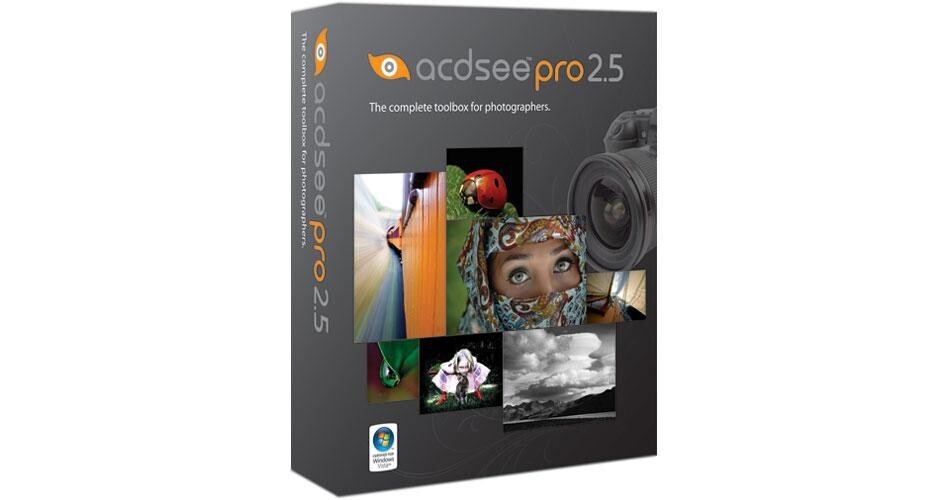
ACDSee Pro 2.5 Photo Management Software for Windows

BH #ACACDP25 • MFR #ACDPRO2.5BX-EN
Print
ACDSee Pro 2.5 Photo Management Software for Windows
Key Features
  • RAW Conversion
  • Management Tools
  • Non-Destructive Workflow
  • Backup and Archiving Tools
The ACDSee Pro 2.5 Photo Management Software for Windows from ACD Systems is a professional photo management software package for Windows. It features a non-destructive RAW workflow, enhanced management tools, robust metadata support, a multitude of output options, and backup tools.
More Details
No Longer Available
No Store Display
Ask an Expert
800-952-1815

ACDSee ACDPRO2.5BX-EN Overview

The ACDSee Pro 2.5 Photo Management Software for Windows from ACD Systems is a professional photo management software package for Windows. It features a non-destructive RAW workflow, enhanced management tools, robust metadata support, a multitude of output options, and backup tools.

You'll be able to perform all sorts of adjustments to your photos, give them star ratings, add keywords and tags, view and sort through images with ease, and create slide shows. Archiving images to external disks, optical discs, or ZIP folders is easy, perfect for professional photographers who need to free up scratch space by moving older projects to their digital archives. ACDSee Pro is a robust tool, ideal for professionals in need of a central application for an end-to-end non-destructive digital workflow.

Organize photos as they are imported from your memory card
Enter keyword, category, EXIF, and IPTC data as images are imported
View, sort, compare, and rate images from a customizable interface
Flexible tools for image cataloging and retrieval
Embed custom metadata, including categories, keywords, and ratings, directly into XMP fields
Create custom searches to locate images, and save searches for future use
RAW developing tools allow you to control any aspect of an image
Non-destructive editing ensures that original images are not modified or deleted
Selection tools allow you to adjust specific areas of a photo
Create slide shows, add watermarks to images, and export for web, e-mail, or printing
Archive images to an external hard drive or optical disc
Automatically sync folders with an external hard drive for backup

ACDSee ACDPRO2.5BX-EN Specs

System Requirements
Computer: Pentium III, AMD Athlon (Pentium 4, AMD Athlon XP recommended)
Operating System: Windows XP SP2, Vista
Memory: 512MB (1GB recommended)
Hard Drive: 100MB (1GB recommended)
Display: 1024 x 768 at high-color (1280 x 1024 recommended)
Hardware: Optical drive
Software: Internet Explorer 5 (IE6 recommended), TiVo Desktop Software for TiVo publishing, DirectX 9.0c, QuickTime 6, Ghostscript 8, Windows Media Player 9

ACDSee ACDPRO2.5BX-EN Reviews

See any errors on this page?
Whatever You Need, We've Got It