
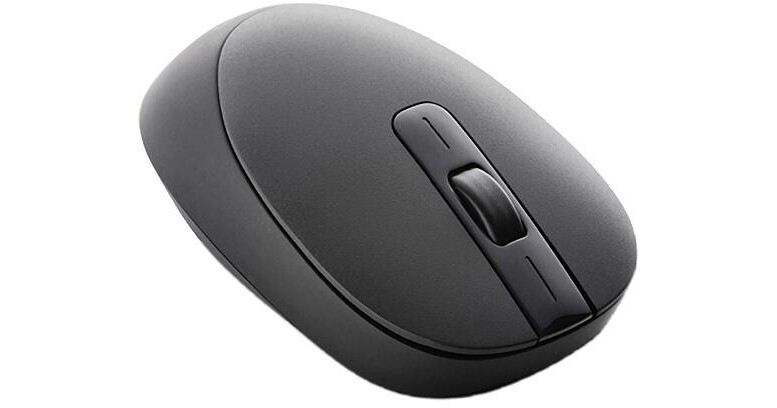
The perfect companion to your Intuos4 tablet, Wacom's Intuos4 Mouse functions as an alternative to the pen. Use it for everyday computer use or for those tasks when a traditional mouse pointer is preferable. The mouse has two additional buttons, and each button and the scroll wheel are programmable. The mouse is wireless and doesn't require any batteries, so you can just place it on your tablet and be able to use it immediately. It also has a unique Tool ID, so the settings you create for the mouse will be remembered without affecting the settings of your other input devices.
Standard Mouse Interface
The Intuos4 Mouse functions as a traditional mouse for the Intuos4 tablet. Use it when you're surfing the web, doing standard work on the computer, or when you want to draw a line using the feel of the mouse.
Customized Controls
Use the control panel to create unique, application-specific settings for your mouse and other devices. You can program the scroll wheel to cycle through commonly used tools or program the additional buttons to emulate keystrokes like CTRL, ALT, or SHIFT.
Tool ID
The mouse has its own unique Tool ID, so its settings are stored independently of your other input devices.
No Wires, No Batteries
Like the Intuos4 Pen, the Mouse doesn't have a cord to attach or batteries to replace. Simply place it on the Intuit4 tablet and the tablet's electromagnetic resonance technology will provide the mouse with all the power it needs.