
Holiday Kickoff

Red Giant Warp (Download)

BH #REWARPD • MFR #WARP-D
Print
Red Giant Warp (Download)
Key Features
  • Shadows, Reflections, Glows, Corner-Pins
  • Use with AE & Premiere (Mac/Win)
  • Realistic Shadows for Greenscreen Images
  • Create Mirror-Like Reflections
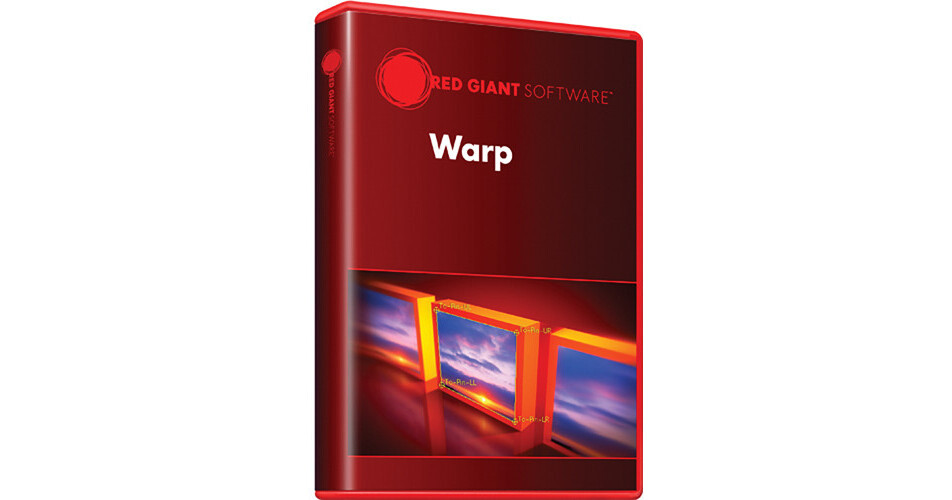
Red Giant Warp gives you control over shadows, reflections, glows, and corner-pinning. The shadow controls let you render realistic shadows for text or subjects shot on greenscreen. The reflection controls allow you to create perfect mirror-like reflections. Using glow controls, you can add sophisticated glows and glimmers to any project. And, the corner-pin controls help you heighten realism with advanced features for working with warped images, importing tracking data from Mocha, and adding secondary transforms and motion blur.
More Details
Digital
No Longer Available
No Store Display
Ask an Expert
800-606-6969

Red Giant WARP-D Overview

Red Giant Warp gives you control over shadows, reflections, glows, and corner-pinning. The shadow controls let you render realistic shadows for text or subjects shot on greenscreen. The reflection controls allow you to create perfect mirror-like reflections. Using glow controls, you can add sophisticated glows and glimmers to any project. And, the corner-pin controls help you heighten realism with advanced features for working with warped images, importing tracking data from Mocha, and adding secondary transforms and motion blur.

Note:
Your download provides you with the latest version of Warp.
Shadows & Reflections
Control the shadow's perspective and falloff, then warp it with the bend controls. Easy setup controls let you create realistic mirror reflections for video or images.
Glows
Generate unique glow and glimmer effects.
Corner Pins
Advanced offset controls and direct Mocha for After Effects integration.

Red Giant WARP-D Specs

Delivery Format
Download
Memory Requirement
Windows, Mac:
2 GB

Red Giant WARP-D Reviews

See any errors on this page?
Whatever You Need, We've Got It