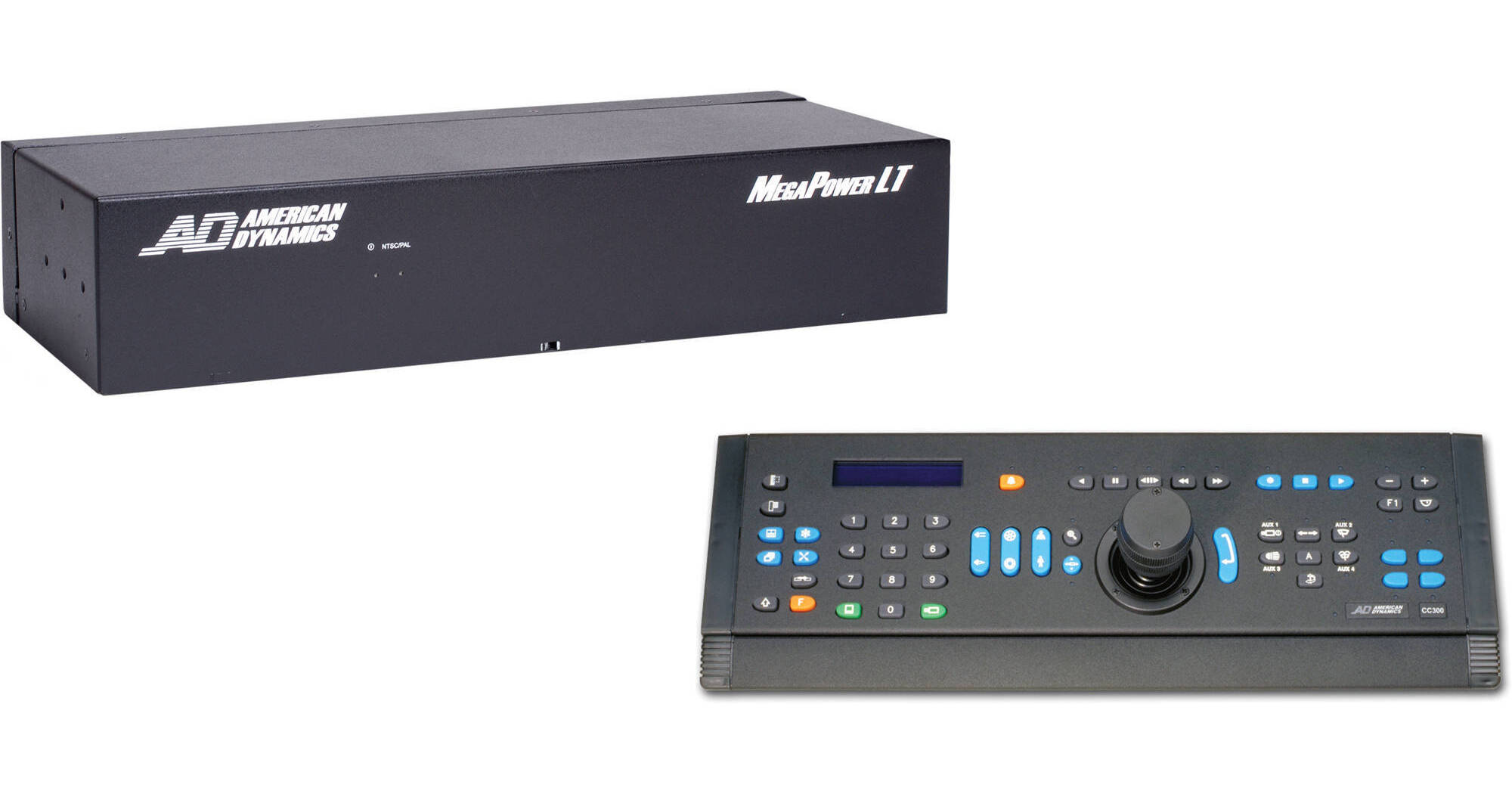
The American Dynamics MegaPower LT Matrix Switcher/Controller System (CC 300) is useful for small-scale security system installations. The DirectSet function allows you to easily access features like wide dynamic range, day/night and dome information screens without changing the other dome settings.
The system comes with 16 inputs, 4 outputs, and a ControlCenter 300 keyboard. The MegaPower LT is compatible with the SpeedDome series of programmable dome cameras. You can program up to 128 views, each with a camera input number and either a preset number or a pattern number; set up to 16 tours or sequences of video inputs. Built-in diagnostics allow you to determine the status of the system's internal components. The LEDs on the front of the unit indicate power status and system health.
- MM/DD/YY
- YY/MM/DD
- DD/MM/YY
The global alarm settings have 5 display modes and 3 clearance modes:
Display Modes
- None - No change to the monitor display
- Last - If multiple alarms are received, the last alarm received is displayed until it is cleared
- Stack - If multiple alarms are received, the alarms are displayed on additional alarm enabled monitors. Additional alarms are held in a queue of up to 255 events and 32 alarm inputs
- Switch - The first alarm in will be displayed on all alarm monitors. Additional alarms will display on all alarm monitors once the preceding alarm is cleared
- Rotate - The first alarm in will be displayed on all alarm monitors. Additional alarms will sequence in a pre-defined dwell time (time-out) on all alarm monitors until acknowledged. Alarm outputs are disabled in this mode.
Clearance Modes
- Acknowledge - Alarms are manually acknowledged.
- Time Out - Alarms are automatically cleared after a pre-defined dwell time of 2-99 seconds. Alarms can also be manually acknowledged.
- Transparent - Alarms are cleared after the alarm contact returns to its neutral state. If the contact returns to this state before the transparent dwell time of 2-99 seconds, the alarm remains active for that predefined period. Alarms can also be manually acknowledged.
- Keyboard-to-Monitor Access - Restricts selected keyboards from accessing selected video outputs
- Keyboard-to-Camera Access - Restricts selected keyboards from calling or controlling selected video inputs
- Keyboard-to-Camera Control Access - Allows selected keyboards to view certain cameras but restricts those keyboards from controlling the cameras