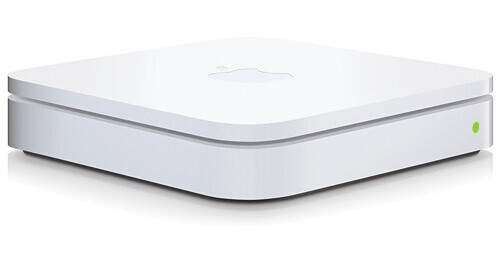
The AirPort Extreme Base Station from Apple is a compact Internet router with powerful wireless capabilities. The router allows you to share your Internet connection between several computers via the draft 802.11n wireless protocol. It also features three standard 10/100/1000Mbps RJ-45 Gigabit Ethernet ports. The router is also fully backwards compatible with legacy 802.11a/b/g devices. A USB port is present for printer and hard disk sharing.
The router also features a firewall to protect you from malicious software that can attack your computer from the Internet, as well as wireless security to insure that your data remains private. It includes configuration software for both Mac OS X and Windows, making it a true cross-platform solution.
You can set up password-protected accounts for everyone on the network or allow read-only access to certain files and folders. If you're using Mac OS X Leopard, you'll see the drive in your Finder sidebar, where it's always available for accessing files and folders. For Mac OS X Tiger and Windows users, a simple-to-use AirPort Disk Utility provides a variety of setup options, including setting the disk to become available whenever you connect to the network
If you want to both print and share a USB hard drive, no problem. Just connect a USB hub to AirPort Extreme and connect
Whether you use a Mac or a PC, the whole network can be ready to go in about five minutes. And if you want to do more -- such as share a hard drive wirelessly or add a shared USB printer -- it's just as easy