Video Chat with a Pro Video Expert - Live

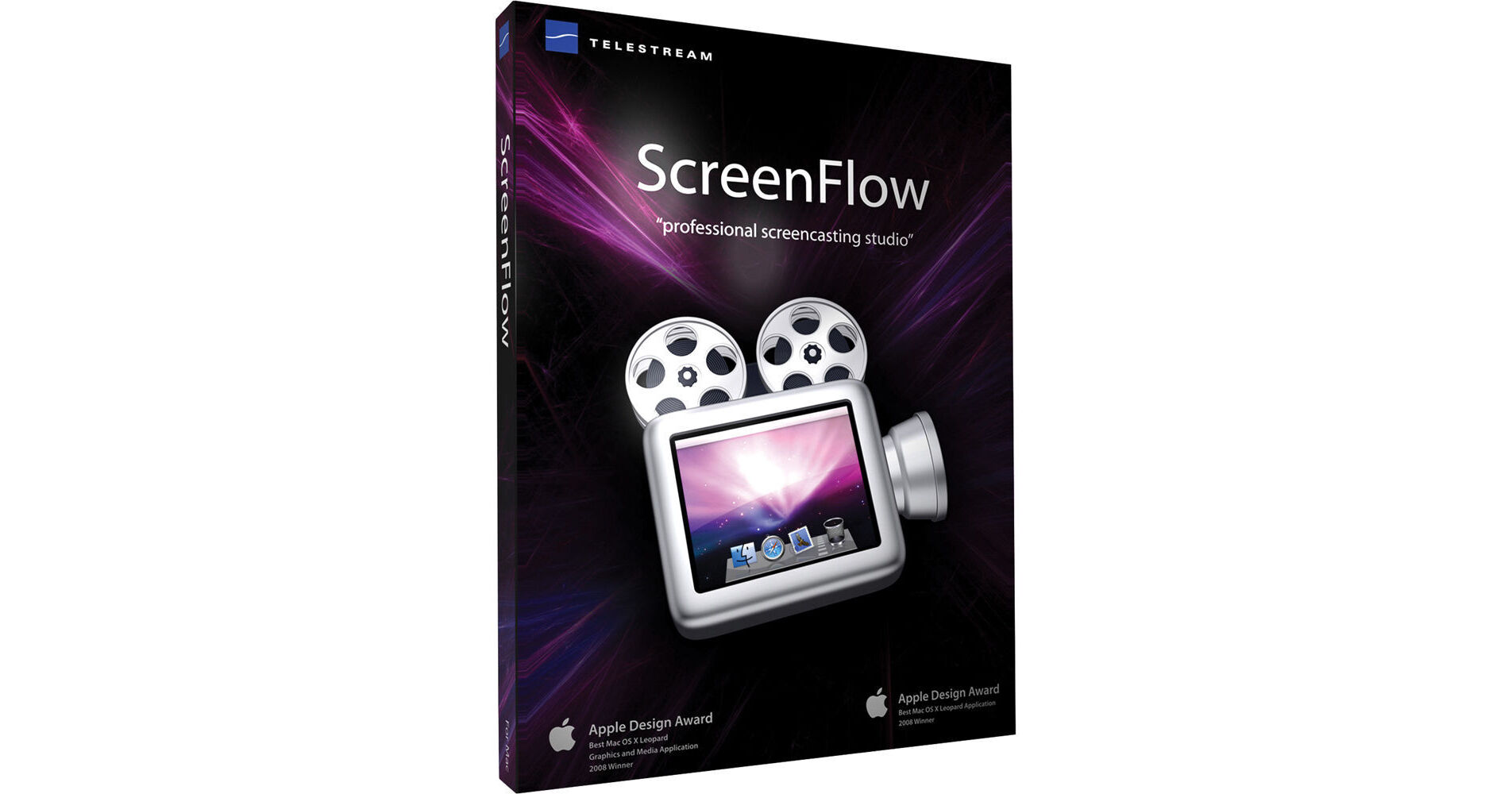
Telestream ScreenFlow 2.0 - Professional Screencasting Software (Physical Box)

BH #TESKU0988954 • MFR #SKU09889549516
Print
Telestream ScreenFlow 2.0 - Professional Screencasting Software (Physical Box)
Key Features
  • Screen Capture, Audio & Video Recording
  • Powerful Editing Tools, Elegant Titling
  • Tools to Focus Viewer's Attention
  • 2D & 3D Transition Effects
ScreenFlow 2.0 from Telestream is a professional screencasting application for Apple computers that enables you to capture the content of your computer's screen while also incorporating the feed from a video camera and a microphone. Powerful editing tools are supplied, with transitions and titling that give your videos a truly professional finish. Whether you're creating online tutorials, business presentations, or just having fun, ScreenFlow 2.0 will empower you to do it all with ease.

You can add mouse click sounds and visually highlight your cursor, which helps your audience follow what you're doing. "Callouts" are tools that enable you to focus your viewer's attention to specific parts of the screen. You can highlight a window, have the background dimmed and blurred, and zoom the highlighted window forward. If you need to type in a key command, the keys you press can be graphically represented on screen.

When your project is finished, ScreenFlow makes sharing it with the outside world easy. You can export using any QuickTime format, and you can create video files to be played in a Flash media player. Just because you created your work on a Mac doesn't mean that you cannot share the finished product with Windows computers. With the direct to YouTube export feature, ScreenFlow enables you to share your work with anyone.

More Details
No Longer Available
No Store Display
Ask an Expert
800-606-6969

Telestream ScreenFlow Overview

ScreenFlow 2.0 from Telestream is a professional screencasting application for Apple computers that enables you to capture the content of your computer's screen while also incorporating the feed from a video camera and a microphone. Powerful editing tools are supplied, with transitions and titling that give your videos a truly professional finish. Whether you're creating online tutorials, business presentations, or just having fun, ScreenFlow 2.0 will empower you to do it all with ease.

You can add mouse click sounds and visually highlight your cursor, which helps your audience follow what you're doing. "Callouts" are tools that enable you to focus your viewer's attention to specific parts of the screen. You can highlight a window, have the background dimmed and blurred, and zoom the highlighted window forward. If you need to type in a key command, the keys you press can be graphically represented on screen.

When your project is finished, ScreenFlow makes sharing it with the outside world easy. You can export using any QuickTime format, and you can create video files to be played in a Flash media player. Just because you created your work on a Mac doesn't mean that you cannot share the finished product with Windows computers. With the direct to YouTube export feature, ScreenFlow enables you to share your work with anyone.

The Best Capture
ScreenFlow has the best screen capture available. Using a custom multi-threaded SSE & Altivec accelerated, 64-bit enabled compression system, ScreenFlow can handle everything from capturing DVD video & audio to fast moving Keynote presentations.
Record Everything
You don't need to pick an area of the screen for capture, ScreenFlow has advanced algorithms that only encode areas of change on your screen. The application is powerful enough to simultaneously record from your iSight or DV camera at the same time as your screen (and your microphone and computer's audio!).
Highlight
During your screen capture, ScreenFlow tracks where your mouse cursor is, when you click and when you press a key. This allows you to add mouse click effects (both visual and audible), and an overlay showing your keystrokes; and it even lets you zoom the mouse pointer up & down.
Edit
Once your screen capture is complete, you're transported to the ScreenFlow editor. Using a familiar timeline interface, ScreenFlow lets you easily add zoom & pan effects, trim clips, add drop shadow & reflection, adjust audio levels etc. You can even combine existing media into your screencast.
Callout
Callouts let you highlight & focus in on the mouse or front most window. Want to circle the area around the mouse? What took an experienced user minutes or hours in Final Cut Pro or After Effects is now a couple of clicks away.
Customizable Cursors
Customize your cursor's shape, size, opacity and use your own PNG file to personalize and brand your demo presentation.
Motion
ScreenFlow introduces actions to the editing interface. These make it very quick & easy to modify parameters of your screencast over time. For example, adding a video action lets you put zoom & pan effects on your clips, while the audio action lets you adjust volume at different points in your screencast.
Format Support
ScreenFlow lets you share your screencast with the broadest audience to be viewed in any media player. ScreenFlow supports export to any QuickTime format, including H.264 MOV for playback in the Flash media player. It also supports direct export to Windows Media video with the Flip4Mac Windows Media component. The variety of export formats allows you to produce content for any user, regardless what media player they prefer.
Powerful Titling
ScreenFlow supports titling and text objects, including multiple fonts and styles that enable you to add striking titles to your screencasts.
Picture-in-Picture
With the simultaneous recording of computer desktop and camera, and with the support for various layers, you can easily include a picture-in-picture effect in your ScreenFlow video recording. While demoing a software, or presenting slides you can have a smaller picture of the demo artist or the presenter on top of the actual demo/presentation to make the experience for the viewer even closer to a real world presentation.
Export Quality
When resizing high resolution screen content into a QuickTime or Windows Media movie, ScreenFlow uses custom GPU algorithms to give your finished movie the best possible quality. You'll find even small text suddenly becomes legible for your viewers.
Optimized for Mac OS X
When resizing high resolution screen content into a QuickTime or Windows Media movie, ScreenFlow uses custom GPU algorithms to give your finished movie the best possible quality. You'll find even small text suddenly becomes legible for your viewers.
Transitions
Support added for beautiful 2D and 3D video transitions across your clips. As you push your clips together, transitions are created automatically, making it easier than ever to create stunning screencasts.
YouTube Export
Direct export to YouTube from within ScreenFlow. When you are done editing your screen recording, simply select Publish to YouTube from the menu. You can choose to publish this to anyone, or add authorization for a controlled distribution to a selected group of people.
Adjust the Speed of Your Clip or Freeze a Single Frame
Version 2.0 adds the ability to individually adjust the speed of your clips. If you need a segment to last a little longer, or want to demonstrate a time-lapse of your screen recording, you'll find the new high-quality video & audio speed adjustments a powerful addition to your toolbox. Version 2.0 also lets you freeze a single frame of your video, to adjust to the pace of the audio, for example.
Pause Screen Recordings
If you want to take a break during a long, continuous screencast, version 2.0 adds unlimited pausing & resuming during the recording process. Your finished screencast will appear as a single clip on the timeline.
Advanced Audio Edits
In a single click, detach the audio from the video in the timeline. This allows you to edit the audio separately, and even copy/paste it into another project.
Audio Ducking
With this feature, the background music level is automatically attenuated when a voiceover is playing.
Drag & Drop
Drag and position content from your media list directly onto the main ScreenFlow video canvas. You can also now drag & drop media (and copy & paste clips) from one open document to another.
Document Packages
Version 2.0 now gathers all the media used in your screencast into a document package when you save. This frees you from manually managing media on your disk and makes archiving and storing your screencasts a very simple process.
Action Curves
If you want to get finer-grain control over the look of your actions, you can now set the interpolation used for your clip's actions.
Productivity
New keyboard shortcuts for resizing the timeline, zoom in and out, nudging clips and time overlays all make for a streamlined timeline. More context sensitive menus, support for the multiple selection of media sources and new track-pad gestures will keep you editing faster than ever.
Timeline Performance
This is now significantly faster, especially when dealing with large documents with many clips and actions. The rendering of thumbnail icons now has a much lower system impact.
Export Performance
Includes improved export performance: between 5% for single pass encoding and 25% for multiple pass H.264 encoding on multi-core machines. You'll also find editing performance improved on the latest generation of Intel processors.
Export Part of the Time Line
With version 2.0 you can choose to only export a part of the timeline and not the entire document. Another enhancement that further facilitates your screencasting workflow.
Color Correction
Ability to adjust saturation, brightness and contrast
Live Audio Scrubbing
Adds the ability to scrub the timeline with the audio
Snow Leopard support
Optimized for Apple's latest Mac OS X Snow Leopard 10.6

Telestream ScreenFlow Specs

System Requirements
Mac OS X
Leopard 10.5 or Snow Leopard 10.6
G4 or Intel* based CPU required**. Core 2 Duo recommended
A Quartz Extreme capable graphics card
A supported programmable GPU required for certain effects and functionality

*Intel GMA chips are unable to support Motion Blur and some Callout features
**Intel and PPC are not cross-compatible - files created on one architecture cannot be opened on a second architecture

Telestream ScreenFlow Reviews

See any errors on this page?
Whatever You Need, We've Got It