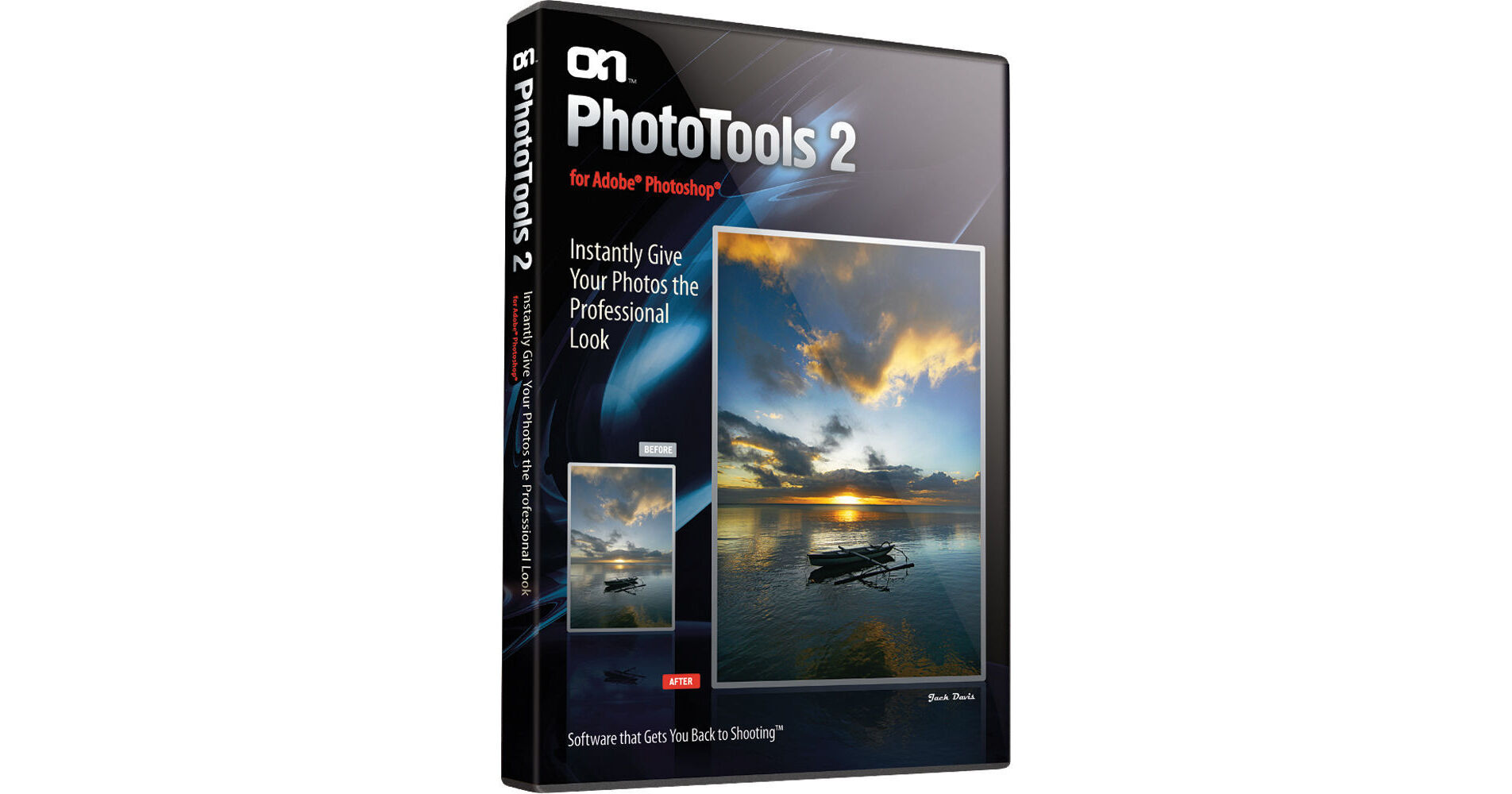
PhotoTools 2.6 from onOne Software puts hundreds of professional level effects at your fingertips. Ranging from simple touch-ups to weather effects and filter effects, PhotoTools 2.6 has a library filled with just about any effect you can imagine. With quick access to effects and other onOne plug-ins through the onOne Panel, and the ability to stack up to sixteen effects, PhotoTools 2.6 gives you an amazing array of tools for your photo editing.
Designed by photographers for photographers, PhotoTools 2.6 includes over 175 professional effects from top wedding photographers and Photoshop Hall-of-Famers. Many of the effects use the MaskingBug, like dynamic vignettes and graduated filters. Version 2.6 also includes a new collection of environmental effects that simulate rain, snow, fog, and even rainbows. A collection of overlay effects can be used to create authentic vintage and grunge looks.
Image optimizing effects provide color and tone corrections, and improve shadow and highlight detail.
Landscape enhancement lets your improve color and contrast, and add weather effects like sunlight, rain, snow, fog and rainbows.
Portrait enhancement effects allow you to retouch portraits by automatically smoothing skin, enhancing eyes and whitening smiles.
Black and white treatments convert your images to black and white with all the control of the darkroom.
Add traditional filters like polarizer, warming, cooling, and color enhancing.
Recreate in-camera techniques like lens pan and flare.
Add additional lights and shadows to a flat-lit image.
Try out different films, toners and darkroom techniques.
Recreate the look of popular movies and effects used by wedding and commercial photographers.
Turn your image into a comic book or impressionist masterpiece in one click.
The real power of PhotoTools 2.6 is its ability to stack multiple effects, just like using multiple filters over your camera lens. You can stack up to sixteen effects on top of each other, creating your own unique look. You have complete control over the strength of each effect and can seamlessly blend them together, just like adjusting opacity in Photoshop. By stacking and combining effects, you can create an endless variety of custom effects and corrections.
PhotoTools 2.6 gives you all the control you need when you add an effect. Many effects have options that control their color or look. Every effect's strength can be controlled with the fade slider from subtle to strong. You can also use the MaskingBrush to selectively apply effects. You can paint an effect in or protect an area from being affected. The FocusBug style mask controls from FocalPoint as well. With this control, dubbed the MaskingBug, you can position effects in round or square areas quickly to create vignettes or graduated effects.
The onOne Panel in Adobe Photoshop allows you to quickly launch PhotoTools without having to navigate through Photoshop's menus. It also gives you access to your favorite presets right from the panel as well. This will save time by allowing you to apply your most frequently used effects right inside of Photoshop.
The onOne Exchange is a community website managed by onOne Software that enables users of PhotoTools 2.6 to download free presets for their own use. Presets are easily imported into PhotoTools 2.6 directly from the File menu. Users of PhotoTools 2.6 can also upload any presets that they have created to be shared with other PhotoTools 2.6 users on the onOne Exchange. Access to this is built directly into the PhotoTools 2.6 user interface.