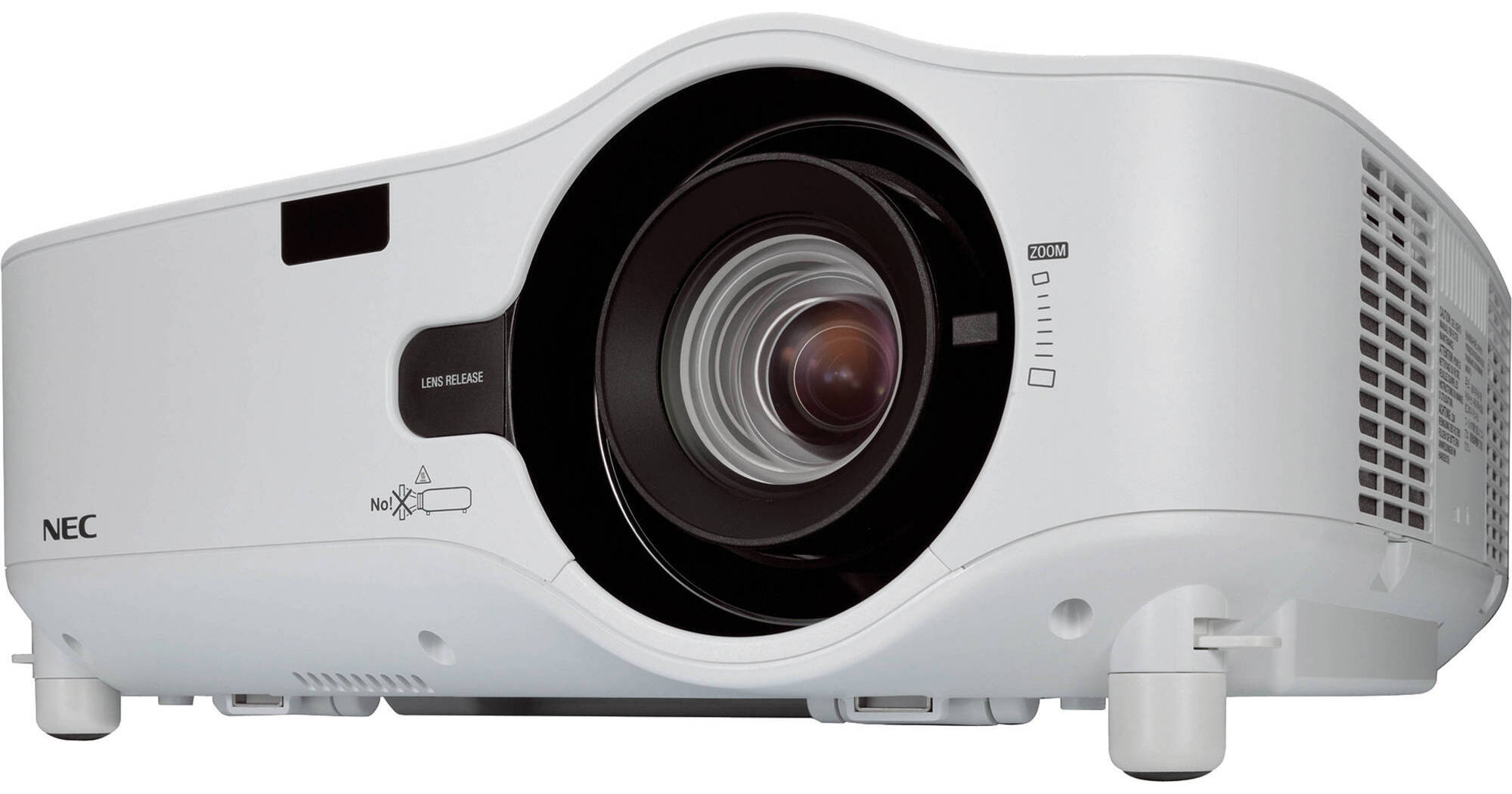
The XGA resolution NEC NP1200 Digital Installation Projector is what's called an "installation" projector because it's meant to be permanently installed in a home, office or classroom. But this powerful professional is so versatile we think it will often be pressed into serving in more than one location.
After all, it's got an international 100 – 240 volt 50/60 Hz power supply and it can project video in the NTSC, PAL and SECAM standards. And speaking of international, its onscreen display (OSD) offers your choice of 21 languages.
The NP1200 is also compatible with a couple dozen Macintosh and PC resolution/sync rates. Its AutoSense feature intuitively syncs the projector with most computer signals and features one-touch image optimization. The NP1200 also does 720p and 1080i high definition. And the NP1200 can also display all modes of closed captioning from programming sources that provide closed captioning
With 3700 lumens of projection power at a 600:1 contrast ratio you might find yourself presenting in a large venue where the projector's five watt stereo speakers just aren't loud enough for you. If so, you can hook up (optional) external powered speakers to the NP1200's variable audio out jack and control their volume with the projector's remote control.
Speaking of remote control, you can plug your NP1200 into your LAN via its RJ45 jack and set it up for remote monitoring and management in just a few minutes. You can also have the projector email you when it detects error conditions or a lamp is nearing the end of its useful life.
We're not sure if the projector's Eco mode is short for ecological or economical because it helps save the environment while it saves you money. Eco mode allows for a lower power setting at a 12% reduction in brightness. Overall power draw drops from 393 Watts to 345 Watts while lamp life is extended by 50 percent from 2000 hours to 3000 hours. In addition, while in Standby mode, the projector is designed to consume only 12 watts of power. Optionally, you can even display carbon savings on the startup screen.