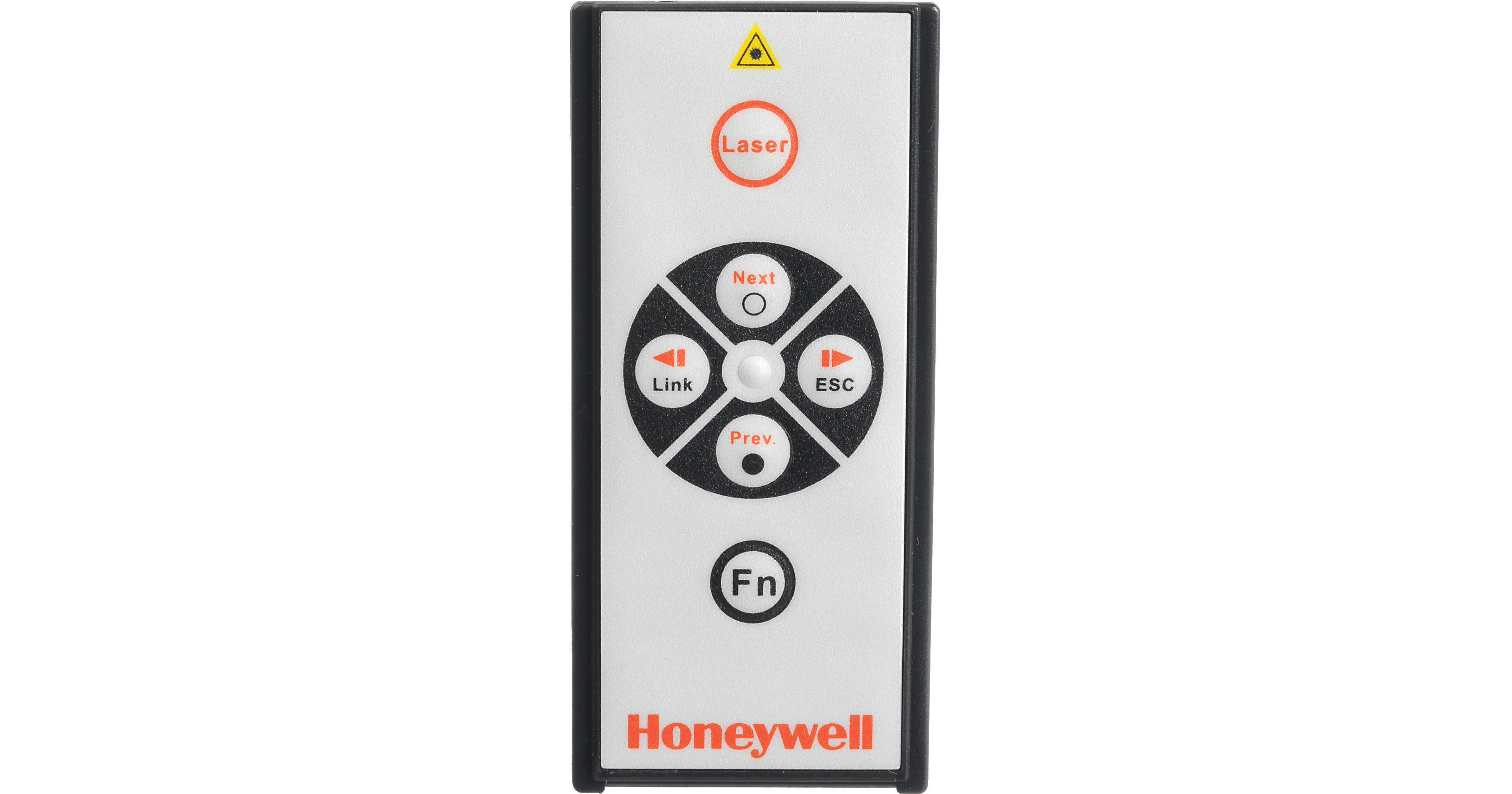
- RF Remote With 66 Foot (20 m) Range
- Laser Pointer Visible 130 Feet (40 m)
- Connects Wirelessly to PC Via USB Dongle
- USB Dongle Snaps Into Unit For Storage
Remove the USB dongle from its slot on the remote and plug it into one of your Mac or PC's USB ports. It's USB Plug and Play so there are no drivers required. That's all it takes to connect the remote to your computer. You can go to the next or previous slide in your presentation with the push of a button. You don't even have to point the remote anywhere in particular because it uses an omnidirectional radio frequency (RF) transmitter instead of the more common infrared (IR) type. It's got a range of 66 feet.
If you want to direct your audience's attention to a particular point on a slide just point at it with the built-in laser pointer. It's got a range of 130 feet.
By the way, Honeywell chose the name "Express Card" for a reason. Many notebooks now have what's called an ExpressCard Slot. When you're done presenting you can slide the entire unit into your notebook's ExpressCard Slot and be on your way.