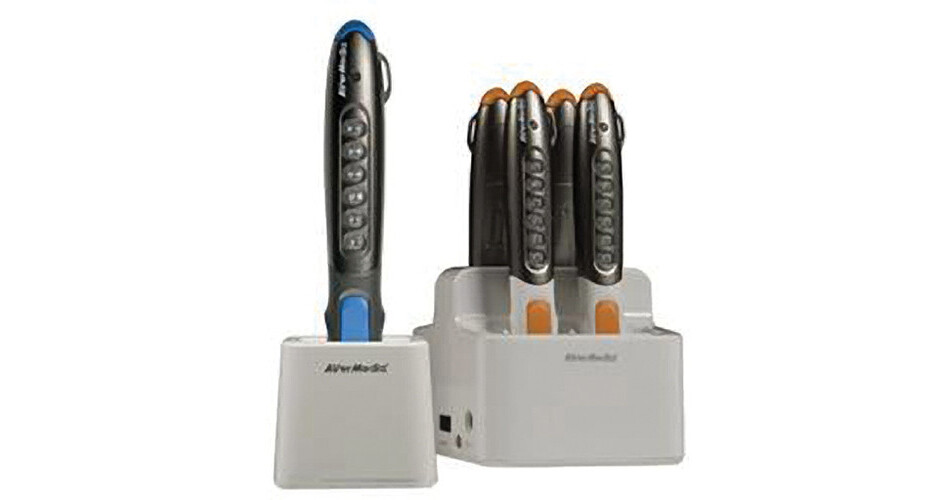
The AVerPen Starter Pack from AVerMedia is designed to take your classroom to the next level by creating fully interactive lessons. Engage is problem-solving instruction as a group. Buttons on the teacher's pens allow you to control presentations and interact with the AVer+ software, while the student pens can provide instantaneous feedback for multiple choice questions.
Teaching is most effective when the instruction is interactive, and the AVerPen system provides a high degree of hands-on interactivity between the teacher and the students.
Powerful AVer+ Software
AVerPen comes with the AVer+ software. This tool allows users to create projects using full annotation capability, image capture, video recording, multimedia importing, and more. Users can even share work with other AVer+ users in real-time through a school LAN.
Project Tools
Users can save images, video, screen captures, and annotations as a Project file. Saved Project files can be exported into various formats such as images, HTML, or PDF files.
Multiple Concurrent Users
AVerPen fosters greater engagement by empowering the teacher and multiple student groups to interact with lesson material at the same time. Up to 6 student pens and one teacher pen can interact at one time while up to 60 student pens can be registered to a single teacher pen.
Virtual Transparency Mode
Annotate over other programs such as web pages, images, PDF documents, and more.
Split Screen
Arrange your screen in multiple configurations from one large screen, up to 6 independent screens. Each user can then work in separate areas simultaneously without overrunning other users' work.
Integration with AVerVIsion Document Cameras
Display and control live images of documents, 3-D objects, microscope views, transparencies, slides, and more in AVer+.
Group Response System
With the built-in answer selection keypad on each pen, formative assessment is a breeze and results are tabulated on the screen immediately.