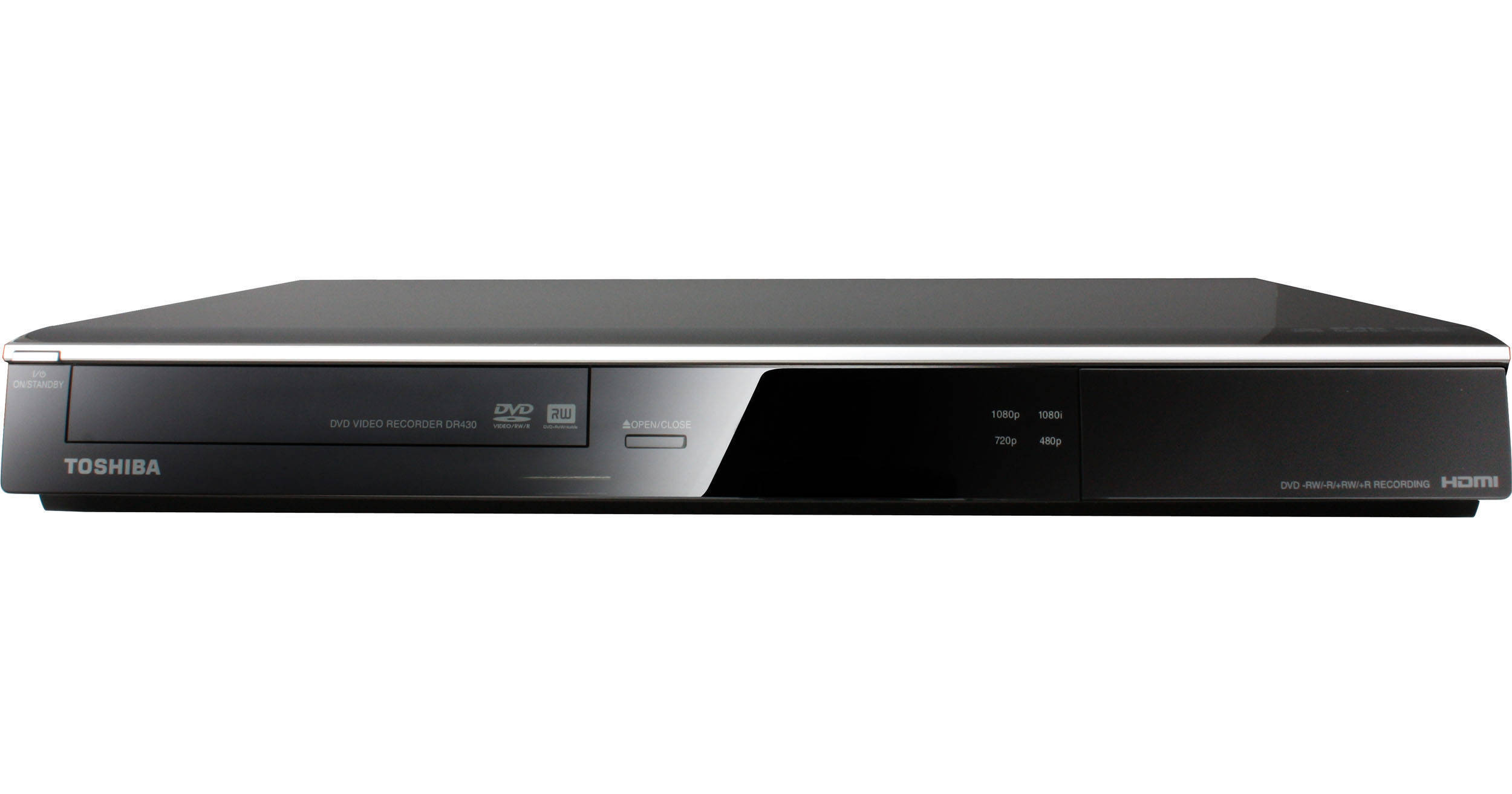
Toshiba DR430 DVD Player / Recorder

BH #TODR430 • MFR #DR430
Print
Toshiba DR430 DVD Player / Recorder
Key Features
  • One Touch Recording
  • Video Upconversion up to 1080p
  • Multi-Format Recording and Playback
  • HDMI CEC
Record your favorite TV shows or home videos to DVD with the DR430 DVD Player / Recorder from Toshiba thanks to its DVD-recording drive and host of video inputs. For an enhanced DVD video experience optimized for your HDTV, the DR430 sports DVD video upconversion to 1080p. Simply hook your satellite box up to the DR430's component-video or S-video inputs, set the timer, and you're ready to record. If you're looking to preserve home videos, you can either use the same video inputs to connect your VHS player, or the front DV input to connect your video camera directly to the DR430. Finally, this Toshiba DVD recorder records to a variety of DVD formats for optimal versatility. Further, a front-panel USB port makes it easy to connect to digital cameras, camcorders, and portable music players whether for playback or for media transfer to DVD.
More Details
No Longer Available
No Store Display
Ask an Expert
800-606-6969

Toshiba DR430 Overview

Record your favorite TV shows or home videos to DVD with the DR430 DVD Player / Recorder from Toshiba thanks to its DVD-recording drive and host of video inputs. For an enhanced DVD video experience optimized for your HDTV, the DR430 sports DVD video upconversion to 1080p. Simply hook your satellite box up to the DR430's component-video or S-video inputs, set the timer, and you're ready to record. If you're looking to preserve home videos, you can either use the same video inputs to connect your VHS player, or the front DV input to connect your video camera directly to the DR430. Finally, this Toshiba DVD recorder records to a variety of DVD formats for optimal versatility. Further, a front-panel USB port makes it easy to connect to digital cameras, camcorders, and portable music players whether for playback or for media transfer to DVD.

If you're a home video enthusiast who needs a multi-faceted DVD player but don't want to settle for anything less than superb performance, the DR430 delivers both versatility and dependability.

One Touch Recording
One Touch Recording* makes recording your favorite show simple. Just connect your DVD recorder to your cable or satellite box and you are set to record with the push of one button.
*External tuner source required to record television programming. This product is not made or sold for unauthorized use of copyrighted works, and it is only intended for recording and playback of authorized content and any other lawful use
Video Upconversion up to 1080p Resolution via HDMI
Video upconversion up to 1080p** takes your current DVDs to a new level, for an amazing viewing experience on today's HDTVs.
**An HDTV or HD Monitor with an HDCP capable HDMI or DVI input is required for video upconversion. To upconvert to 720p, 1080i, or 1080p resolution, a 720p, 1080i, or 1080p capable HDTV or HD Monitor (as applicable) is required. While upconverting DVD video content may result in a picture that appears to be near HD quality, results may vary depending on content, display and settings
Multi-Format Recording and Playback
Multi-format recording and playback*** provides the utmost in recording media convenience with compatibility with the most popular formats (DVD-R, DVD-RW, DVD+R, DVD+RW).
***Some DVD-R / DVD-RW and CD-R / CD-RW discs may be incompatible due to laser pickup, disc design or condition of disc. CD-R / CD-RW discs must be recorded using CD-DA method for CD audio playback. The DVD recorder may not support some MP3 / JPEG recordings due to differences in recording formats, disc structure, or condition of the disc
HDMI CEC
HDMI CEC**** makes controlling multiple components easy. Just connect your player to other compatible devices using an HDMI cable, and then control them using one remote, no additional programming or setup required.
****Use of HDMI CEC feature requires an HDMI CEC compatible display device. Depending on the display device specifications, some or all HDMI CEC functions may not work even if the display device is HDMI CEC compatible
Zoom
Electronically magnifies section of the DVD picture as it appears on the television. Great for focusing on special effects or reducing the black letter mashing at the top and bottom of select titles when viewed on a conventional (4:3) television.
Benefit: Lets user create close-up views of selected areas of the picture
Auto Finalize
Simplifies the recording process by automatically finalizing your recording for playback on standard DVD players
Front DV Input
Makes it easy to save your precious memories from your camcorder to DVD
Progressive Out
Video DAC -10-bit / 54 MHz
Digital Photo Viewer (JPEG)
Y / C Separation
Audio DAC 192kHz / 24bit
Dolby Digital Recording (2-Ch)
L-PCM Recording XP mode only
3-D Virtual Surround Sound
Recording Modes 1H(XP) / 2H(SP) / 4H(LP) / 6H(EP) / 8H(SLP)
Timer Recording 12 programs / 1 month
OSD Language: English / French / Spanish
1.5x FF with audio 1.3x / 0.8x with audio
Scan FF/REW 2x(fwd) 5x(back), 20x, 40x
Slow-Motion 1/2(fwd) 1/4(back), 1/8x, 1/16x
Instant Skip
Editing Features Playlist / Rename Title / Replace Title Thumbnail / Chapter Creation (User and Auto)
Timer Back Up (at standby mode)-30 sec
Auto Finalization with undo
Commercial Skip
Video Upconversion 720p / 1080i / 1080p
V-Chip Recording enables parental guidance control

Toshiba DR430 Specs

Key Specs
Region
DVD: 1
Region
DVD: 1
DivX Certified
No
Packaging Info
Package Weight
7 lb
Box Dimensions (LxWxH)
20 x 14.3 x 5.5"

Toshiba DR430 Reviews

See any errors on this page?
Whatever You Need, We've Got It