Video Chat with a Pro Video Expert - Live

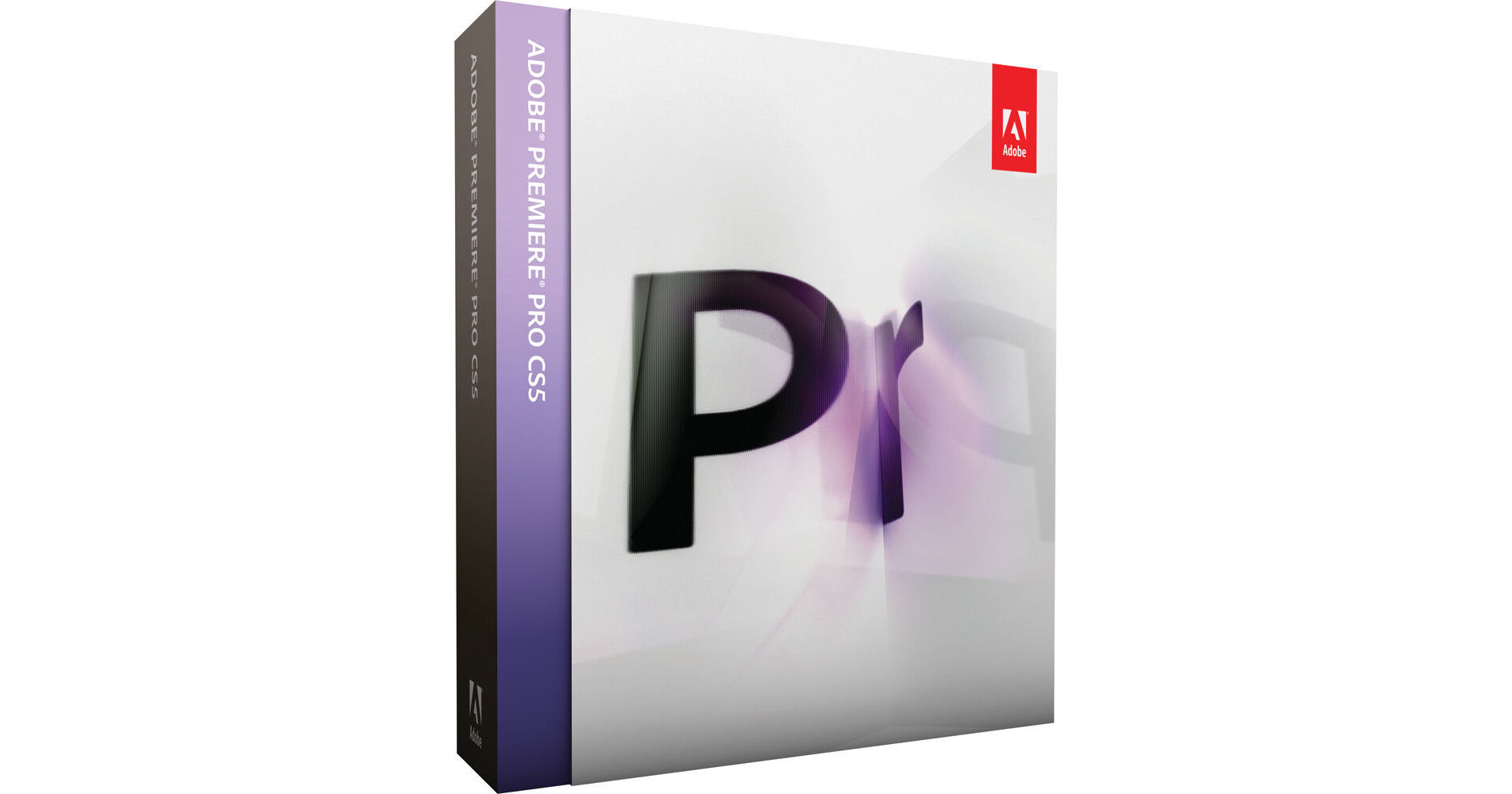
Adobe Premiere Pro CS5 for Mac (Upgrade from Premiere Elements 4.0/7/8)

BH #ADWPPCS5MU • MFR #65081004
Print
Adobe Premiere Pro CS5 for Mac (Upgrade from Premiere Elements 4.0/7/8)
Key Features
  • Expanded Native Tapeless Workflows
  • Import/Export from Other NLEs
  • Script-to-Screen Workflow
  • Tapeless Camera Support
Adobe's Premiere Pro CS5 for Mac brings untold levels of productivity and flexibility to your video editing. A fully professional nonlinear editing system, Premiere Pro CS5 offers accelerated 64-bit performance and expanded support for all the latest tapeless video formats--including P2, XDCAM HD, RED, and DSLR cameras like the Canon 5D Mark II and Nikon D3s. Enhanced interoperability with other NLEs makes for painless import and export of projects from Final Cut Pro and Avid.
More Details
No Longer Available
No Store Display
Ask an Expert
800-606-6969

Adobe Premiere Pro Overview

From Manufacturer

Adobe's Premiere Pro CS5 for Mac brings untold levels of productivity and flexibility to your video editing. A fully professional nonlinear editing system, Premiere Pro CS5 offers accelerated 64-bit performance and expanded support for all the latest tapeless video formats--including P2, XDCAM HD, RED, and DSLR cameras like the Canon 5D Mark II and Nikon D3s. Enhanced interoperability with other NLEs makes for painless import and export of projects from Final Cut Pro and Avid.

As always, Premiere Pro works seamlessly with Adobe Photoshop and After Effects, while the included Adobe OnLocation and Encore extend your editing workflow--from field monitoring and camera calibration to customized metadata and tapeless logging all the way through authoring and mastering your projects for delivery on DVD, Blu-ray, and the Web. Whether shooting standard-def video on the smallest camcorder or mastering RED One footage in 4K resolution, Adobe's Premiere Pro CS5 has the tools to make your project move effortlessly from production to final presentation.

To be eligible to use this upgrade, you must own one of the following: Adobe Elements 4.0, 7, or 8.

Note:
Adobe Premiere Pro CS5 requires a 64-bit operating system.
Why Upgrade to Adobe Premiere Pro CS5?
Industry-leading Performance
Discover the native 64-bit, GPU-accelerated Mercury Playback Engine that provides rock-solid performance and stability, at 4K resolution and beyond. Open projects rapidly, and create multilayer, effects-rich sequences without rendering.
Note:
See list of supported graphics cards under Specifications.
Expanded Native Tapeless Workflows
Work with the latest tapeless formats thanks to new native support for XDCAM HD 50, AVCCAM, DPX, and AVC-Intra, as well as DSLR cameras and enhanced RED. Native support means you never waste valuable production time transcoding or rewrapping and always have access to the original file's pristine quality.
Open Workflows w/Final Cut and Media Composer
Bring the creative benefits of Adobe tools to the whole project, exploring new possibilities with Adobe After Effects and other Adobe software. Collaborate more efficiently by importing and exporting Final Cut Pro and Avid projects into Adobe Premiere Pro.
Faster Editing with Metadata
Turn spoken dialogue into searchable text-based metadata faster and more accurately. Edit quickly by marking in and out points in the speech analysis text, synchronize footage with scripts, and quickly locate clips containing human faces.
Script-to-Screen Workflow
Move from script to screen faster with Adobe Story, a new CS Live online service.* Efficiently manage your shoot and streamline logging by importing scripts from Adobe Story to create complete shot lists and capture production notes in Adobe OnLocation. Use Speech Search to synchronize the script to footage in Adobe Premiere Pro and quickly produce rough cuts. With Adobe Encore, turn your DVD and Blu-ray Disc projects into searchable web-DVDs, and use Adobe Media Encoder to deliver your video for broadcast, device, film, and mobile distribution.
Dozens of Timesaving Improvements
Boost productivity with workflow features and enhancements suggested by users like you. For example, use automatic scene detection to create separate clips from HDV tapes, import assets from DVDs, and control keyframes with even more precision.
Streamlined Encoding with Revamped Adobe Media Encoder
Deliver content in virtually any format, including DPX, FLV, H.264, MPEG-2, QT, and WM, with Adobe Media Encoder, now with a more intuitive user interface. You can batch encode multiple versions of source files and sequences, manage priorities, and control advanced settings for each item individually. With new metadata thinning templates in Adobe Media Encoder, you can ensure that only cleared-for-distribution metadata is included at final output.
Tapeless Camera Support in Adobe OnLocation CS5
Use virtually any camera to record directly to disk. Plus, you can now use the powerful logging options in Adobe OnLocation, even when working with tapeless cameras on set.
Adobe Ultra Keyer
Achieve fast, accurate chroma keying, even on challenging DV or HD footage. Optimized for less-than-perfect footage, Ultra preserves shadows and can achieve complex keys on smoke, liquids, and transparent objects with minimal effort. The GPU-accelerated Mercury Playback Engine can dramatically increase rendering speeds when using supported NVIDIA graphics cards, depending on the system configuration and file types.
Native Support for DSLR Cameras
Edit video from the latest DSLR cameras, such as Canon 5D Mark II and 7D; Nikon D90, D300s, and D3000; and others. New native support means you never waste valuable production time transcoding or rewrapping and always have access to the original file's pristine quality.
Searchable Web-DVDs with Adobe Encore CS5
Create more engaging web-DVDs that automatically include a search interface, making it easier for viewers to navigate content. Metadata created throughout production makes your web-DVDs searchable and makes it easier for viewers to discover your site.
Client Reviews Made Simple
Collaborate more efficiently on works in progress using Adobe CS Review, a new CS Live online service* that allows you to share video sequences for review without burning discs or sending large files back and forth.

*CS Live online services are complimentary for a limited time--visit www.adobe.com/go/cslive for details.

CS Review will not be available for Adobe Premiere Pro CS5 when the software initially ships. Adobe Premiere Pro CS5 users will automatically receive access to CS Review integration when it becomes available later in 2010.

Adobe Premiere Pro Specs

Video System
NTSC, PAL, HD
Video Formats
DV, Betacam, DigiBeta, HDV, AVCHD, XDCAM, XDCAM EX, XDCAM HD, HDCAM, HDCAM SR, P2, DVCPRO, DVCPRO HD, AVCCAM, DPX, Grass Valley, RED R3D, AVC-Intra, 2K, 4K, DSLR
Audio Formats
DV Audio, WMA, AIFF, WAV, MP3
Supported Codecs
DV, Digital Betacam, HDV, HDCAM, h.264, DVCPRO HD, D5 HD
Supported File Types
QuickTime, Windows Media, AVI, BWF, AIFF, JPEG, PNG, PSD, TIFF
Number of Video Tracks
Multiple
Number of Audio Tracks
Multiple
Film Editing Support
Yes
Edit Decision List (EDL) Support
Yes
Deck Control
Not specified by manufacturer
DVD Authoring
DVD, Blu-ray, Flash
System Requirements
  • Multicore Intel processor with 64-bit support 
  • Mac OS X v10.5.7 or v10.6.3; Mac OS X v10.6.3 required for GPU-accelerated performance
  • 2GB of RAM (4GB or more recommended)
  • 10GB of available hard-disk space for installation; additional free space required during installation (cannot install on a volume that uses a case-sensitive file system or on removable flash-based storage devices)
  • 7200 RPM hard drive for editing compressed video formats; RAID 0 for uncompressed
  • 1280x900 display with OpenGL 2.0-compatible graphics card
  • Adobe-certified GPU card for GPU-accelerated performance
  • Core Audio-compatible sound card
  • DVD-ROM drive compatible with dual-layer DVDs (SuperDrive for burning DVDs; external Blu-ray burner for creating Blu-ray Disc media)
  • QuickTime 7.6.2 software required for QuickTime features
  • Broadband Internet connection required for online services
Qualified Hardware
Supported Mac-compatible NVIDIA graphics cards for Mercury Playback Engine include:

Quadro FX 4800
GeForce GTX 285

For an up-to-date list of supported cards, visit www.adobe.com/go/64bitsupport.

Adobe Premiere Pro Reviews

See any errors on this page?
Whatever You Need, We've Got It