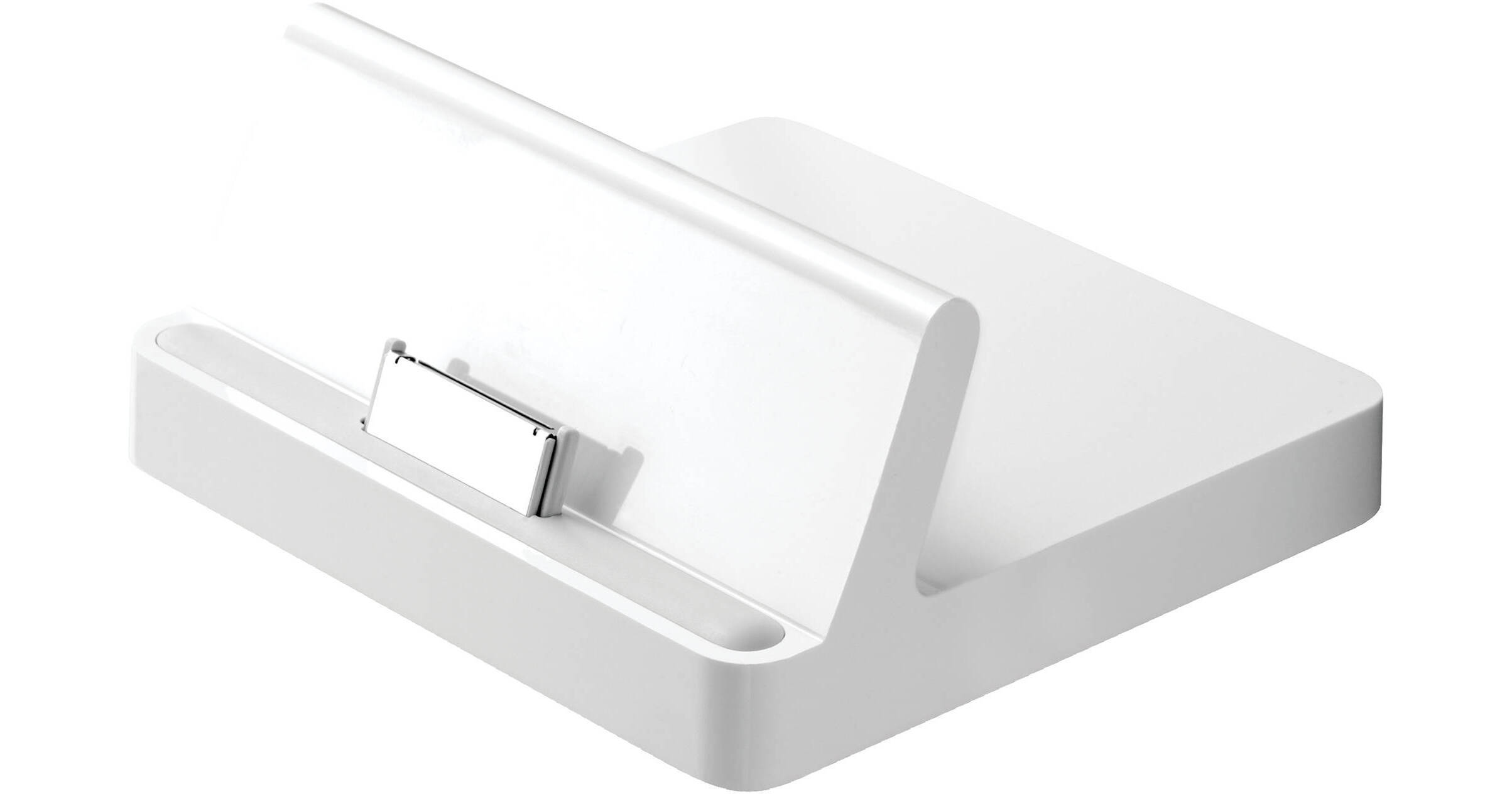
Apple iPad Dock

BH #APDIP • MFR #MC360ZM/A
Print
Apple iPad Dock
Key Features
  • Docks iPad Upright
  • Charge and Sync iPad When Docked
  • Use iPad as a Picture Frame While Docked
  • Access to Dock Connector Port
Apple's iPad Dock is about as uncomplicated a device as you'll find, yet it lets you do so much! First and most obvious, you can dock your iPad in the upright position to simply keep it safe and out of the way. What else? Using the USB/docking cable that came with your iPad you can also charge and sync your iPad while it's docked. Additionally, you can charge your iPad while it's docked with the optional 10W USB power adapter. And with optional cables like the iPad Dock Connector to VGA Adapter, or the Apple Component or Composite A/V cables, you can view movies and videos from your iPad on your TV or video projector. What more, you ask? You can use the dock to hold the iPad while you type using a connected external keyboard. And how about simply watching videos or using the dock to as a digital still photo frame? You'll find that the unassuming iPad Dock is one accessory you can't live without.
More Details
No Longer Available
No Store Display
Ask an Expert
800-606-6969

Apple MC360ZM/A Overview

Apple's iPad Dock is about as uncomplicated a device as you'll find, yet it lets you do so much! First and most obvious, you can dock your iPad in the upright position to simply keep it safe and out of the way. What else? Using the USB/docking cable that came with your iPad you can also charge and sync your iPad while it's docked. Additionally, you can charge your iPad while it's docked with the optional 10W USB power adapter. And with optional cables like the iPad Dock Connector to VGA Adapter, or the Apple Component or Composite A/V cables, you can view movies and videos from your iPad on your TV or video projector. What more, you ask? You can use the dock to hold the iPad while you type using a connected external keyboard. And how about simply watching videos or using the dock to as a digital still photo frame? You'll find that the unassuming iPad Dock is one accessory you can't live without.

Connect the dock to your computer with the USB cable included with your iPad to sync iPad and charge its battery
Connect the dock to an electrical outlet using the iPad 10W USB Power Adapter (included with your iPad) to charge the iPad battery
Use the dock to hold your iPad at the perfect angle to compose email and notes using a Bluetooth keyboard or to watch your favorite videos or photo slideshows
Connect the dock to a TV or video projector using a compatible cable such as the iPad Dock Connector to VGA Adapter or the Apple Component or Composite AV Cable
Connect the dock to a stereo or speakers using an AV cable or a stereo audio cable to play music from iPad

Cables sold separately

Apple MC360ZM/A Specs

Compatible
iPad
Packaging Info
Box Dimensions (LxWxH)
3 x 3 x 1.5"

Apple MC360ZM/A Reviews

See any errors on this page?
Whatever You Need, We've Got It