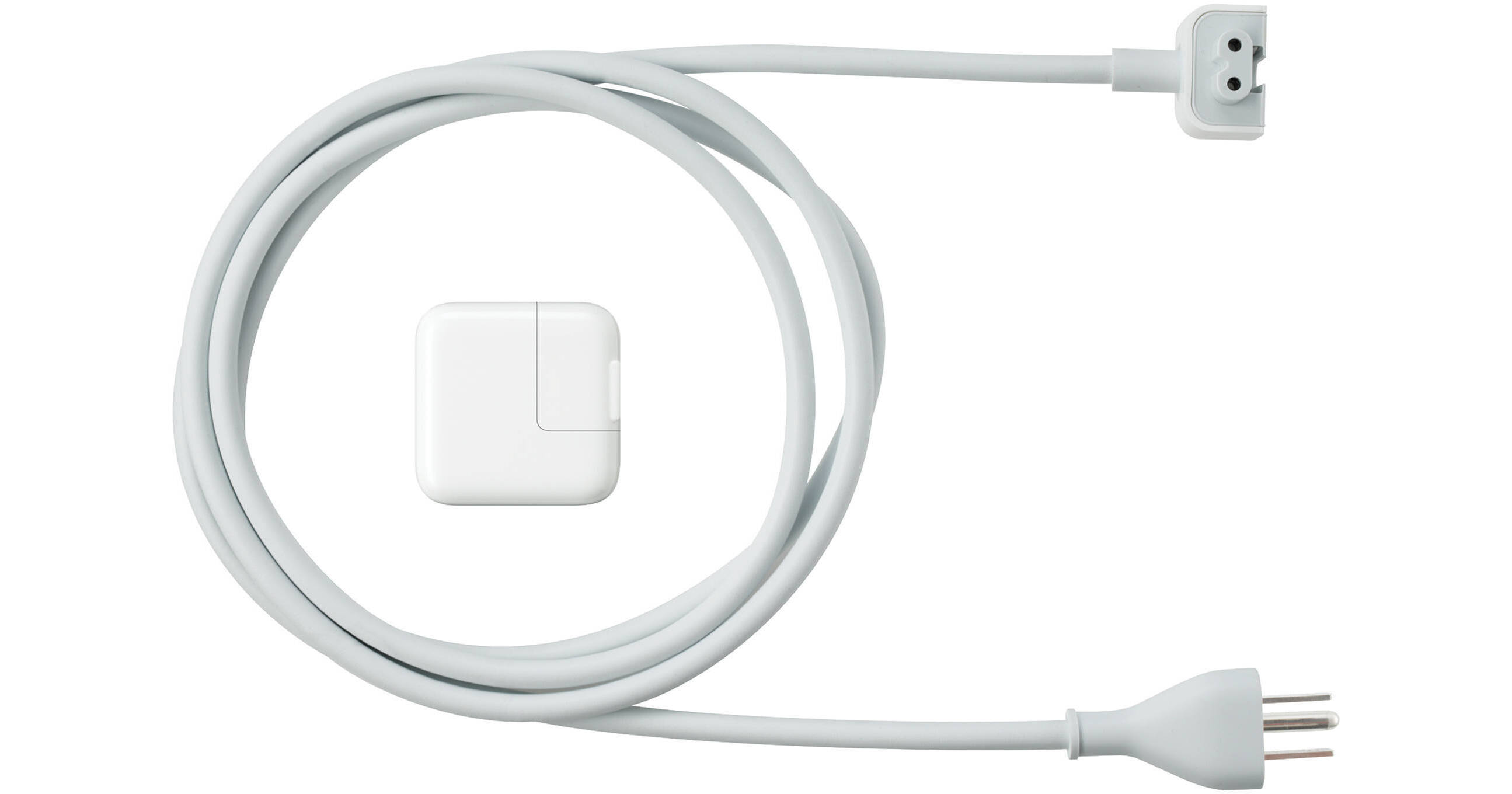
Apple iPad 10W USB Power Adapter for All iPads

BH #APUPA10IP • MFR #MC359LL/A
Print
Apple iPad 10W USB Power Adapter for All iPads
Key Features
  • Connects Directly to iPad
  • 6' Long Extension Cord
  • Charges iPhone and Docking iPod Models
  • Compact Design
Apple's iPad 10W USB Power Adapter for All iPads lets you power up your iPad via an AC wall outlet. Connect right to the iPad, an iPad Dock, or the iPad Keyboard Dock using the USB charge/sync cable that came with your iPad. If the wall outlet is farther away than the charge/sync cable allows, use the included 6' power cord. In addition to charging the iPad, all docking iPod models and the iPod shuffle 4th gen (while in charging dock) can be charged as well using the 10W USB Power Adapter.
More Details
No Longer Available
No Store Display
Ask an Expert
866-842-7675

Apple MC359LL/A Overview

Apple's iPad 10W USB Power Adapter for All iPads lets you power up your iPad via an AC wall outlet. Connect right to the iPad, an iPad Dock, or the iPad Keyboard Dock using the USB charge/sync cable that came with your iPad. If the wall outlet is farther away than the charge/sync cable allows, use the included 6' power cord. In addition to charging the iPad, all docking iPod models and the iPod shuffle 4th gen (while in charging dock) can be charged as well using the 10W USB Power Adapter.

Ultra-compact and convenient USB based power adapter
Also charges iPhone and all iPod models with a dock connector
Connect the adapter directly to your iPad, to an iPad Dock, or to an iPad Keyboard Dock
The included 6-foot-long power cord provides extra length when the outlet is farther away than the USB charge/sync cable can reach

Apple MC359LL/A Specs

Compatibility
All iPads
All iPhone models
All docking iPod models
iPod shuffle 4th gen (when connected to charging dock that came with shuffle)
Connector
USB
Power Input
N/A
Power Output
10W
Weight
Not specified by manufacturer
Packaging Info
Box Dimensions (LxWxH)
5.5 x 5.5 x 1.75"

Apple MC359LL/A Reviews

See any errors on this page?
Whatever You Need, We've Got It