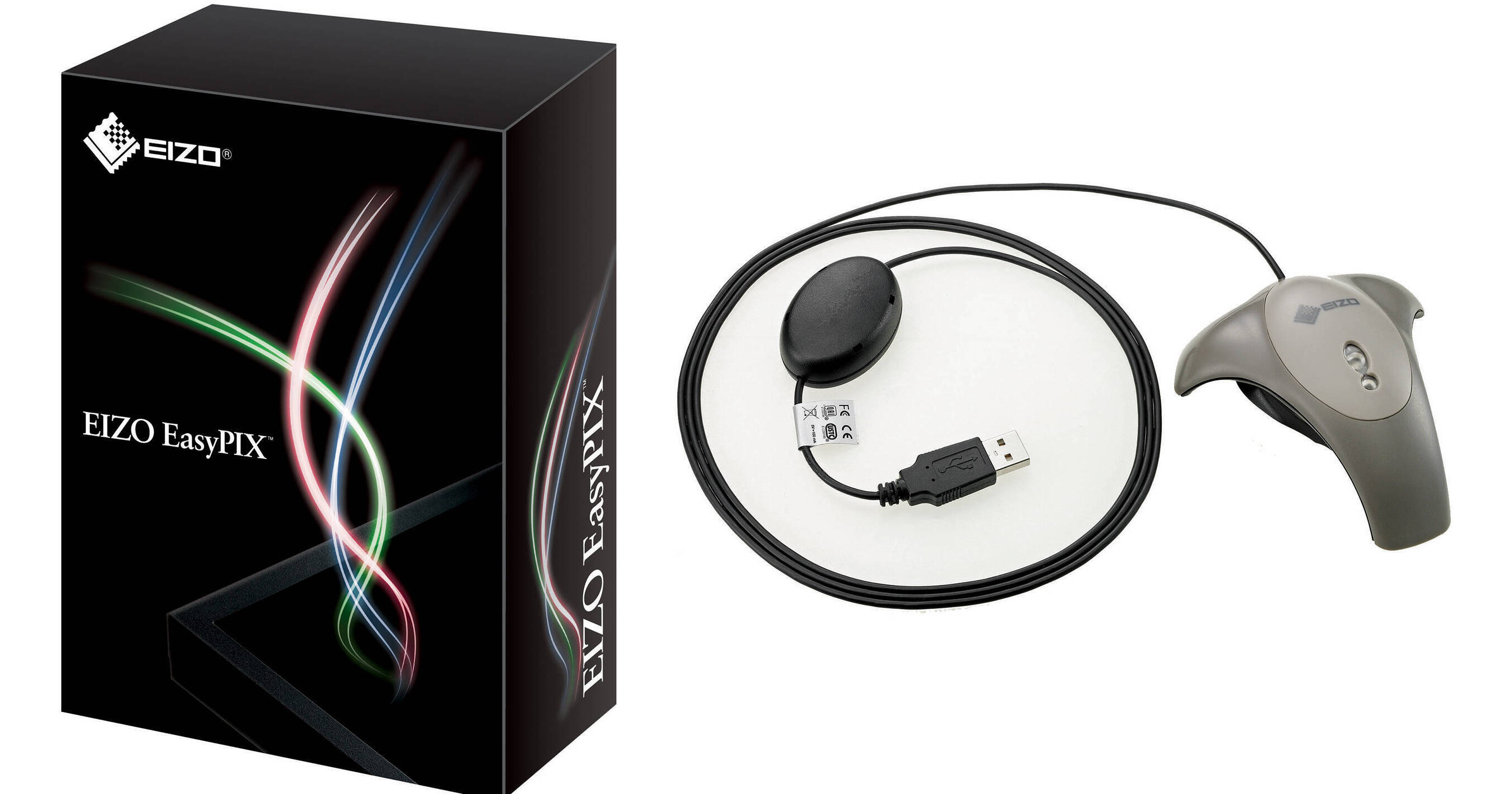
The EasyPIX Color Matching Tool from EIZO allows you to match the color and brightness of your monitor with that of your photo paper, ensuring that your prints are identical to what you see on your screen.
The EasyPIX is compatible with select EIZO displays. It works on both Windows and Mac systems, and can leverage the color management capabilities of select photo editing software packages. Please see the specifications for a list of supported monitors and software.
Color Matching in Three Easy Steps
Adjust the monitor's color and brightness with EasyPIX software to match paper white
Measure and save the monitor's settings with the EX2 sensor to make color profiles
Colors of final photo prints match the image on the monitor with proper printer setting
Three Adjustment and Viewing Modes
Matching Mode
For more accurate final photo print color, Matching mode lets you adjust the monitor's color and brightness to match the white of photo paper
Photo Viewing Mode
This mode sets the monitor's color temperature to 5500K, a common default setting at which many digital cameras take photos. It also lets you adjust the monitor's brightness
Web Viewing Mode
Ideal for previewing how others will see your photos when shared online, Web Viewing mode's 6500K default color temperature is the same as most web browsers. Or, adjust the brightness manually for greater control
Paper White Measurement
Paper White Measuring Function
Beginning with version 1.0.9, EasyPIX has a paper white measuring function. Just hold the EX2 sensor about 10" (25cm) away from the paper you will use for printing. The white of the digital paper in the middle of your screen will change to match the white of your printing paper. If further adjustments to the white paper on the screen are required, you can tweak the monitor's color and brightness manually