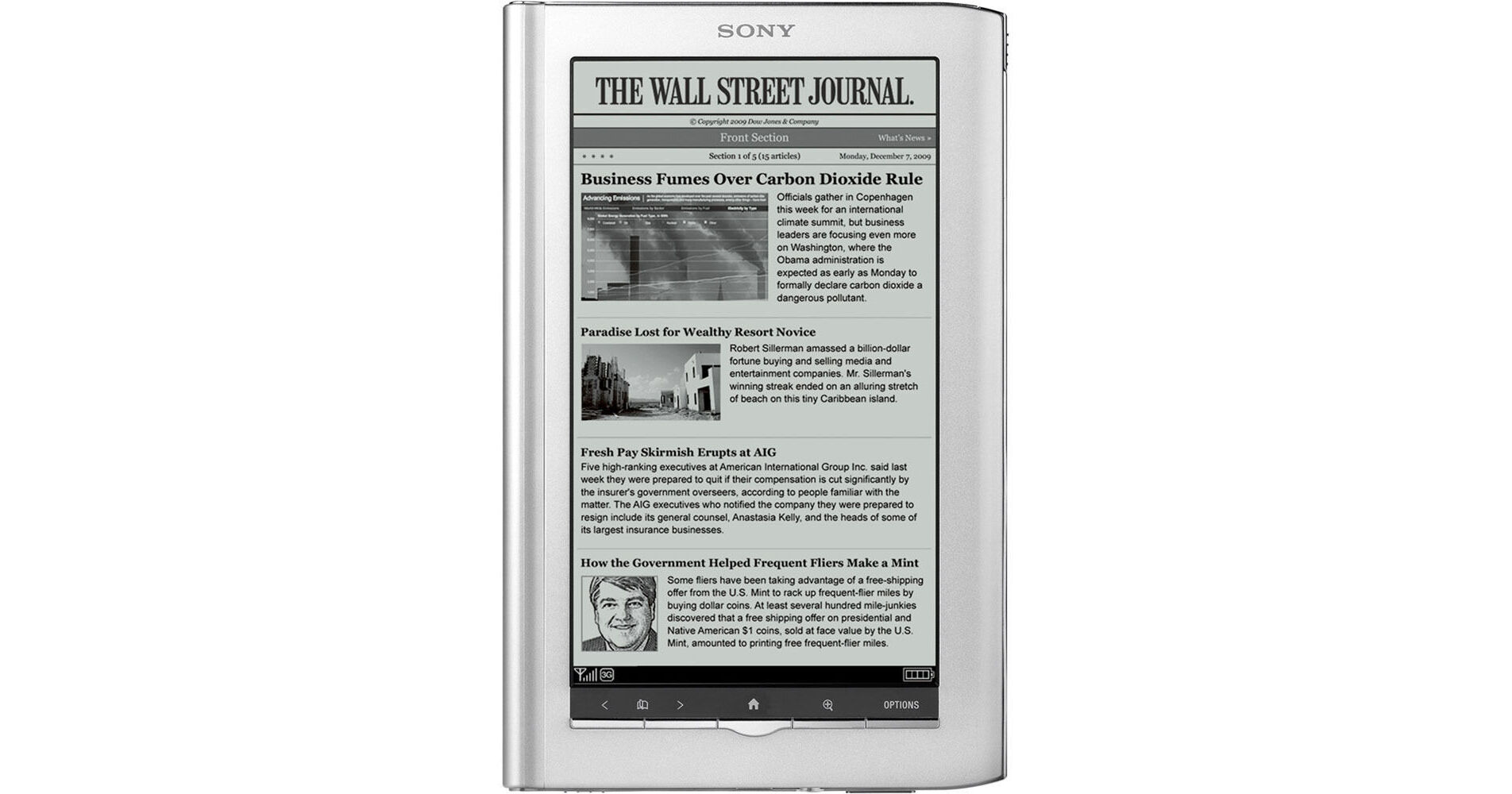
Sony's 2010 permutation of the Reader Daily Edition builds on the foundation laid by its predecessor, yet surpasses its capabilities with features like WiFi connectivity, E Ink Pearl display technology, and a pared down, lighter design. The Daily Edition may be just one eBook reader, but with the 2GB internal memory and using optional memory cards, it can hold up to 50,000 of your favorite books or newspapers.
The premier digital reader for The Wall Street Journal, this Reader has your daily news at the heart of its concerns. Like its name infers the Daily Edition allows for newspaper and other periodical subscriptions to be sent right to the device. And with the distinct lack of paper waste there's no need to worry about papers piling up creating clutter or harming the environment. Books, papers, and magazines alike - the Daily Edition promotes an environmentally friendly approach to reading.
WiFi access gives the Daily Edition simple web browsing capabilities as well. Should a question arise about a certain place or character in the book you're reading you can quench your curiosity by researching the topic on Wikipedia right then and there. Or, let's say you want to find a new free book from Google Books - surf on over and see what they've got. And like its big-brother, the Daily Edition also provides free 3G mobile broadband access directly to the Sony Reader Store, thanks to Gobi.
Compatible book formats for the Reader include open formats like Adobe PDF, Microsoft Word, ePub, and ACS, among others. Along with purchasing books from the Reader Store or finding free public domain titles from Google Books, with the Daily Edition you can check out books from your local library or purchase from other online bookstores or other sources.
Sony cares about your reading experience, that's why they enhanced the 7" paper-like display with E Ink Pearl technology. Read for hours on end in comfort thanks to the strong contrast, crisp, bold characters, and improved anti-glare. The screen has retained its touch screen capabilities - keeping intuitive navigation at the fore-front of the user's experience. Use your finger or the included stylus to make page turns and navigate through menus. The stylus especially comes in handy for making notes, drawing, and highlighting.
In addition to touch screen navigation, the Daily Edition also allows for menu navigation and page turns using the thoughtfully placed buttons at the bottom of the display. Another consideration of the Daily Edition is long battery life. Enjoy up to 10 days of continuous reading with the wireless on. With the wireless off you can read for up to 22 days. You'll also appreciate built-in dictionaries, 6 adjustable font sizes, the choice of portrait or landscape viewing, and many other user-friendly features.