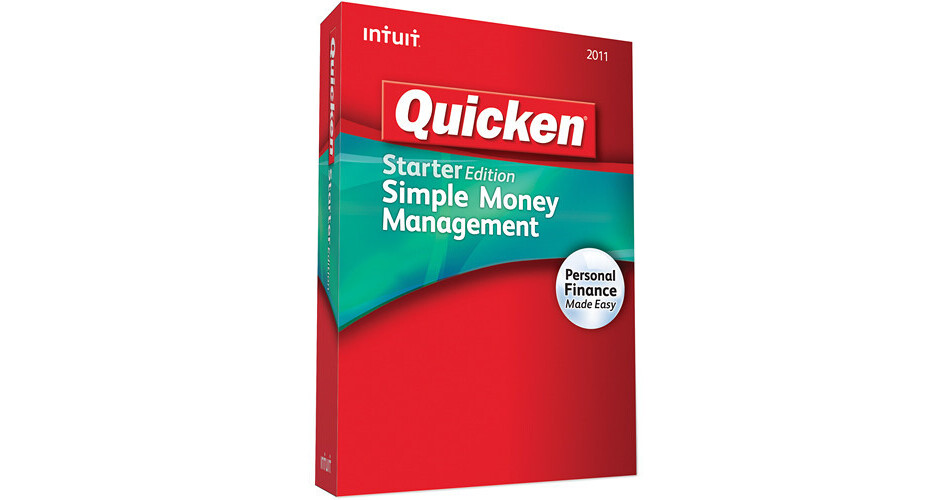
The Quicken Starter Edition 2011 Software from Intuit is a financial management application for Windows that can help you take control of your personal finances. You'll be able to keep track of all of your bank accounts and credit cards, without having to access multiple web pages.
The software features tools to help manage a household budget, pay bills, and more. It will also help you keep track of your income, expenses, and savings. The software works with Intuit's TurboTax software to make things easy on April 15th.
View Your Accounts All in One Place
Organizes your finances by bringing your online accounts together -- including checking, savings, credit cards. Quicken automatically downloads your transactions from over 12,000 banks, brokerages, and other financial institutions -- including PayPal.
Now you can see all your accounts in one place with just one password, and avoid the hassle of going to multiple websites.
Now you can see all your accounts in one place with just one password, and avoid the hassle of going to multiple websites.
See Where Your Money's Going
Quicken automatically categorizes more of your expenses so you don't have to enter or edit them manually.
Getting Started Is a Breeze
It's simpler than ever to put Quicken to work for you, so you can reach your financial goals faster. With its Guided Setup, you just answer a few simple questions -- it will show you how Quicken works, and what to do next. You'll see your financial picture come quickly into focus.
Never Miss a Bill
See what bills have already been paid, what's coming up, and if you have enough left in your accounts to cover them -- all in one convenient place. Set reminders to pay bills on time and instantly check the status of past bills.
Stay on Top of Your Day-to-Day Finances
Get a better picture of what you have coming in, going out, and what's left to spend or save. Completely redesigned for 2011, our cash flow graph makes it easy. Also, see how much money you have left after upcoming bills and income.
Easily Uncover Any Unusual Account Activity
Quicken makes it easier to review your transactions, so you can quickly spot anything that looks inaccurate or out of place. If a transaction requires follow-up, you can flag it with a reminder.
Simplify Taxes with TurboTax
Quicken Starter Edition pairs perfectly with TurboTax to save you time. Easily export your data directly to TurboTax for fast and accurate tax preparation.
100% Satisfaction Guarantee
If you're not 100% satisfied, return your Quicken Starter Edition 2011 personal finance software with your dated receipt within 60 days of purchase for a refund of the purchase price (return shipping and handling charges not included).
Enjoy Free Support When You Buy, Install, or Upgrade Quicken
If you need help purchasing, installing, or upgrading your new Quicken personal finance software, free phone support is available.
Easily Import from Microsoft Money
If you've been using Microsoft Money personal finance software, Intuit can help you transfer your valuable financial information to Quicken. With the easy-to-use Data Converter tool, you'll be up-and-running with Quicken in practically no time.
What's New in Quicken 2011
View All Your Accounts in One Place
Now you can see all your accounts in one place with just one password, and avoid the hassle of going to multiple websites.
See Exactly Where Your Money's Going
For 2011, Quicken automatically categorizes more of your expenses so you don't have to enter or edit them manually.
Cash Flow Graph
Get a better picture of what you have coming in, going out, and what's left to spend or save. Completely redesigned for 2011, the new cash flow graph makes it easy.
Quicken Updates Faster Than Ever
Your time is just as precious as your money -- that's why Quicken updates your transactions with improved, faster downloading from your account.
View and edit transactions for "all accounts" in one place
Now it's easier to look at -- and make changes to -- transactions for all your accounts.
Customize Your Register to Fit Your Needs
The new Quicken layout lets you see your financial info exactly the way you want to: easily resize, sort and hide columns.