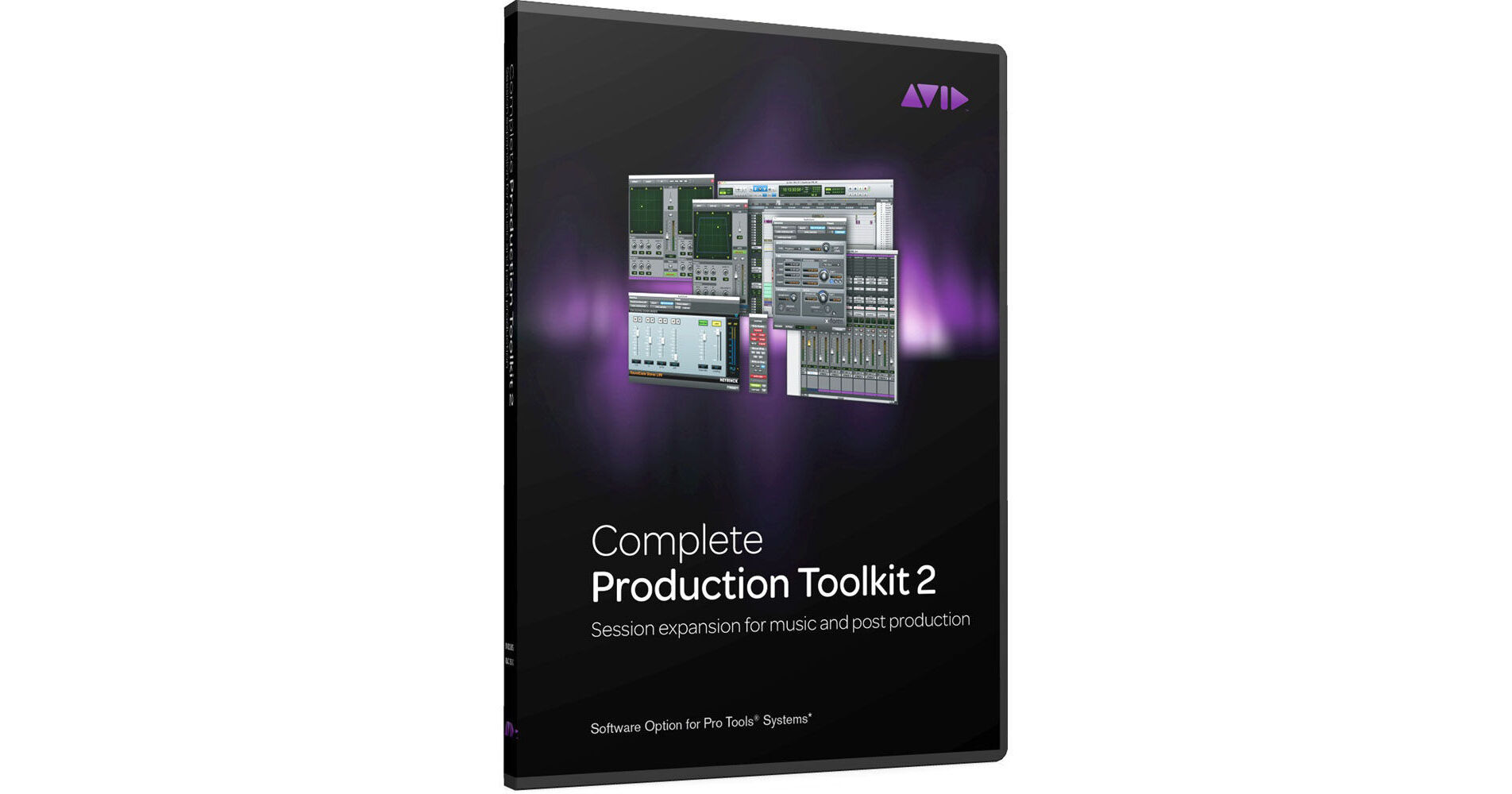
The Complete Production Toolkit 2 from Avid is a powerful expansion option for Pro Tools 9 software that allows for creating even larger sessions and adds many of the same features of Pro Tools HD systems. The Toolkit provides the flexibility to work on studio-created sessions anywhere using just your computer or Pro Tools mobile rig.
It is now possible to get the same high Pro Tools HD track counts, full session compatibility, and support for all track types, including VCA groups. Enhance your production with 7.1 surround mixing, advanced editing and automation tools, and more. With the option installed, you can easily collaborate with Pro Tools HD users on your own mobile rig, without compromising session information.
Note:
This toolkit is not intended for Pro Tools HD or Pro Tools HD Native systems, as Pro Tools HD software already includes these features.
Improved Session Interchange
- Whether collaborating with others or taking studio projects home, you can easily transfer sessions back and forth (even surround sound projects) and edit and mix sessions, regardless of the Pro Tools platform they were created on
Large Productions
- Tackle large music productions and have the capacity to wrangle together the dozens of dialog bits, sound elements, effects, music, and video that go into a film or video project by expanding your track counts
- Get up to 192 simultaneous audio playback tracks (or voices - up from 96), 512 total audio tracks (up from 256), 128 instrument tracks (up from 64), and 64 video tracks (up from one), enabling you to take on the most complex projects
VCA Groups
- For complex sessions with lots of automation, create VCA groups to get another layer of gain control over groups that already have automation
- Unlike with region groups, you'll also be able to solo and mute channels within a VCA group independently, without affecting the other tracks, enabling you to work faster and more easily with grouped items
7.1 Surround
- Add movement to your mixes beyond the standard stereo field, in up to 7.1 surround sound
- LYou can monitor surround mixes directly through the outputs of your preferred audio interface, or use the included Neyrinck SoundCode Stereo plug-in to monitor surround sound in stereo
Expanding Post Capabilities
- Work with sound for picture even easier with expanded audio editing, video editing and automation tools
- If you're familiar with the advanced post-production features in Pro Tools HD software, the following added features and tools provide a seamless transition between Pro Tools HD and Pro Tools 9:
- Replace region and edit to timeline selection commands
- Scrub Trim Tool
- Export session information as text
- Continuous scrolling
- Video Universe window
- Automation snapshots
- Automation trim mode
- Preview
- Auto-match
- Back and play
- Glide
- Enhanced Import Session Data features
Time and Pitch
- Alter time and pitch with completely natural-sounding, professional results, even at extreme settings with X-Form
- The high-end algorithms preserve proper stereo imaging, attack transients, timing accuracy and formant correction
- You can manipulate time by up to 800%, and shift pitch up or down three octaves while preserving the integrity of the original sound