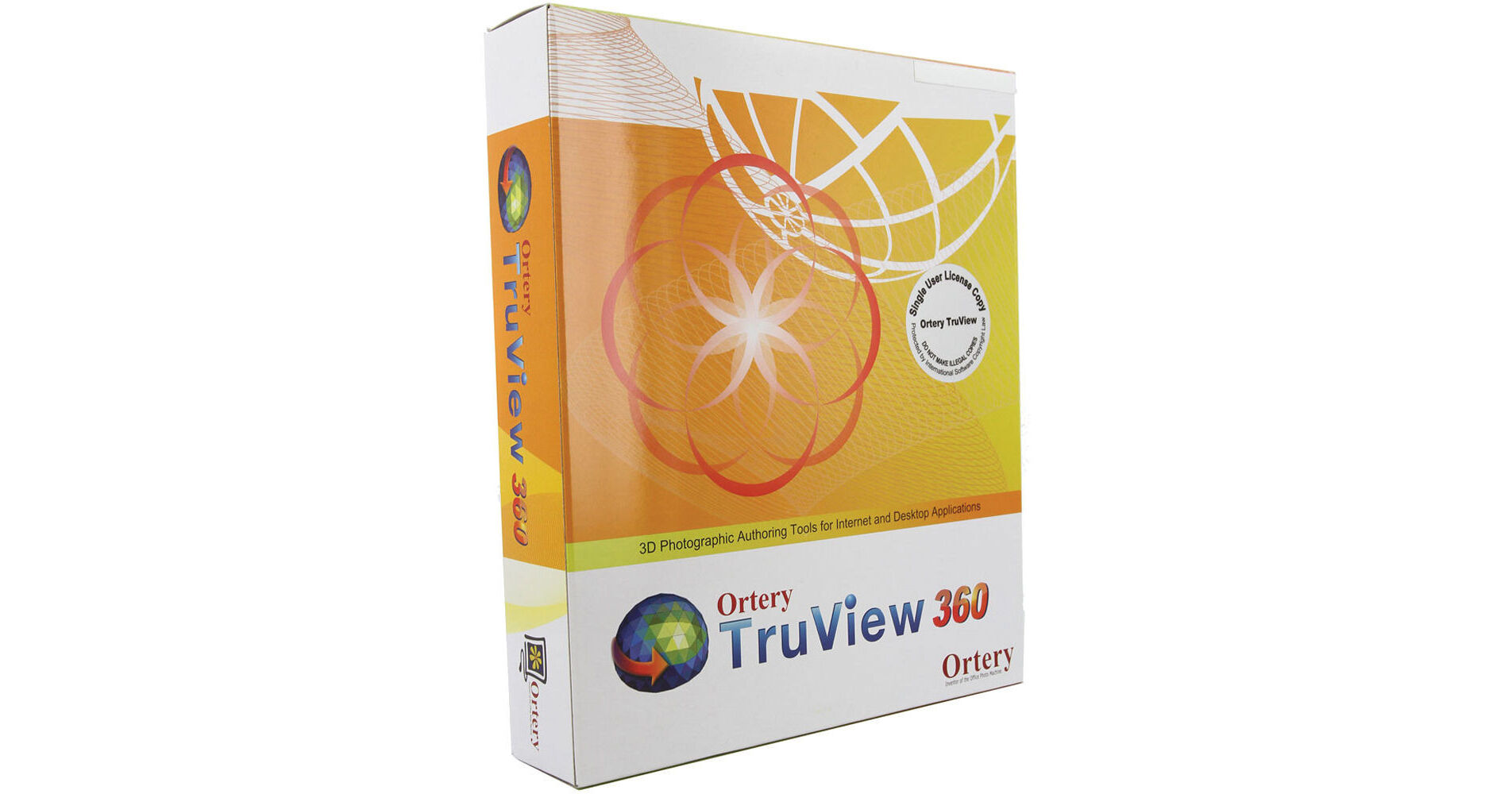
Communicate product features and benefits more clearly to your customers. Ortery's TruView 360 enables you to turn sequences of JPG images into interactive 360° product views for web commerce on your website. Stitch between 4 and 240 images into one 360° animation and customers can drag it in all directions with a mouse and zoom deep into it from any angle. These 360° views can also be used in multimedia presentations, where you can combine deep zoom, image tags, hyperlinks to any URL, and audio to create informative product tours. Image tags allow you to highlight specific features with annotations and drawings, and audio can be in the form of sound, music, and voiceover.
Almost every factor of the animations is customizable: size, zoom levels, buttons and controls, frame size and color, object load size, and more. Users have the ability to create a desired look and feel. The animations are created in HTML5 format, which can be displayed on all computers and mobile devices without any plug-in required, and they automatically resize to fit mobile display screens. When you set up a large amount of these animations on one web page, they all load up right away as low-resolution images, but then can individually be viewed at high-resolution from all angles.
Ortery offers free technical support and one year of free software upgrades.
Create 360° Product Views
Import and stitch up to 240 JPG images into an interactive, 360° product view for your website.
High Resolution / Deep Zoom
Show all the details with deep zoom from any angle.
Flexible HTML5 Output
The animations are created in HTML5 format, which can be displayed on all computers and mobile devices without any plug-in required.
Interactive Product Viewing
Customers can click and drag or use gesture controls to see a product from every angle with deep zoom, image tags, hyperlinks, audio, and more.
Image Tagging
Highlight unique features by adding detailed information (annotations and drawings) to specific product views.
Customizable Look and Feel
Almost everything about the look and feel of a TruView animation is customizable - size, zoom levels, buttons and controls, frame size and color, object load size, and more. Users have the ability to create a desired look and feel.
Easy Deployment
Whether you want to post an animation online or deliver it to someone locally by email or through a network, TruView's 'all-in-one' output format makes it easy. TruView animations can be served in both static and dynamic website environments.
Batch Stitching
Animations can be created one by one or in a batch using pre-defined settings.