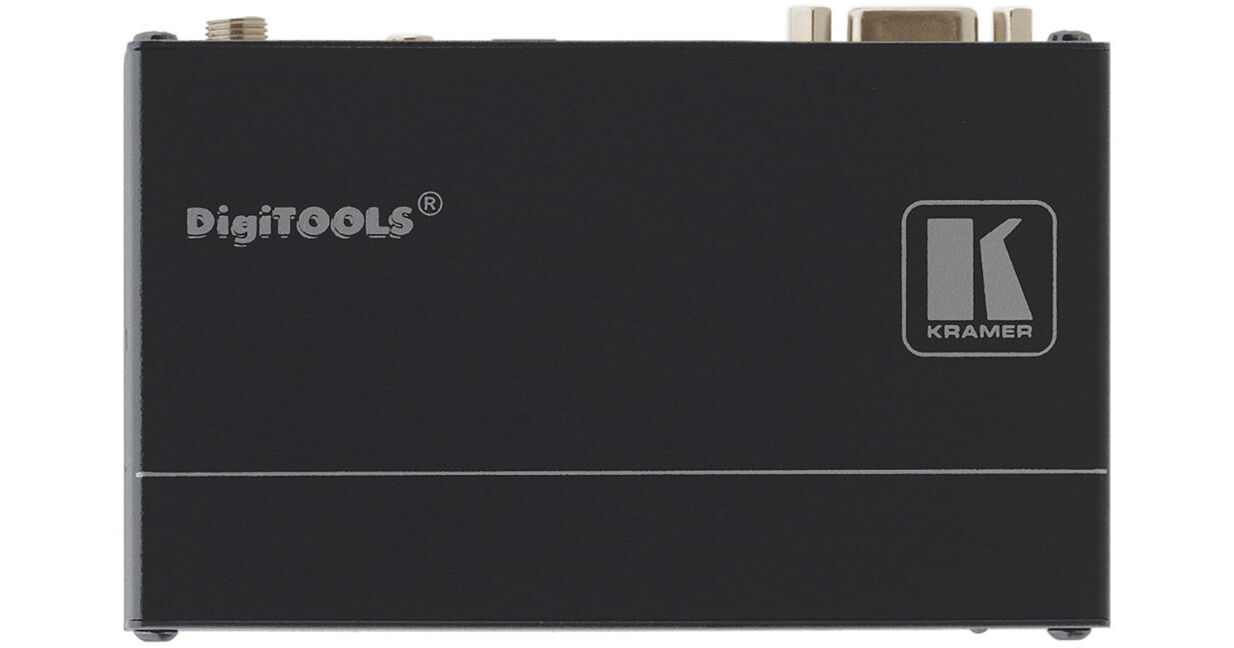
- For Extending VGA & Audio over Long Runs
- Transmits RS-232 Control Signals
- Captures & Stores EDID Data from Display
- Supports Resolutions Up to WUXGA, 1080p
15-pin VGA is capable of carrying very high resolutions of analog component RGBHV signals, but its transmission distance is limited. For sending VGA and associated audio and RS-232 signals across a facility, one excellent option is converting the signal for transmission over a CAT-5 cable. This enables the signal to travel distances in the hundreds of feet.
The TP-123EDID is a PC / RS-232 / audio stereo line transmitter that receives from a computer source an RGBHV video signal and an unbalanced stereo analog audio signal, and transmits them over twisted pair cable to a Kramer TP-124 receiver (not included). The transmitter converts the unbalanced audio signal to a digital audio (S/PDIF) stream before transmitting in order to preserve the quality of the signal. (The audio can come from any source, and not necessarily the computer video source.) The receiver converts the video signal back to VGA and the audio to unbalanced stereo audio, while also preserving S/PDIF for output. Kramer recommends using shielded twisted pair cables for best results.
The transmitter features a RS-232 port to receive commands from the connected computer and pass them along (via the twisted pair cable and the connected receiver) to a device that's controllable via RS-232, such as a switcher. The RS-232 function is uni-directional only.
When the TP-123EDID is connected to a display device and the EDID CAPTURE button is pressed, the transmitter reads and stores the EDID from the display device. Thereby, the display can be disconnected and later reconnected without rebooting the operating system.