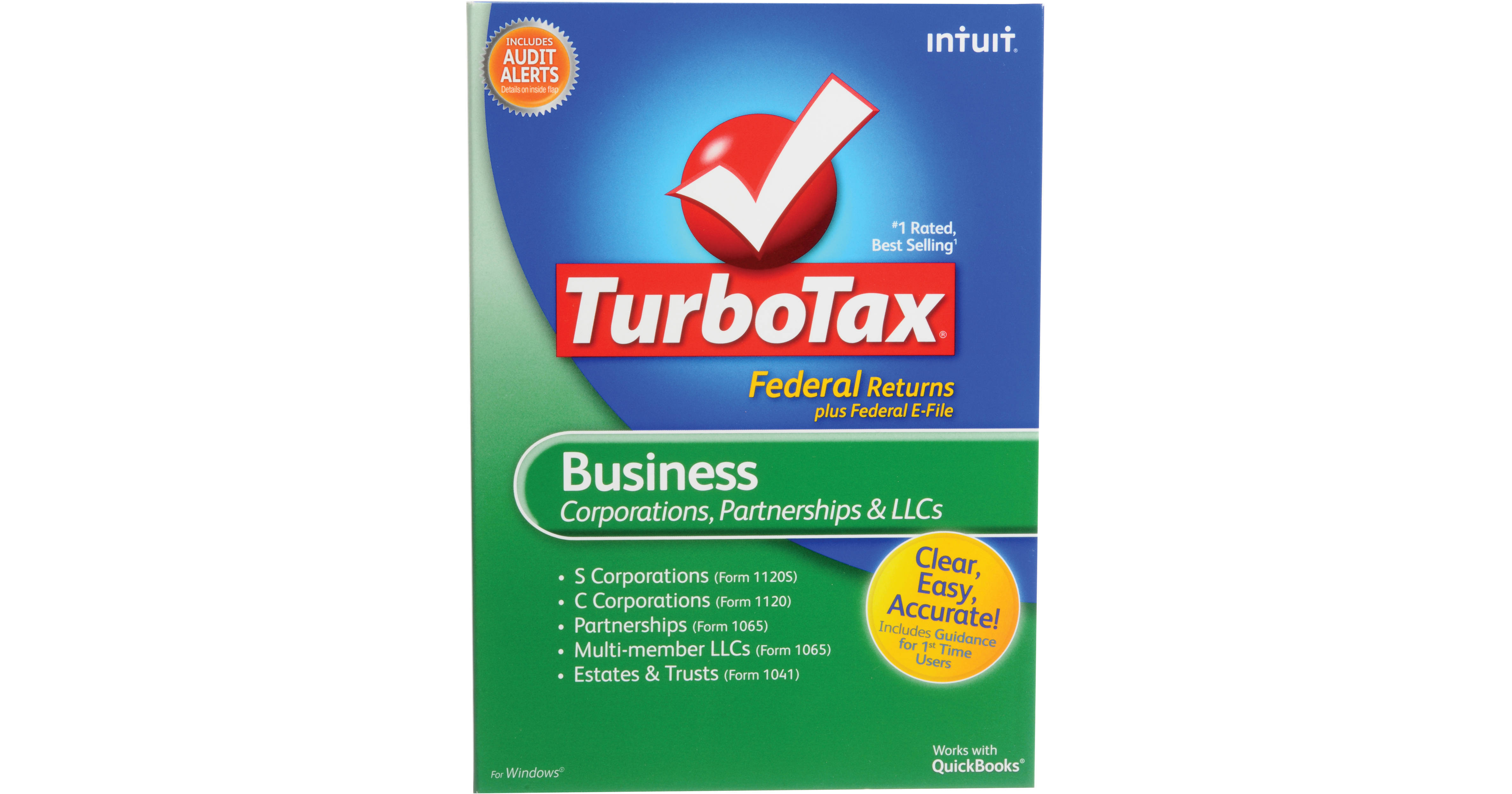
The TurboTax Business Software from Intuit is a software application for Windows, designed to help complete your federal income taxes for your small business. The software includes the tools for Multi-Member LLCs (Form 1065), Partnerships (Form 1065), S Corporations (Form 1120S), C Corporations (Form 1120), and Estates and Trusts (Form 1041) to file taxes.
QuickBooks users will appreciate the ability to import data from their books directly into TurboTax. Users who need to enter data by hand will be happy find that the software includes a streamlined data entry process for income and expenses, greatly reducing the time that it takes you to complete this process.
TurboTax gives you the tools necessary to maximize your deductions. You can account for vehicle expenses, supply costs, assets, promotion, advertising, and travel. The software can help to identify industry-specific deductions, and features tools that help simplify asset depreciation.
Intuit provides online support with this product. You'll be able to ask TurboTax experts questions in Intuit's Live Community. The application boasts FAQs, tax topic videos, tips, how-to guides, troubleshooting articles, and more. Five federal e-files are included, allowing you to electronically submit your taxes to the IRS.
- Vehicle Expenses: Shows you whether you'll get a bigger refund using actual expenses or the standard mileage rate. Provides extra help for splitting vehicle expenses between business and personal use
- Supplies: Your paper, ink, postage, staples, CDs, coffee, and more can add up to big savings
- Large Purchases (Assets): Tells you if you should fully deduct equipment this year or if you need to depreciate
- Promotion and Advertising: Learn how to deduct expenses like brochures, business cards, web sites, and sponsorships
- Travel: Tells you when (and how much) you can deduct for meals, airfare, taxis, hotels, and more