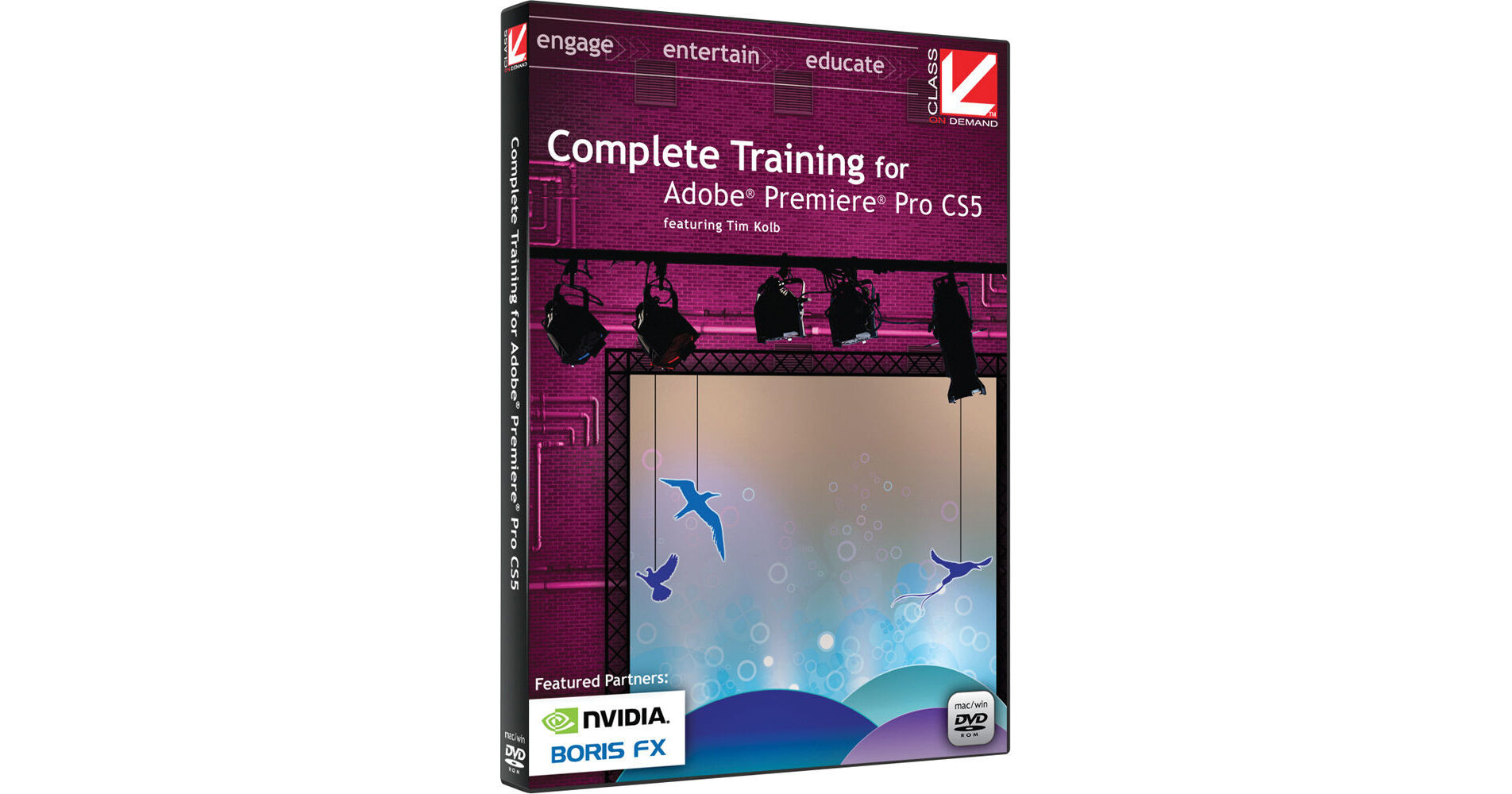
Complete Training for Adobe Premiere Pro CS5 DVD from Class on Demand teaches you everything you need to know to get started with Adobe's Premiere Pro CS5 nonlinear editor, and it also features tutorials on using OnLocation (which is used to ensure optimal video capture on set or on location), Bridge (Adobe's asset management system for all its CS5 programs), and Encore (the DVD/Blu-ray/Flash authoring program).
The presenter is Emmy-winning director and editor Tim Kolb, who walks you through 10 information-packed lessons. You'll learn to edit like a pro, regardless of your past software experience. Project files are included with the DVD-ROM so you can follow along with your own Premiere Pro CS5 software running. The DVD media is region-free; video is NTSC.
1.2 Preferences
1.3 Scopes
1.4 Story Workflow
2.2 Importing Media
2.3 Organizing Your Media
3.2 Moving Media to the Sequence
3.3 Working on the Timeline
3.4 Sequence Clip Menu
3.5 Multicam Editing
3.6 Transitions
3.7 Effects
4.2 The Mixer
4.3 Audio in the Timeline
4.4 Audio Effects
4.5 Clip Audio and Effect Controls
5.2 Fonts, Styles and Attributes
5.3 Tools and Functions
5.4 Style Library
5.5 Roll and Crawl Creation
5.6 Templates
6.2 Adobe Media Encoder
6.3 Export to Another NLE
6.4 Export to Tape
8.2 Editing in Native Formats
8.3 Red R3D Workflow
8.4 Ultra Keyer
9.2 Importing Assets
9.3 Creating a Menu
9.4 Structure Setup
9.5 Output Format: DVD
9.6 Output Format: Blu-ray Disc
9.7 Output Format: Flash