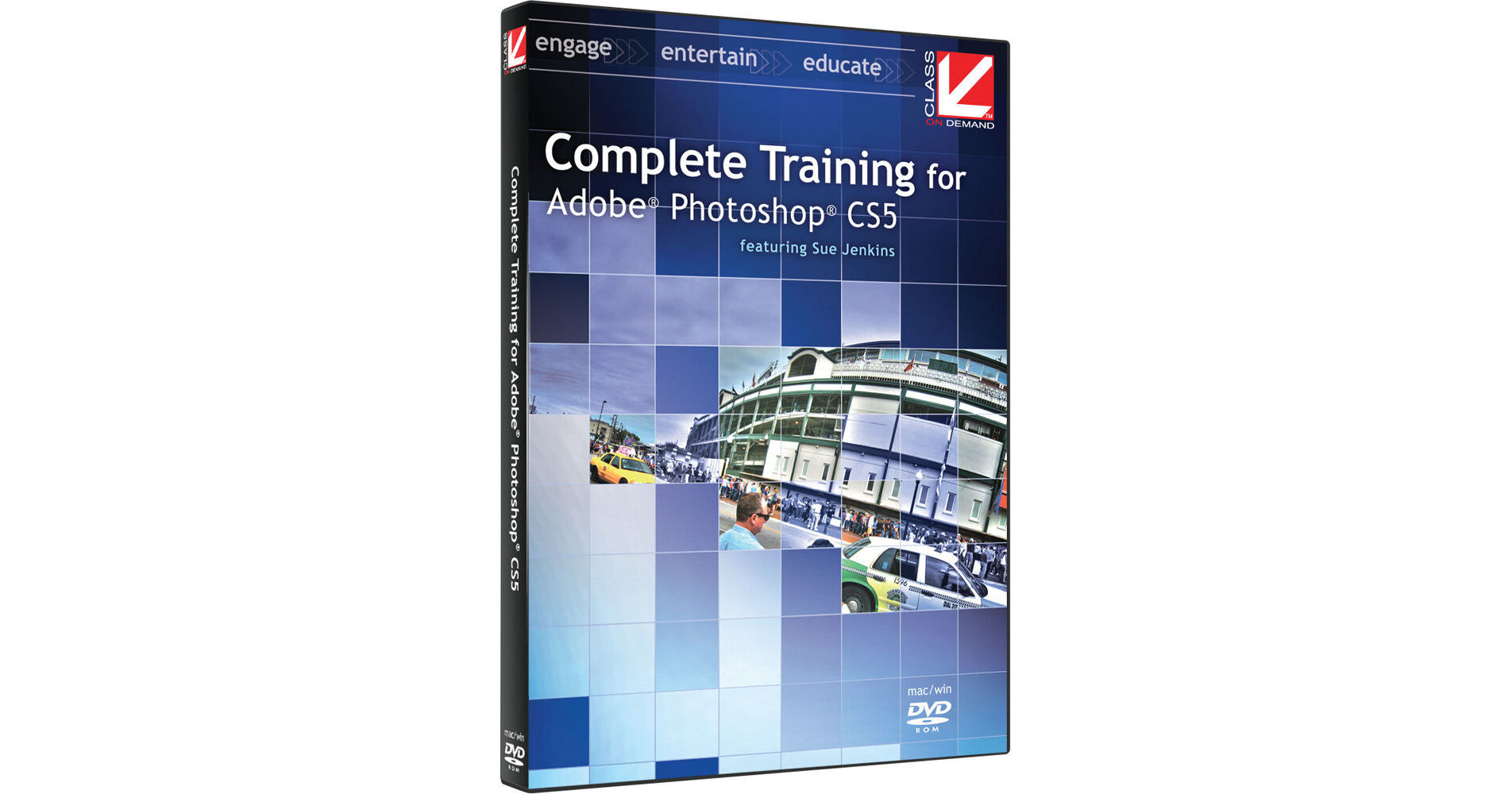
Complete Training for Adobe Photoshop CS5 contains seven sections that focus on different and important aspects of Photoshop 5. From a beginning overview to more complex and fascinating aspects of the software, you'll become more familiar with all of the amazing features Photoshop contains.
Topics include styles, adjustment layers, and layer masks; creating web graphics and simple frames - and time-line-based animations; some retouching, editorial, and restoration techniques; and discovering how easy it is to create 3D effects from 2D text and artwork. All in all, this is a more than comprehensive examination of the software and will help you get up and running before you know it.
Lessons
1.0: Photoshop Overview
1.1: Introduction
1.2: Workspace Overview
1.3: Working with Documents
1.4: Using the Layers Panel Effectively
1.5: The History and Actions Panels
2.0: Photoshop Tools
2.1: Introduction
2.2: Selection Tools
2.3: Transformation Tools
2.4: Paint Tools
2.5: Retouching Tools
2.6: Text Tools
2.7: Pen Tools
3.0: Styles, Adjustment Layers & Layer Masks
3.1: Introduction
3.2: Special Effects with Styles
3.3: Color, Gradient, and Pattern Adjustment Layers
3.4: Tonal Correction Adjustment Layers
3.5: Layer Masks
4.0: Web Graphics
4.1: Introduction
4.2: Creating Web Layouts
4.3: Optimizing Graphics for the Web
4.4: Using the Animation Palette
4.5: Favicons, Seamless Tiles, Batching, and Zoomify
5.0: Retouching Techniques
5.1: Introduction
5.2: Photo Retouching
5.3: Beauty Retouching with Liquify
5.4: Photo Restoration
6.0: Editorial Techniques
6.1: Introduction
6.2: Editorial Layout
6.3: Photo Compositing
6.4: Tilt-Shift Effect
6.5: 3D Effects
6.6: Image Distressing
7.0: Special Techniques
7.1: Introduction
7.2: Paste Into
7.3: Content-aware Scaling
7.4: Content-aware Fill
7.5: Puppet Warp
7.6: Warp Tool
7.7: Filter Gallery
7.8: Faux HDR
7.9: Lens Correction
7.10: Vanishing Point
7.11: Creating Panoramas