Video Chat with a Pro Video Expert - Live

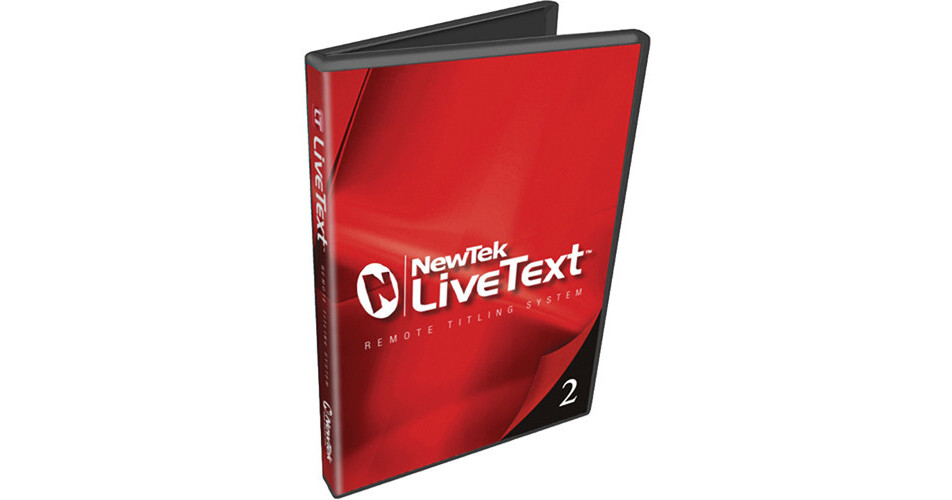
NewTek LiveText 2 Remote Titling Software

BH #VILIVETXT2F • MFR #LT080000-0201
Print
NewTek LiveText 2 Remote Titling Software
Key Features
  • Addition of Dedicated Title Station
  • Transfer of HD Titles/Graphics
  • Integrated Datalink Application
  • LiveTime Feature
The NewTek LiveText 2 Remote Titling Software allows addition of a dedicated title station to your live production videos. It enables transfer of HD titles and graphics to any TriCaster portable live production system, thereby providing increased workflow support.
More Details
No Longer Available
No Store Display
Ask an Expert
800-606-6969

NewTek LiveText Overview

The NewTek LiveText 2 Remote Titling Software allows addition of a dedicated title station to your live production videos. It enables transfer of HD titles and graphics to any TriCaster portable live production system, thereby providing increased workflow support.

Integrated Datalink application allows live display of scores, time, prices, or any rapidly changing data. In addition, the LiveTime feature displays an embedded real-time clock and date in title pages. Supporting pre-production of video titles on a Windows laptop, the LiveText2 software offers improved accuracy and production quality.

The LiveText 2 Remote Titling Software allows easy creation of still, scroll, and crawl pages. In addition, it enables you to save one page or an entire project for flexibility. Using installed TrueType font, the titling software provides a wide range of text options, and supports instant recall or saving of text styles. Supporting creation of graphic objects such as boxes, circles, splines, the titling software offers vector-based drawing tools for custom graphics.

Note:
Available for VT [5.2] all TriCaster Models except TC100
Allows addition of a dedicated title station to your live production videos
Enables transfer of HD titles and graphics to any TriCaster portable live production system, thereby providing increased workflow support
Integrated Datalink application allows live display of scores, time, prices, or any rapidly changing data
LiveTime feature displays embedded real-time clock and date in title pages
Supports pre-production of video titles on a Windows laptop
Offers improved accuracy and production quality
Allows easy creation of still, scroll, and crawl pages
Enables you to save one page or entire project for flexibility
Provides a wide range of text options using installed TrueType font
Supports instant recall or saving of text styles
Supports creation of graphic objects such as boxes, circles, and splines
Offers vector-based drawing tools for custom graphics
Offers easy management of title changes for speakers and events
Allows pages to be saved as 32-bit images for transparency with overlays
Supports team expansion with on-air titles from a remote station

NewTek LiveText Specs

System Requirements
CPU supporting the SSE2 instruction set (typically an Intel Core2 or better)
Graphics display card (PCI-E recommended) with Microsoft DirectX 9 (or better) compatibility
Monitor, capable of displaying a minimum resolution of 1280x800 pixels * 2GB RAM (4GB or more preferred) * Gigabit network recommended for network transmission to supported live systems (TriCaster)
Packaging Info
Box Dimensions (LxWxH)
7.4 x 5.3 x 0.6"

NewTek LiveText Reviews

See any errors on this page?
Whatever You Need, We've Got It