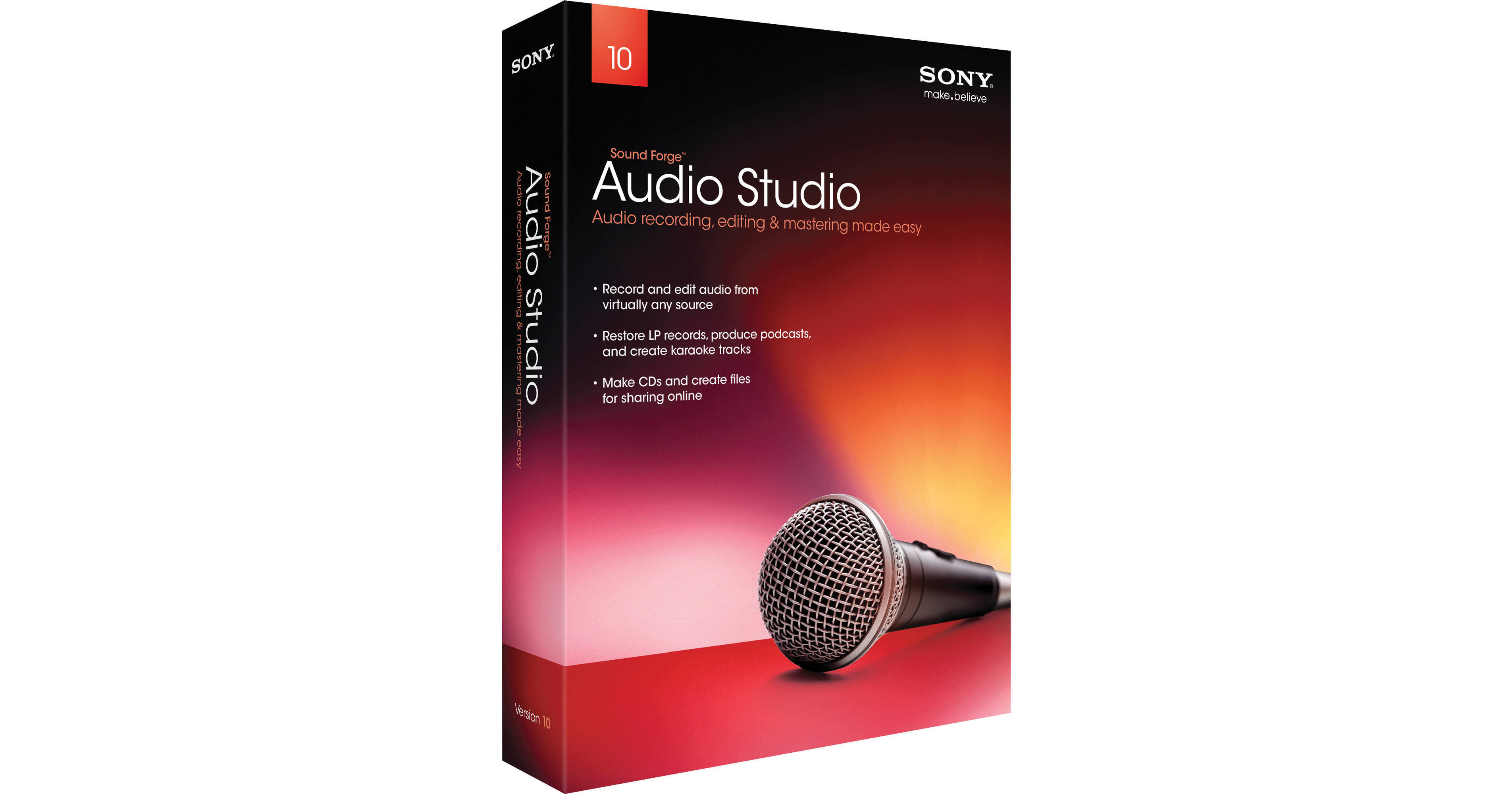
- Audio Editing and Mastering Software
- Recording, Editing and Sharing
- Audio Restoration and Effects
- Real-Time Non Destructive Editing
To record live audio, simply plug a microphone or instrument into your computer's sound card and click Record. You can also import audio from your own CDs and MP3s, or use the Vinyl Recording and Restoration tool to record audio from LPs and cassettes. The software allows you to simply drag and drop files to expertly balance sound levels, trim unwanted sections, and synchronize audio with video. You can also use the software to create your own music loops and samples for use in ACID Music Studio software.
Sound Forge Audio Studio makes it easy to synchronize audio with video for video scoring. Import popular video formats including Windows Media, QuickTime, and more. Customize your audio with more than 30 built-in audio effects such as EQ, delay, chorus and reverb, as well as the included 1,001 Sound Effects. DirectX and VST support expands the number of effects you can apply and increases your mastering flexibility.
CD burning is fully integrated into Sound Forge Audio Studio software so you can easily create professional-sounding CDs. Burn one track at a time or choose disc-at-once (DAO) to burn a disc with full control over the pauses between tracks. Quickly convert audio files to MP3, WMA, and other formats. Develop podcasts, export audio to MP3 players including the PSP, iPod and iPhone, or upload songs to the Web. Built-in tutorials help guide you through the various processes.