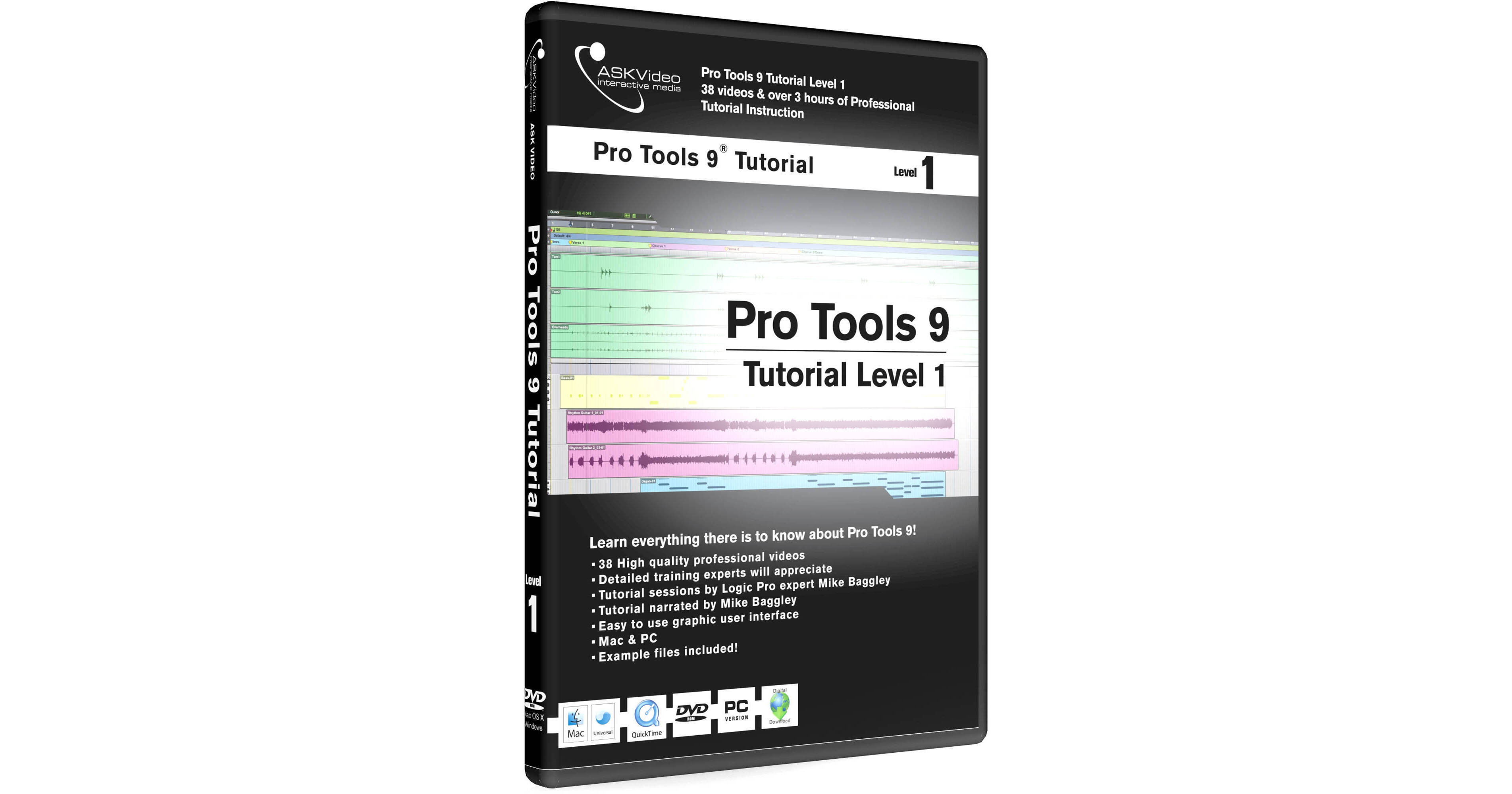
Pro Tools 9 Tutorial Level 1 from ASKVideo is the first step in this creative software music program. Starting with the basics, the tutorial takes you through setup and some of the initial features of Pro Tools 9 such as the Edit and Mix windows. From there, the lessons progress into recording and editing as well as demonstrating some of the instruments that are available within the software.
If you're new to Pro Tools 9, this is a good program to start with. If you've been working with it before and want either a refresher course or to come up to speed with some of the enhanced features, you'll find this program of great value.
Note:
Customer gets a serial number to unlock the online training
Contents
Getting Setup
First Session
Mix Window - example video
Edit Window
Creating Tracks 1
Creating Tracks 2
Transport
Click Track
I/O Setup 1
I/O Setup 2
Recording Audio - example video
Recording Modes
MIDI Setup
Recording MIDI 1
Recording MIDI 2
Editing MIDI
Fades & Crossfades
Edit Tools
Edit Modes
Audio Editing 1 - example video
Audio Editing 2
Automation Basics
Grouping Tracks
Bussing
Managing Regions
Bouncing to Disk
Rulers
Grid
Markers
MIDI Editing Window 1
MIDI Editing Window 2
Digibase
Window Configurations
Tick & Sample Based Editing - example video
Mini Grand
Boom