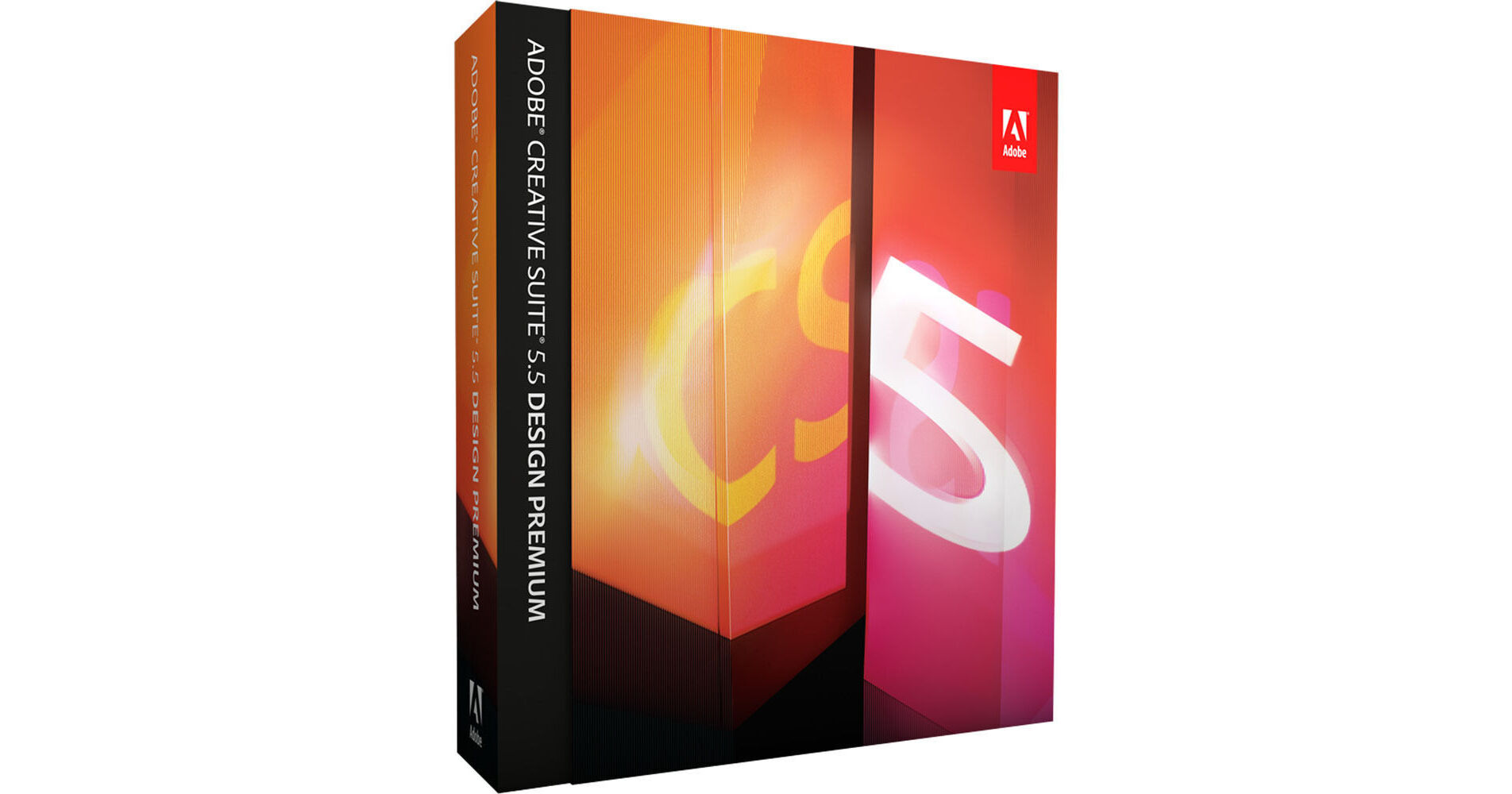
Adobe Creative Suite 5.5 Design Premium Software for Mac

BH #ADSWDPCS55M • MFR #65112434
Print
Adobe Creative Suite 5.5 Design Premium Software for Mac
Key Features
  • Photoshop CS5 Extended
  • Illustrator CS5
  • InDesign CS5.5
  • Flash Catalyst CS5.5
The Creative Suite 5.5 Design Premium Software for Mac from Adobe is a suite of applications intended for use by designers who create content for print, web, interactive media, and handheld devices. It includes the applications required to create images and graphics, produce stunning page layouts, build websites that are compliant with current web standards, creative interactive content without programming knowledge, and to extend page layouts for use with eBook readers.
More Details
No Longer Available
No Store Display
Ask an Expert
800-606-6969

Adobe Design Premium Overview

The Creative Suite 5.5 Design Premium Software for Mac from Adobe is a suite of applications intended for use by designers who create content for print, web, interactive media, and handheld devices. It includes the applications required to create images and graphics, produce stunning page layouts, build websites that are compliant with current web standards, creative interactive content without programming knowledge, and to extend page layouts for use with eBook readers.

All of the applications in the suite are designed to work together, unified by a common interface and Adobe's Bridge application. Bridge helps you share media across applications, allowing you to share media across all of the Design Premium applications in order to create a cohesive project.

The suite includes Photoshop CS5 Extended, Illustrator CS5, InDesign CS5.5, Flash Catalyst CS5.5, Flash Professional CS5.5, Dreamweaver CS5.5, Fireworks CS5, Acrobat X Pro, Bridge CS5, and Device Central CS5.5. It is compatible with Mac operating systems.

Express Ideas Faster and Accelerate Key Project Workflows
Breakthrough Image Editing in Photoshop Extended
Create compelling digital images with Adobe Photoshop CS5 Extended, the industry standard in digital imaging. Paint with realistic strokes, make exacting refinements, and use a wide range of workflow and performance features to accelerate everyday tasks.
Creative 3D Possibilities
Quickly add depth and create unusual effects using 3D editing tools in Photoshop CS5 Extended. Create attention-getting 3D logos and artwork from text and shapes and edit, manipulate, and paint directly on 3D models.
Vector Graphics for Virtually Any Medium
Create scalable vector artwork for projects ranging from logos to billboards and from animations to interface elements. Used by design professionals worldwide, Adobe Illustrator CS5 provides powerful drawing tools and expressive natural brushes for creating attention-getting content.
High-Quality Page Layout and Production
Lay out, preflight, and produce stunning page layouts with Adobe InDesign CS5.5, an intuitive design environment that offers precise control over typography and built-in tools for creative effects.
Content-Aware Fill in Photoshop
Remove any image detail or object and watch as Content-Aware Fill in Photoshop magically fills in the space left behind. Match lighting, tone, and noise so it looks as if the removed content never existed.
Complex Image Selection Made Easy
Produce highly accurate masks and make selections faster with Photoshop CS5 Extended. Even the trickiest image elements, such as hair and foliage, can be masked quickly and accurately to produce realistic composite images.
Puppet Warp in Photoshop
Precisely warp or stretch graphics, text, or image elements to create unique new looks for your designs.
Easy 3D Extrusions in Photoshop Extended
Create stunning 3D logos and artwork from any text layer, selection, or layer mask with the Adobe Repoussé feature in Photoshop CS5 Extended. Twist, rotate, extrude, bevel, and inflate these designs, and then apply materials such as chrome, mud, and grass to achieve different looks.
64-bit Performance with Photoshop
Speed up day-to-day imaging tasks and process very large images up to ten times faster by taking advantage of cross-platform 64-bit support.
Content-Aware Scaling in Photoshop
Automatically recompose an image as you resize it, preserving vital areas as the image adapts to the new dimensions with Content-Aware Scaling in Photoshop. Get the perfect image in one step without cropping and retouching.
Photoshop Smart Objects in Dreamweaver
Insert any Photoshop PSD document in Dreamweaver to create an image Smart Object tightly linked to the source file. Make changes to the source image, and update your image in Dreamweaver without opening Photoshop.
Perspective Drawing in Illustrator
Draw shapes in accurate 1-, 2-, or 3-point linear perspective to create the look of realistic depth and distance.
Beautiful Strokes in Illustrator
Dynamically create and edit strokes with infinitely adjustable widths, precisely position and scale arrowheads and dashes, and finely control the scaling of art brushes along a path in Illustrator.
Multiple Artboards in a Single Illustrator File
Work on up to 100 artboards of varying sizes in one Illustrator file -- named, organized, and viewed the way you want.
Blob Brush in Illustrator
Use the Blob Brush in Illustrator to draw a stroke that generates a clean, filled, vector shape as you sketch, even when strokes overlap.
Gradients Exposed in Illustrator
Interact with gradients right on your object. Set gradient angle, position, and elliptical dimensions. Add and edit colors using sliders -- all with immediate feedback where you work.
Simplified InDesign Object Selection and Editing
Save time by performing finicky layout tasks efficiently. Manipulate frames and frame content without switching tools in InDesign CS5.5. Dynamically adjust white space between objects to reposition page items. Use on-object controls to modify frame corners directly in the layout.
Multiple Page Sizes in One InDesign File
Include different page sizes in a single InDesign document, and apply the same master page to different-size layouts.
Gap Tool in InDesign
Quickly adjust the size of a gap between two or more items. The Gap tool is a one-step way to adjust your layout by directly manipulating the white space.
Paragraphs That Span or Split Columns
Quickly create text that spans or splits into multiple columns in just a few steps.
Live Preflight in InDesign
Preflight while you design for better results, greater time savings, and lower production costs. Continuous preflighting alerts you to potential production problems in real time.
Live View in Dreamweaver
Design your web pages under real-world browser conditions with Live View in Dreamweaver -- while still retaining direct access to the code. Changes to the code are instantly reflected in the rendered display.
Multiscreen Preview in Dreamweaver
View website designs as they would appear on screens of different sizes and resolution, all within a single, easy-to-use panel in Dreamweaver CS5.5.
Action Wizard in Acrobat Pro
Automate routine, multistep PDF tasks more easily in Acrobat X Pro. The Action Wizard guides you through creating an Action, which is an automated sequence of steps that can be applied to a single PDF or batches of files.
Acceleration of Key Project Workflows
Boost efficiencies in your day-to-day design and production work with Adobe CS Live online services. Streamline reviews, initiate web-based meetings, share and collaborate on documents, and efficiently preview web pages on multiple browsers and operating systems -- all from within your web browser.
Visual Media Browsing
Find files fast by browsing thumbnails instead of filenames with Adobe Bridge. Or browse thumbnails and place files from the Mini Bridge panel in Photoshop CS5 and InDesign CS5.5.
Help When You Need It
Take advantage of Adobe Community Help, an online service for instruction, inspiration, and support that enables you to find the best answers for your Adobe product questions, no matter where they may be found.
Consistent Adobe User Interface
Work quickly and intuitively thanks to a consistent user interface across all Design Premium components. Enjoy a shorter learning curve and stay more focused on the art of design.
Performance on Newer Operating Systems
Take advantage of the power and performance of newer Apple and Microsoft operating systems so you can work more quickly. And Photoshop CS5 is 64-bit native, which means even faster image-editing no matter which computer platform you use.
Path Join Enhancements in Illustrator
Join open paths in a single keystroke with objects selected, choosing corner joins or smooth joins.
Multi-File Place in InDesign
Import several files in one step. See thumbnail views of the different files and cycle through them until you find the one you want to place.
Improved Preflight in Acrobat Pro
Reduce errors and delays at the printer. Preview, preflight, correct, and prepare PDF files for high-end print production and digital publishing. Run checks and fixes on selected objects, and view improved reports.
Design Once, Deliver to Multiple Screens
World-Class Websites and Applications
Build websites in Dreamweaver using HTML5 and CSS3 to help ensure that web content displays consistently on desktops and handheld devices.
Consistent Interactive Experiences on Any Screen
Use Flash Professional to create interactive experiences that render consistently across desktop, browser, and hand-held devices. Reach audiences via the latest Flash Player and AIR runtimes -- and on Android, BlackBerry, iOS, webOS, and Adobe Digital Home devices.
Mobile Content Testing with Device Central
Design, preview and test content for your choice of devices with Adobe Device Central CS5.5.
InDesign Export to Flash Professional
Work seamlessly with interactive developers by handing off InDesign layouts to Flash Professional without compromising visual fidelity or editability.
Design for Digital Media without Writing Code
Interactive PDF Documents
In InDesign, craft dynamic digital documents and presentations that include interactivity, video, and audio, and deliver them as PDF files for viewing in Adobe Reader.
Interactive SWF Files from InDesign
In InDesign, craft dynamic digital documents and presentations complete with interactivity, motion, video, and sound, and then deliver them as SWF files for viewing in Adobe Flash Player.
Authoring of Accessible Documents
Use features in InDesign CS5.5 and Acrobat X Pro that help you to deliver publications that meet Section 508 and WCAG 2.0 standards. Apply accessibility features in InDesign CS5.5, and then check, adjust, and validate accessible PDF documents in Acrobat X Pro.
Enhanced eBook Authoring in InDesign
Create more engaging eBooks, with less need for developers. Use a smoother EPUB workflow as you include refined typography and images that resize automatically to fit virtually any screen. You can now even add video and audio for eBook reader applications that support HTML5 video and audio tags.
Folio Producer Tools in InDesign
Create engaging digital magazines, newspapers, and retail catalogs that incorporate eye-catching elements such as 360° object rotation and image panoramas for a wide variety of tablet devices. Upload to Adobe Digital Publishing Suite for further production and distribution.
Easy Website Prototyping with Fireworks
Easily prototype website and mobile device designs by repurposing Photoshop and Illustrator assets with the built-in bitmap and vector editing toolset in Adobe Fireworks CS5. Generate high-fidelity PDF files or interactive HTML comps for client review.
Interaction Design without Writing Code
Create resizable applications and components and craft more precise and expressive transitions and effects with Adobe Flash Catalyst CS5.5.

Adobe Design Premium Specs

Adobe Design Premium Reviews

See any errors on this page?
Whatever You Need, We've Got It