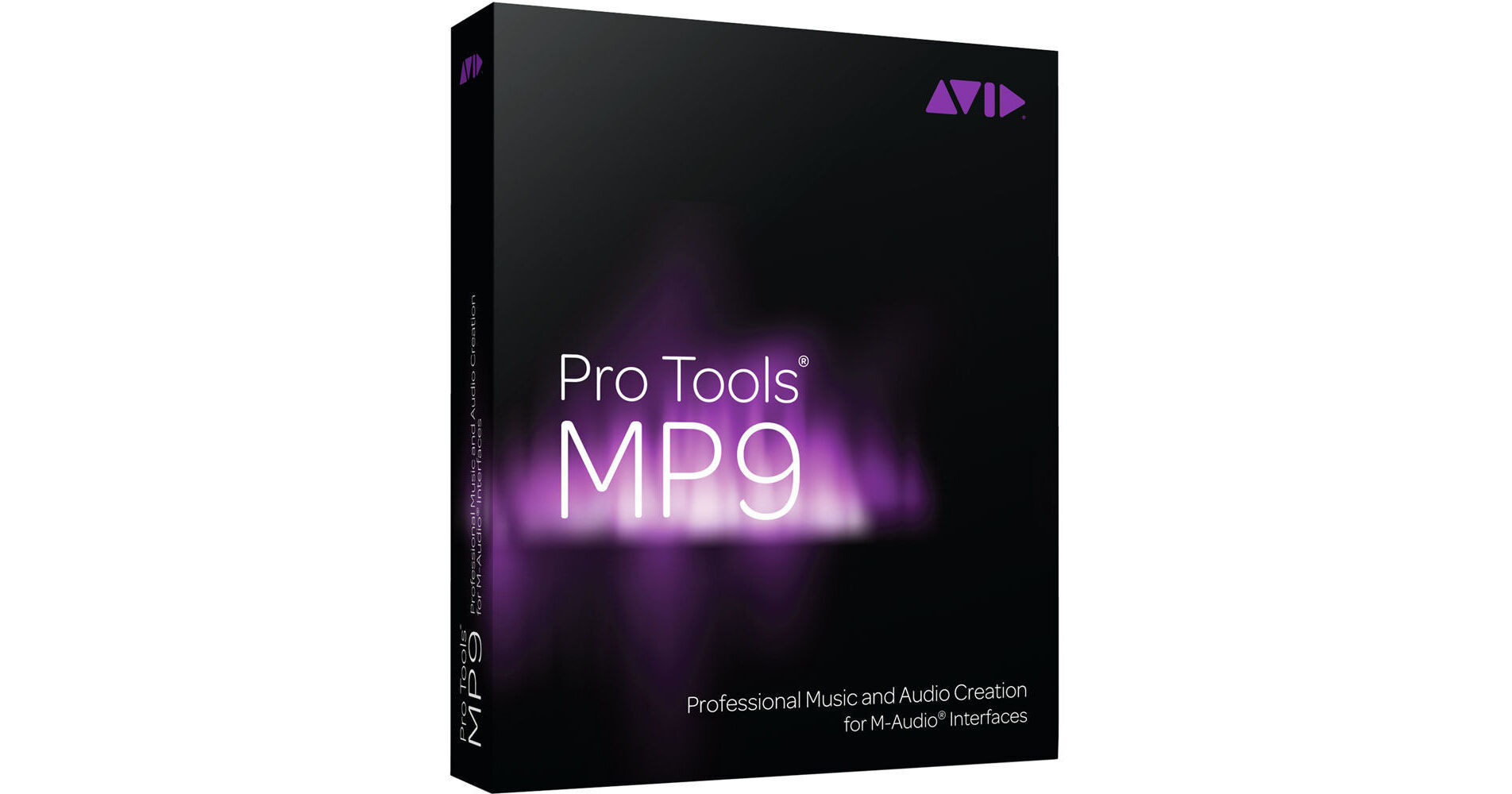
Pro Tools MP 9 from M-Audio is the company's version of Pro Tools 9 developed for use with their interfaces. It features among other things 48-track mono or stereo audio recording, editing, and mixing with up to 24-bit/96kHz fidelity. Sound shaping and enhancement can be achieved using the over 70 included plug-ins, and composing music is enhanced with full MIDI and score notation tools. And of course, collaboration with thousands of users and studios around the world is also possible.
Individual input/output requirements are catered for with a variety of PCI, USB/USB 2, and FireWire audio interfaces, whether required for a desktop, mobile, or hybrid system. The software now features Automatic Delay Compensation (ADC). When activated, the ADC feature automatically makes adjustments to compensate for all latencies in the I/O, internal and external routing, and plug-in algorithm processing, ensuring that recordings and mixes stay perfectly time aligned and phase accurate.
Creating and playing music is enhanced with the included virtual instruments, including the Mini Grand piano, Boom drum machine, DB-33 tone-wheel organ, Structure Free sample player, and Vacuum and Xpand!2 synthesizers. Also featured are a variety of tools that ease and speed loop-based music creation. In addition to importing REX and ACID files, the Loop Trim tool also makes it easy to turn audio or MIDI regions into loops.
The Elastic Time and Elastic Pitch features make it easy to change tempo/time and pitch in real time without cutting up audio. And the program's internal database has a Loop Preview feature that allows for previewing loops in sync, in real time, before bringing them into a session. The Context Preview quickly auditions loops and audio files in sync with the tempo of the session and imported audio files and loops automatically conform to match the tempo.
Perfecting the timing of performances is easily achieved using the Beat Detective feature, which offers exceptional peak detection accuracy. Errant beats can be quantizing to the session's bar/beat grid or to grooves extracted from other audio or MIDI performances. The track compositing features allows for quickly piecing together the best possible version of a performance from multiple recording passes. The fully integrated MIDI sequencer and editor can record, edit, and mix up to 256 MIDI tracks alongside audio tracks.
Based on the Sibelius notation engine, the Pro Tools MP Score Editor window lets the user view, edit, arrange and print MIDI data as music notation. Whether wanting to compose music using the notation tools, or transcribe recorded, imported, drawn (with the Pencil tool), or step-entered MIDI data into notation, the Score Editor features everything needed. Sessions can be exported as Sibelius (.sib) files for further finessing in Sibelius.
- Supports a wide choice of M-Audio interfaces including Delta PCI, USB/USB 2.0 and FireWire products
- Supports M-Audio ProjectMix I/O and Command 8 control surfaces for hands-on mixing
- Industry-standard session compatibility with countless Pro Tools-equipped project and professional studios around the world
- Award-winning Pro Tools recording and mixing environment
- 48-track mono or stereo audio recording, editing, and mixing up to 24-bit/96kHz
- Real-time audio processing
- Import MIDI, REX, ACID, WAV, SDII, AIFF, AAC and MP3 audio files
- Beat Detective LE automatic groove analysis and correction tool
- Supports QuickTime video including H.264
- MP3 export capability
- Automatic Delay Compensation
- Powerful loop recording options
- Elastic Pitch allows manipulation (+/- 4 octaves) or pitch correction of any audio region in real time without affecting time or tempo
- Elastic Time real-time tempo manipulation feature lets you change the tempo or timing of audio tracks on the fly without affecting pitch
- Loop playback automatically updates to the selection without manually stopping and starting the transport
- Loop Trim tool allows for easily turning audio or MIDI regions into loops
- Dynamic Transport mode allows playback to operate independently of the current selection
- Real-time MIDI processing enables control of MIDI quantization, note duration and velocity, transposition and timing during record
- QuickPunch functionality
- 256 tracks of powerful, intuitive MIDI sequencing
- MIDI Editor windows can display MIDI and automation data for Instrument, MIDI and Auxiliary Input tracks
- Instrument Tracks combine MIDI and audio capabilities in a single channel strip, simplifying routing for virtual instruments and MIDI sound modules
- Sample-based MIDI tracks lock MIDI events to time code regardless of session tempo changes
- Zoom Toggle switches quickly between two different user-defined settings in the Edit window
- Mirrored MIDI editing mode allows adjustments made to one MIDI file to affect all existing copies of that region
- Enhanced Select/Split Notes window enables splitting a MIDI performance into multiple tracks by MIDI note, velocity, duration, or position
- Remove Duplicate Notes command allows users to quickly clean up recorded or merged MIDI tracks
- Change Duration window offers legato, overlap correction, and transform sustain pedal features
- Transpose window transposes all selected notes in octaves and semitones
- Separate, consolidate, and mute MIDI notes
- Scrub and shuttle through parts
- View superimposed MIDI and Instrument tracks for easier arrangement editing
- Color code MIDI notes by track, type, or velocity
- Audition velocity changes
- Play MIDI notes when tabbing
- Edit MIDI automation and continuous controller (CC) data through multiple Automation and Controller lanes
- Real-time scrolling during playback
- Completely non-destructive editing with world-class tools
- Add new tracks; reorder tracks; create, move, or copy inserts and sends; and adjust I/O routing on the fly without manually stopping and starting the transport
- Track compositing features allow for quickly and easily piecing together the best possible version of a performance from multiple recording passes
- Lock regions to the timeline to prevent them from being inadvertently moved or edited
- Use the Automation and Controller lanes to view and edit track automation and MIDI CC data without changing track views
- Time Shift DigiRack plug-in delivers superior time compression/expansion
- Region Groups allow grouping of any combination of audio and MIDI regions, across any number of tracks
- Region Looping offers an easy way to repeat one or more regions and Region Groups
- Separate on Grid and Separate at Transient functions allow editing of multi-track audio regions simultaneously, based on a grid value or transients in an audio file
- Quantize audio regions according to a grid or groove template
- "Reverse" Strip Silence functionality allows for extracting louder portions of audio tracks
- Automatic Delay Compensation functionality makes it easy to get great-sounding, phase-accurate mixes
- Host processing efficiency allows you to run many select RTAS effects and instrument plug-ins simultaneously
- Up to 32 internal mix busses and up to 10 sends and inserts per track increases mixing flexibility and allows larger, more complex mixing architectures
- Copy or move send assignments across tracks via drag-and-drop functionality
- Dynamics III DigiRack plug-in allows easy and powerful control of mix dynamics
- EQ III includes a filter band-pass solo mode, making it easy to isolate and remove unwanted signals or noise in an audio track
- Advanced automation features and editing including real-time display
- Automate All command allows arming automation of all plug-in parameters at once
- Wide range of compatible creative software options available from Avid and Avid Development Partners
- Real-time RTAS effects plug-in processing and file-based AudioSuite effects plug-in processing
- Virtual instrument integration including 6 free Avid virtual instruments including:
- Boom drum machine and sequencer
- DB-33 tonewheel organ emulator with rotating speaker simulation
- Mini Grand acoustic grand piano
- Vacuum monophonic vacuum tube synthesizer
- Xpand!2 multi-timbral synth and sample workstation with over 1,000 presets
- Structure Free sample player with over 600MB of high-quality samples
- FXpansion BFD Lite acoustic drum module
- Ships with 70 pro effects and utility plug-ins, including EQ, dynamics, delays, reverb, and more
- Guitar amp tone with Eleven Free and SansAmp plug-ins
- 8GB of pro-quality loops
- Map plug-in parameter controls to almost any encoder on a controller, and access each track's 10 inserts
- Based on the Sibelius notation engine
- View, edit, arrange, and print MIDI data as music notation
- Compose music using the notation tools, or transcribe recorded, imported, drawn (with the Pencil tool), or step-entered MIDI data into notation
- Write parts on a single staff - treble, bass, alto, or tenor clef - or grand staff
- Place and edit notes, and edit the meter and key signature at whim
- Add chord symbols such as Dm7 and guitar chord diagrams to sessions
- Transcribe MIDI parts in real time
- Print out a score in its entirety or print only certain instrumental parts
- Export sessions as Sibelius (.sib) files for further finessing in Sibelius
- Elegant user interface minimizes eye strain
- Customizable toolbar shows only desired tools in any arrangement
- Tiled or cascaded window arrangement
- Logical, streamlined menu navigation
- Change the color of channel strips, tracks, regions, groups, and markers to any hue
- Navigate through sessions quickly using the Universe view
- QuickStart dialog allows for quickly, easily creating new sessions from templates, from scratch, or open existing sessions
- Right-click contextual menus offer fast access to common parameters
- Tool Tips provide "rollover" descriptions of interface objects
- Easy dragging and dropping of audio, MIDI, REX, and ACID files from the desktop to the timeline
- Drag multiple regions onto a single track simultaneously
- Quickly apply track-level commands globally across multiple tracks simultaneously
- Up to 99 Window Configurations (screen sets) to instantly recall custom view arrangements
- Customizable Zoom Toggle lets you define track view and height when zooming continuously
- Variable track height allows tracks to be instantly resized to any height
- Fast Region List searches including history
- Duplicate Tracks dialog streamlines defining how many tracks, and which track parameters, to duplicate
- Built-in DigiBase file management tool organizes and auditions audio and MIDI files and loops according to attributes such as tempo; includes importing of Red Book audio CDs
- Up to 999 markers/memory locations
- Accepts MIDI directly from ReWire applications for recording controller data to a Pro Tools MIDI or Instrument track
- Unicode character support lets you label and edit text anywhere in Pro Tools in any language supported by Unicode (including Japanese, French, Greek, Russian, and Hebrew)