Video Chat with a Pro Video Expert - Live

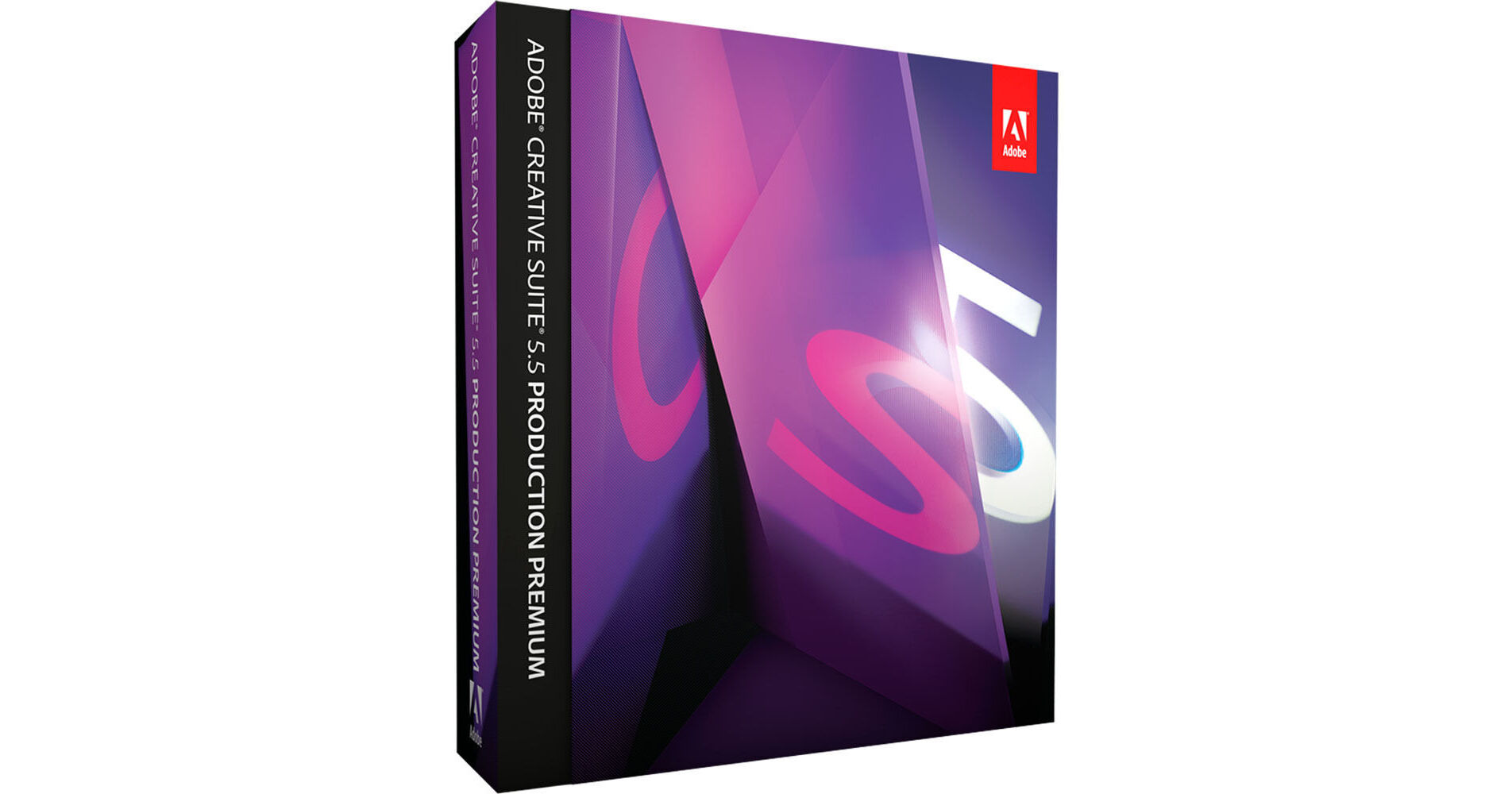
Adobe Creative Suite 5.5 Production Premium for Windows (Upgrade)

BH #ADWPPC55SVEW • MFR #65113810
Print
Adobe Creative Suite 5.5 Production Premium for Windows (Upgrade)
Key Features
  • Audition CS5.5 / After Effects CS5.5
  • Premiere Pro CS5.5 / Illustrator CS5
  • Flash Catalyst CS5.5 / OnLocation CS5
  • Flash Professional CS5.5 / Encore CS5
Adobe Creative Suite 5.5 Production Premium for Windows (Upgrade) is a complete package of professional software programs to create, manipulate, edit, enhance, package, and deliver images, graphics, audio, and video. Packed with video, animation, compositing, audio, and design tools, the suite offers creative features to speed up your production workflow and deliver high-quality results.
More Details
No Longer Available
No Store Display
Ask an Expert
800-606-6969

Adobe Production Premium Overview

Adobe Creative Suite 5.5 Production Premium for Windows (Upgrade) is a complete package of professional software programs to create, manipulate, edit, enhance, package, and deliver images, graphics, audio, and video. Packed with video, animation, compositing, audio, and design tools, the suite offers creative features to speed up your production workflow and deliver high-quality results.

Take advantage of NLE shortcuts and dual-system sound support to effortlessly sync separately recorded field audio with your video. With advanced audio-for-video editing in Adobe Audition CS5.5, record, edit, mix, master, and sweeten audio. Furthermore, the software also includes Roundtrip edit to accelerate project exchange with Avid Pro Tools and other NLEs.

Ensure astounding performance with or without GPU acceleration, through the Mercury Playback Engine in Adobe Premiere Pro on both desktops and laptops. With broad format support in Adobe Premiere Pro, you can enhance your file-based workflow and edit an array of formats including DV, HDV, RED, DPX, Sony XDCAM, XDCAM 50, XDCAM EX, and XDCAM HD, Panasonic P2, DVCPRO HD, AVCHD, AVC-Intra, and also footage from DSLR cameras.

You can also smooth a bumpy camera move, or lock a shot automatically, thanks to the Warp Stabilizer. This stabilizer helps you remove jitter and compensates for motion-related irregularities. By using intuitive presets and contextual menus, you can set up sequences for multiple formats, and batch encode while editing.

The Camera Lens Blur feature in After Effects helps create soft-focus effects such as set iris shape, blade curvature, and diffraction fringe characteristics for beautiful bokeh, while the After Effects 3D camera allows you to use these same settings for depth-of-field control. Code and assets can be reused in Adobe Flash Professional to create, test, package, and deploy content across a range of screens and devices. The suite features Adobe Illustrator that enables you to import native into After Effects with layers, masks, blend modes, gradients, and effects intact. After Effects continuously rasterizes vector shapes for smooth edge detail at any size.

A complete package of professional software programs to create, manipulate, edit, enhance, package, and deliver images, graphics, audio, and video
Features high-quality video, animation, compositing, audio, and design tools
NLE shortcuts and dual-system sound support to easily sync separately recorded field audio with your video
Native 64-bit operating system support included in Adobe After Effects, Adobe Premiere Pro, and Adobe Photoshop Extended
Advanced motion tracking to handle tracking jobs with the 2D planar tracking tools in mocha
Delivers DVDs, Blu-ray discs, and searchable web DVDs from a single Encore project
Streamlined collaboration - Allows you to collaborate CS Live online services 1, 2 including Adobe Story, CS Review, and Acrobat.com services for simplifying sharing project information
Intuitive presets and contextual menus allow you to set up sequences for multiple formats, and batch encode while editing
With Adobe Media Encoder CS5.5 you can use intuitive presets and contextual menus to set up sequences once for multiple formats, and batch encode while you keep editing
RAW digital cinema files and other file-based footage offer enhanced workflow flexibility
Audition CS5.5
Audio-for-video editing - to record, edit, mix, master, and sweeten audio
Roundtrip edit - accelerates project exchange with Avid Pro Tools and other NLEs
Premiere Pro CS5.5
Mercury Playback Engine
Enhances your file-based workflow and edits an array of formats including DV, HDV, RED, DPX, Sony XDCAM, XDCAM 50, XDCAM EX, and XDCAM HD, Panasonic P2, DVCPRO HD, AVCHD, AVC-Intra, and also footage from DSLR cameras
With integrated support for metadata from Adobe Story, the application helps you locate assets and dialogue
Warp Stabilizer smoothens a bumpy camera move or locks a shot automatically, removes jitter, and compensates for motion-related irregularities
Flash Professional
Allows you to create, test, package, and deploy content across a range of screens and devices
Flash Catalyst
Creates video portfolio websites and interfaces without writing code
Seamlessly integrates video, sound effects, and dynamic media, and then adds interactions to control their playback
Illustrator
Imports native into After Effects with layers, masks, blend modes, gradients, and effects intact
Intuitive perspective drawing - to automatically generate perspective grids for 1-, 2-, or 3-point linear perspectives
After Effects
Timecode data in QuickTime, AVI, Broadcast WAV (BWF), DPX, and some variations of MXF can be read directly, and its effects can display both source timecode and composition frames
Light falloff controls light intensity across 3D distances
Roto Brush isolates moving foreground elements from their backgrounds and automatically creates transparency around foreground elements
For composite and stereoscopic animated projects
Camera Lens Blur - helps create soft-focus effects such as set iris shape, blade curvature, and diffraction fringe characteristics for beautiful bokeh
After Effects 3D camera - allows you to use these same settings for depth-of-field control 
Photoshop CS5 Extended
Can be used in mobile devices like the iPad with Adobe Ideas sketching software and several other apps

Adobe Production Premium Specs

System Requirements
64-bit support required: Intel Pentium 4 or AMD Athlon 64 processor (Intel Core i3, i5, or i7 or AMD Phenom II recommended); Intel Core 2 Duo or AMD Phenom II required for Adobe Premiere Pro

64-bit operating system required: Microsoft Windows Vista Home Premium, Business, Ultimate, or Enterprise with Service Pack 1 (Service Pack 2 recommended) or Windows 7

2 GB of RAM (4 GB or more recommended)

16.3 GB of available hard-disk space for installation; additional free space required during installation (cannot install on removable flash storage devices)

1280 x 900 display (1280 x 1024 recommended) with qualified hardware-accelerated OpenGL graphics card, 16-bit color, and 256 MB of VRAM

Adobe-certified GPU card for GPU-accelerated performance in Adobe Premiere Pro

Some GPU-accelerated features in Adobe Photoshop Extended require graphics support for Shader Model 3.0 and OpenGL 2.0

Some features in Adobe Bridge rely on a DirectX 9–capable graphics card with at least 64 MB of VRAM

7200 RPM hard drive for editing compressed video formats; RAID 0 for uncompressed

Adobe-certified card for capture and export to tape for SD/HD workflows

OHCI-compatible IEEE 1394 port for DV and HDV capture, export to tape, and transmit to DV device

Sound card compatible with ASIO protocol or Microsoft Windows Driver Model

DVD-ROM drive compatible with dual-layer DVDs (DVD+-R burner for burning DVDs; Blu-ray burner for creating Blu-ray Disc media)

Java Runtime Environment 1.5 (32 bit) or 1.6

QuickTime 7.6.2 software required for QuickTime features

Adobe Flash Player 10 software required to play back DVD projects exported as SWF files

Broadband Internet connection required for online services and to validate Subscription Edition (if applicable) on an ongoing basis

Adobe Production Premium Reviews

See any errors on this page?
Whatever You Need, We've Got It