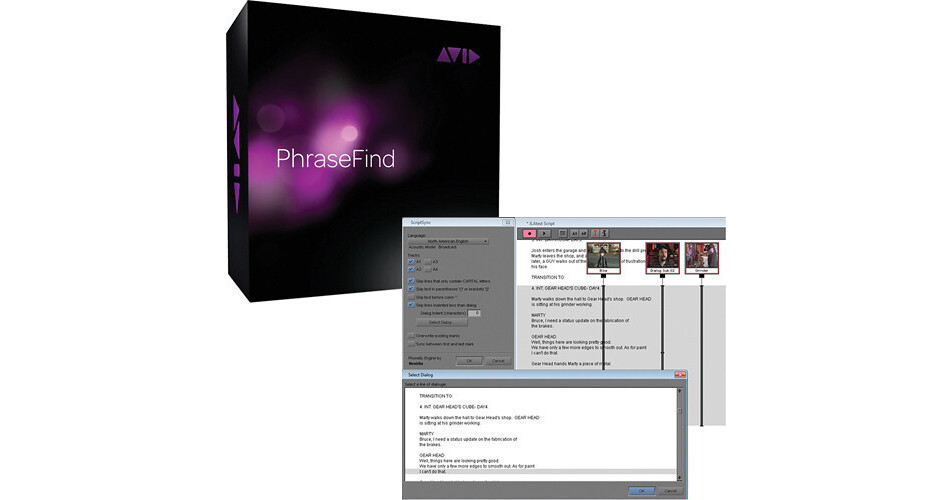
Avid's ScriptSync and PhraseFind Bundle provides an integrated solution for accelerating your editing process by combining the ScriptSync option for Avid Media Composer and PhraseFind Dialogue Search option for Avid Media Composer, Symphony, and NewsCutter.
ScriptSync provides an optimum solution for rapid editing of scripted and transcripted dialogues and other material. Acting as a catalyst for your edit, the ScriptSync option automatically synchronizes source clips with the script itself via phonetic indexing of text and dialogue.
Irrespective of where the clips exist, the ScriptSync Option for Media Composer 5.5 provides you access to all the dailies associated with a program. Search based on page number, scene number, word, or phrase allows you to easily locate the desired footage. You can quickly compare multiple lines to identify that perfect take that would be selected as final. Creation of a radio cut from a transcript is as easy as a simple copy / paste operation.
PhraseFind accelerates your editing process by providing a smarter dialogue search option. You can use PhraseFind with Avid's Media Composer, Symphony and NewsCutter editing software.
Faster and accurate location of the required clips is facilitated via automatic analysis of clips by PhraseFind's search engine that phonetically indexes all dialogues in your media. Owing to direct integration into your Avid software's Find tool, PhraseFind lets you easily find clips by simply typing a word or phrase.
All the search results are ranked based on their accuracy inside a virtual bin in your editing application providing you with a preview of the results. Advanced search capabilities allow you to search for clips in local as well as shared storage. You can use ScriptSync and the PhraseFind Dialogue Search Option on Windows and Mac operating systems.