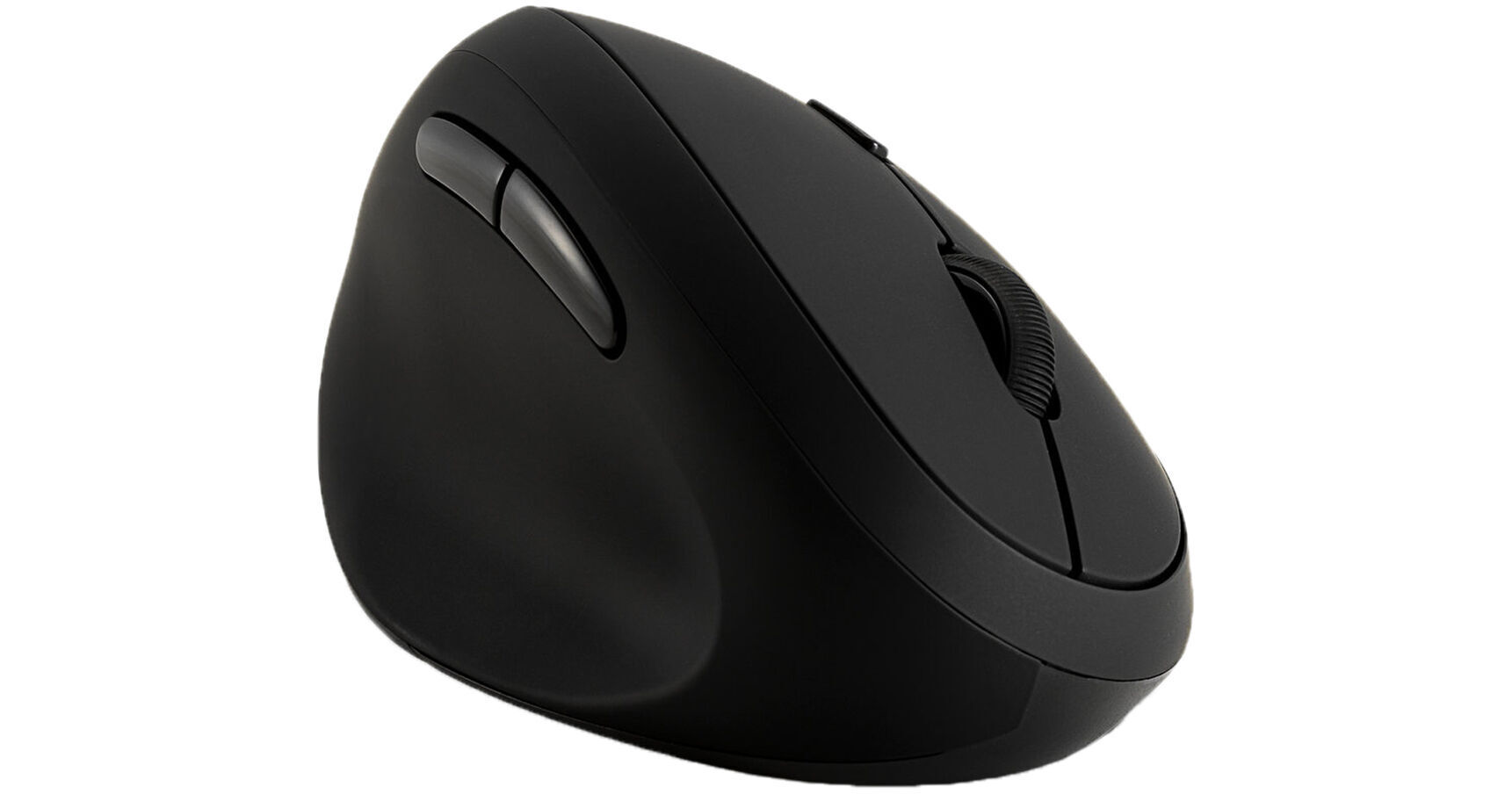
For left-handed people looking for a comfortable mouse, the Kensington Ergonomic Pro Fit Left-Handed Wireless Mouse may be the right one for you. It features a natural grip with a 41° tilt angle, providing a comfortable fit. It also has six buttons, allowing you to navigate your desktop with ease. There are three dpi settings, which are 800, 1200, and 1600, so you can adjust the sensitivity to fit your needs. The mouse is compatible with Windows, macOS, and ChromeOS. It is also Plug and Play, so you don't have to deal with drivers or downloads. However, if you want to customize your mouse settings more, you can download KensingtonWorks, a free software offered by Kensington. KensingtonWorks allows you to personalize your experience by assigning different functions to buttons as well as regulating cursor and scrolling speed. To connect the mouse, simply plug in the USB receiver. The mouse also has 128-bit AES encryption to provide wireless security.
Ask Our Experts800-606-6969
Hello, Log InAccount & Orders
Key Features
- 1600 dpi Sensor
- Natural Grip with 41° Tilt
- Six Buttons
- Left-Handed Design
For left-handed people looking for a comfortable mouse, the Kensington Ergonomic Pro Fit Left-Handed Wireless Mouse may be the right one for you. It features a natural grip with a 41° tilt angle, providing a comfortable fit. It also has six buttons, allowing you to navigate your desktop with ease. There are three dpi settings, which are 800, 1200, and 1600, so you can adjust the sensitivity to fit your needs. The mouse is compatible with Windows, macOS, and ChromeOS. It is also Plug and Play, so you don't have to deal with drivers or downloads. However, if you want to customize your mouse settings more, you can download KensingtonWorks, a free software offered by Kensington. KensingtonWorks allows you to personalize your experience by assigning different functions to buttons as well as regulating cursor and scrolling speed. To connect the mouse, simply plug in the USB receiver. The mouse also has 128-bit AES encryption to provide wireless security.
More DetailsUsed
B&H Warranty: Limited 1-Year B&H Warranty
In Stock
Protect Your Gear
Add a protection plan from $7.95
See Options
Kensington Ergonomic Left-Handed Overview
Features
Ergonomic design with a 41° tilt, made specifically for lefties
The "natural" grip positions the hand for comfort
With Plug-and-Play connectivity via USB, no drivers or downloads are required
The six buttons (forward, back, left, right, scroll/middle button, and dpi) enhance navigation and productivity
The three dpi settings (800, 1200, 1600) allow you to adjust the sensitivity and precision of your mouse cursor
128-bit AES encryption provides government-grade wireless security
With KensingtonWorks, a free downloadable software, personalize your experience and gain the ability to assign different functions (including shortcuts) to buttons and regulate cursor and scrolling speed
Cross-platform compatibility means this mouse will work with Windows, macOS, and ChromeOS
UPC: 085896798101
Kensington Ergonomic Left-Handed Specs
Key Specs
| Sensor Type | |
| Number of Buttons | |
| Mouse Hand Orientation | |
| Battery |
Mouse
| Sensor Type | |
| dpi | |
| Scroll Type | |
| Number of Buttons | |
| Mouse Hand Orientation | |
| LED Indicator |
Keyboard
| LED Illumination |
Connectivity
| Connection | |
| Full-Functionality OS Support |
Battery
| Battery |
General
| Color |
Kensington Ergonomic Left-Handed Reviews
See any errors on this page?