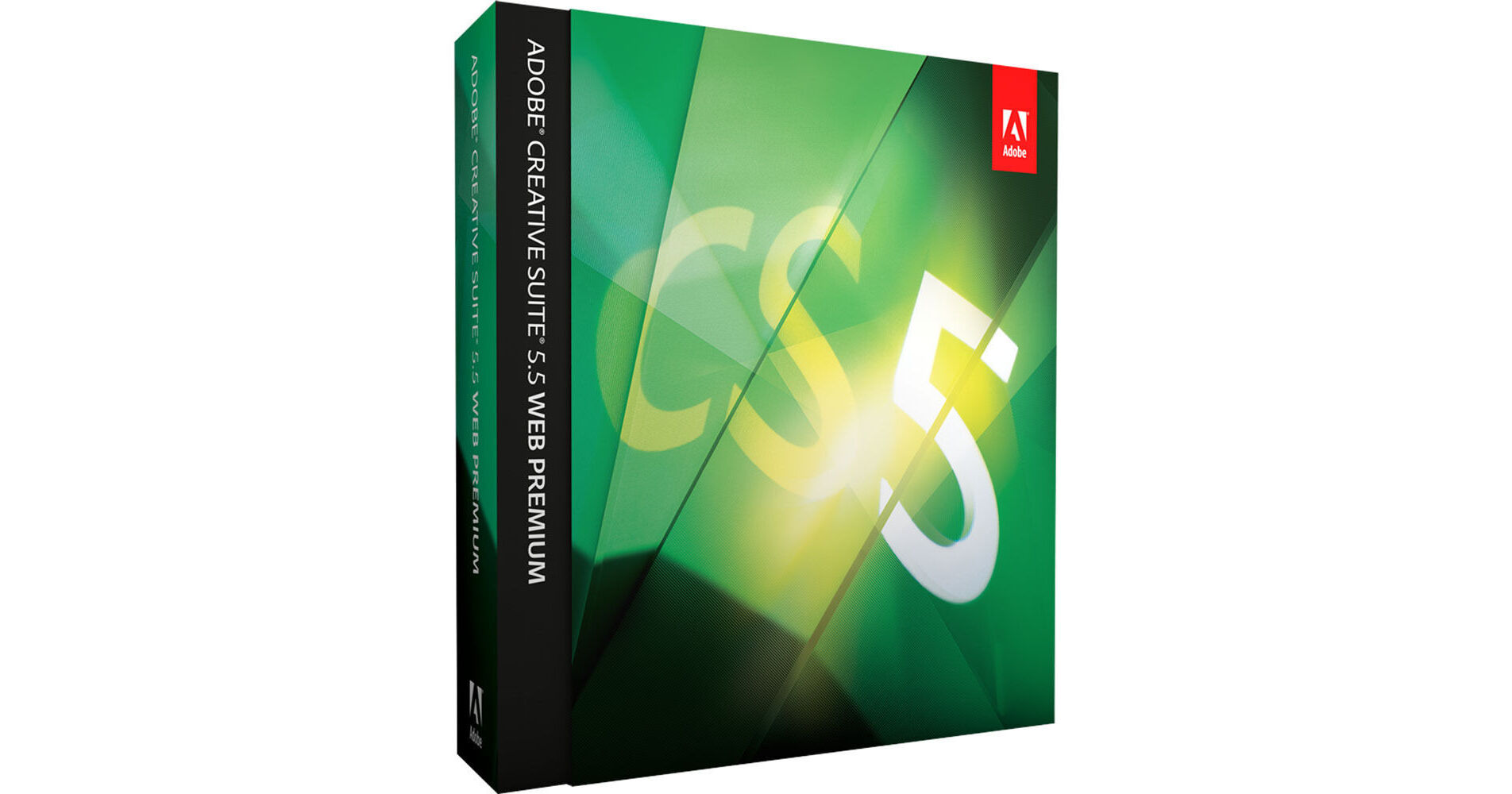
Adobe CS5.5 Web Premium Point Product Upgrade for Mac

BH #ADWPCS55MUPU • MFR #65118587
Print
Adobe CS5.5 Web Premium Point Product Upgrade for Mac
Similar model shown for illustrative purposes
Key Features
  • Dreamweaver CS5.5
  • Flash Catalyst CS5.5
  • Flash Professional CS5.5
  • Flash Builder 4.5 Premium Edition
The Adobe CS5.5 Web Premium Point Product Upgrade for Mac is a software upgrade to Creative Suite 5.5 Web Premium from one of the following individual point products: CS3, CS4, CS5 Photoshop Extended; CS2, CS3, CS4 or CS5 Photoshop or Illustrator; Macromedia Flash Professional 8, Macromedia Flash Basic 8; Flash CS3, CS4 or CS5.x Professional; Macromedia Dreamweaver 8, Dreamweaver CS3, CS4 or CS5.x; Acrobat 6, 7, 8 Professional; and Acrobat 9 or X Pro. CS5.5 Web Premium is a suite of applications that can be used to create web pages and applications with HTML5, jQuery Mobile, and CSS3 support. It will enable you to create interactive sites conforming to web standards, as well as those which offer immersive interactive experiences. Deploy web content to almost any platform, including desktops, smartphones, tablets, and televisions, via integrated Flash Platform tools.
More Details
No Longer Available
No Store Display
Ask an Expert
800-606-6969

Adobe Web Premium Overview

The Adobe CS5.5 Web Premium Point Product Upgrade for Mac is a software upgrade to Creative Suite 5.5 Web Premium from one of the following individual point products: CS3, CS4, CS5 Photoshop Extended; CS2, CS3, CS4 or CS5 Photoshop or Illustrator; Macromedia Flash Professional 8, Macromedia Flash Basic 8; Flash CS3, CS4 or CS5.x Professional; Macromedia Dreamweaver 8, Dreamweaver CS3, CS4 or CS5.x; Acrobat 6, 7, 8 Professional; and Acrobat 9 or X Pro. CS5.5 Web Premium is a suite of applications that can be used to create web pages and applications with HTML5, jQuery Mobile, and CSS3 support. It will enable you to create interactive sites conforming to web standards, as well as those which offer immersive interactive experiences. Deploy web content to almost any platform, including desktops, smartphones, tablets, and televisions, via integrated Flash Platform tools.

The suite includes Dreamweaver CS5.5, Flash Catalyst CS5.5, Flash Professional CS5.5, Flash Builder 4.5 Premium Edition, Photoshop CS5 Extended, Illustrator CS5, Acrobat X Pro, Fireworks CS5, Contribute CS5, Bridge CS5, Device Central CS5.5, and Media Encoder CS5.5.

Design with Industry-Leading Authoring Tools
Efficient Desktop and Mobile Workflows
Create websites and applications with efficiency for display on desktops, smartphones and tablets. Utilize the Multiscreen Preview panel, along with HTML5, CSS3, and jQuery Mobile framework starter templates in Adobe Dreamweaver CS5.5.
Robust jQuery Mobile Support
Develop rich content for devices with support for the jQuery Mobile framework in Dreamweaver CS5.5. Make full use of mobile templates, contextual code hinting, and the ability to speedily insert objects into a design.
Advanced Text Support
Create print-quality typography with the Text Layout Framework in Flash Professional CS5.5. You can work with columns and bidirectional text, and keep layout and formatting with greater fidelity when you import from other Adobe products.
CSS Inspection
Utilize Dreamweaver CS5.5 to visually display the CSS box model in detail without reading code or needing separate utilities. Maneuver your cursor over block-level elements in Live View to see their cascade and context, rather than using the Tag Selector.
Crisp Graphics for Web and Mobile Devices
Deliver sharp, clean, pixel-aligned raster artwork with better anti-aliasing features in Adobe Illustrator CS5. Say goodbye to fuzzy graphics, thanks to the ability to automatically align artwork to the pixel grid, and control the appearances of individual text objects.
Enhanced Code Snippets Handling
Enjoy over 20 new code snippets in Flash Professional CS5.5, including ones for creating mobile and AIR applications, use of the accelerometer and multitouch gestures. With the new pick whip, you can visually add interactivity with ease.
Full Designer-Developer Workflow
New bidirectional workflow enables designers who use Adobe Flash Catalyst CS5.5 to work in parallel with developers who use Adobe Flash Builder 4.5. Now, you can collaborate with confidence on shared Flex based projects!
Easy 3D Extrusions with Adobe Repoussé
Quickly produce stunning 3D artwork and apply rich material textures using Adobe Photoshop CS5 Extended. Take your designs even further by leveraging the Adobe 3D Forge engine for sophisticated 3D model editing.
Approachable Interaction Design
With Flash Catalyst CS5.5, create expressive interfaces and interactive content with writing code. Define behaviors and sophisticated interactions with simple menu-based commands.
XML-Based FLA Source Files
Manage and modify projects with source control systems and collaborate on files with greater ease in Flash Professional CS5.5. An XML-based nonbinary implementation of the FLA format enables projects and associated assets to function as items in a folder or directory.
Enhanced ActionScript Editors
Get greater development speed in Flash Professional CS5.5 via an improved ActionScript editor, including custom class code hinting and code completion. Utilize Flash Builder as your primary ActionScript editor for Flash Professional projects.
Integrated CMS Support
Get authoring and testing support for content management systems such as WordPress, Joomla!, and Drupal right in Dreamweaver CS5.5. Dynamically Related Files gives you direct access to a page's related files, and Live View Navigation provides accurate previews of dynamic applications.
Creative Suite Integration
Boost productivity and enhance workflows when you use Photoshop CS5 Extended, Illustrator CS5, and Flash Professional CS5.5. Leverage the FXG graphics file format and integration via Adobe Mini Bridge for digital asset management.
Enhanced Creative Freedom on the Go
Expand your creativity beyond the desktop! Use mobile devices such as your iPad with Adobe Ideas sketching software and extra companion apps as they become available for Photoshop CS5 Extended.

Please note: Photoshop CS5 Extended (version 12.0.4 or later) and wireless Internet connection required. Mobile / tablet applications require separate download and agreement to additional terms. Such applications may not be available in all countries or languages and may be subject to change / discontinuation without notice. Additional fees or subscription charges may apply.
Adobe Business Catalyst Integration
Take your sites live using Adobe Business Catalyst, the all-in-one hosting platform that operates hand in hand with Dreamweaver. Develop everything from stunning websites to powerful online stores, without the need for back-end coding.
Develop Apps for Virtually Any Mobile Device
Expanded Platform and Device Support
Using Flash Professional, create content that's optimized for delivery to multiple screens, and reach audiences on the most up-to-date (as of Nov 2011) Flash Player and Adobe AIR runtimes, as well as on Android, BlackBerry, iOS, webOS and Adobe Digital Home devices.
Website and Mobile Application Development
Construct standalone applications targeted at multiple platforms with the new mobile support for ActionScript projects and Flex projects in Adobe Flash Builder 4.5 Premium Edition. Leverage mobile-ready components that are optimized for performance and touch input.
Support for Flash Player 10.2
Target a greater set of devices with Adobe Device Central CS5.5, including those supporting the latest (as of Nov 2011) version of Adobe Flash Player, optimized for mobile devices.
Native Android and iOS Apps with PhoneGap
Develop and package native apps for Android and iOS via the new PhoneGap functionality. Convert existing HTML to a mobile phone application within Dreamweaver with the open source PhoneGap framework.
Mobile Apps for Android, iOS, and BlackBerry Tablet OS
Enjoy new support for mobile application development and testing, allowing the use of a common codebase to build apps for Android, iOS, and BlackBerry Tablet OS, while sharing code from web applications.
Ensure Design Integrity Across the Web
Integration with Adobe BrowserLab
Ensure design integrity across browsers and screens with Adobe BrowserLab, part of Adobe CS Live online services. Highlight layout differences and active links with ease, and integrate with the Firebug Firefox extension.

Please note: CS Live online services are complimentary until April 12, 2012. Adobe online services, including Adobe CS Live Services, are available only to users 13 and older and require agreement to additional terms and Adobe's online privacy policy. Online services not available in all countries or languages, may require user registration and may be subject to change / discontinuation without notice. Additional fees or subscription charges may apply.
HTML5 Emulation and Debugging
Utilize Adobe Device Central CS5.5 to imitate HTML5 content on supported devices, and make full use of the latest (as of Nov 2011) version of Webkit to profile media queries, video, canvas and SVG. Enable or disable JavaScript and enjoy real-size previews.
Multiscreen Preview Panel
See website designs as they would appear across screens of different sizes and resolutions within one easy-to-use panel within Adobe Dreamweaver CS5.5. Handle custom media queries and manage multiple CSS files with efficiency.
Efficiently Develop Cutting-Edge Rich Internet Applications
Support for Leading Mobile Platforms
Develop with a common codebase in Flash Builder 4.5 Premium Edition to build and test web applications for Android, BlackBerry and iOS with greater efficiency. Enjoy new support for mobile application development!
More Productivity, More Power
Speed up coding and testing of Flex and ActionScript projects via an extensive set of new and improved tooling features in Flash Builder 4.5 Premium Edition.

Adobe Web Premium Specs

System Requirements
Computer: Multicore Intel Mac
Operating System: Mac OS X 10.5.8, 10.6; 10.6 required for Adobe Flash Builder 4.5 Premium and Flash Builder integration with Flash Catalyst and Flash Professional
Memory: 1.0 GB or more RAM recommended
Hard Drive: 11.2 GB (Additional free space required during installation; Cannot install on a volume that uses a case-sensitive file system or on removable flash storage devices)
Display: 1280 x 800 (1280 x 1024 recommended) with qualified hardware-accelerated OpenGL graphics card, 16-bit color, and 256 MB of VRAM; Some GPU-accelerated features require graphics support for Shader Model 3.0 and OpenGL 2.0
Hardware: DVD-ROM Drive compatible with dual-layer DVDs; Broadband Internet connection required for online services
Software: Java Runtime Environment 1.6; Eclipse 3.6 Cocoa version required for plug-in installation; QuickTime 7.6.2 software required for multimedia features; Adobe Flash Player 10 software required to export SWF files

Adobe Web Premium Reviews

See any errors on this page?
Whatever You Need, We've Got It