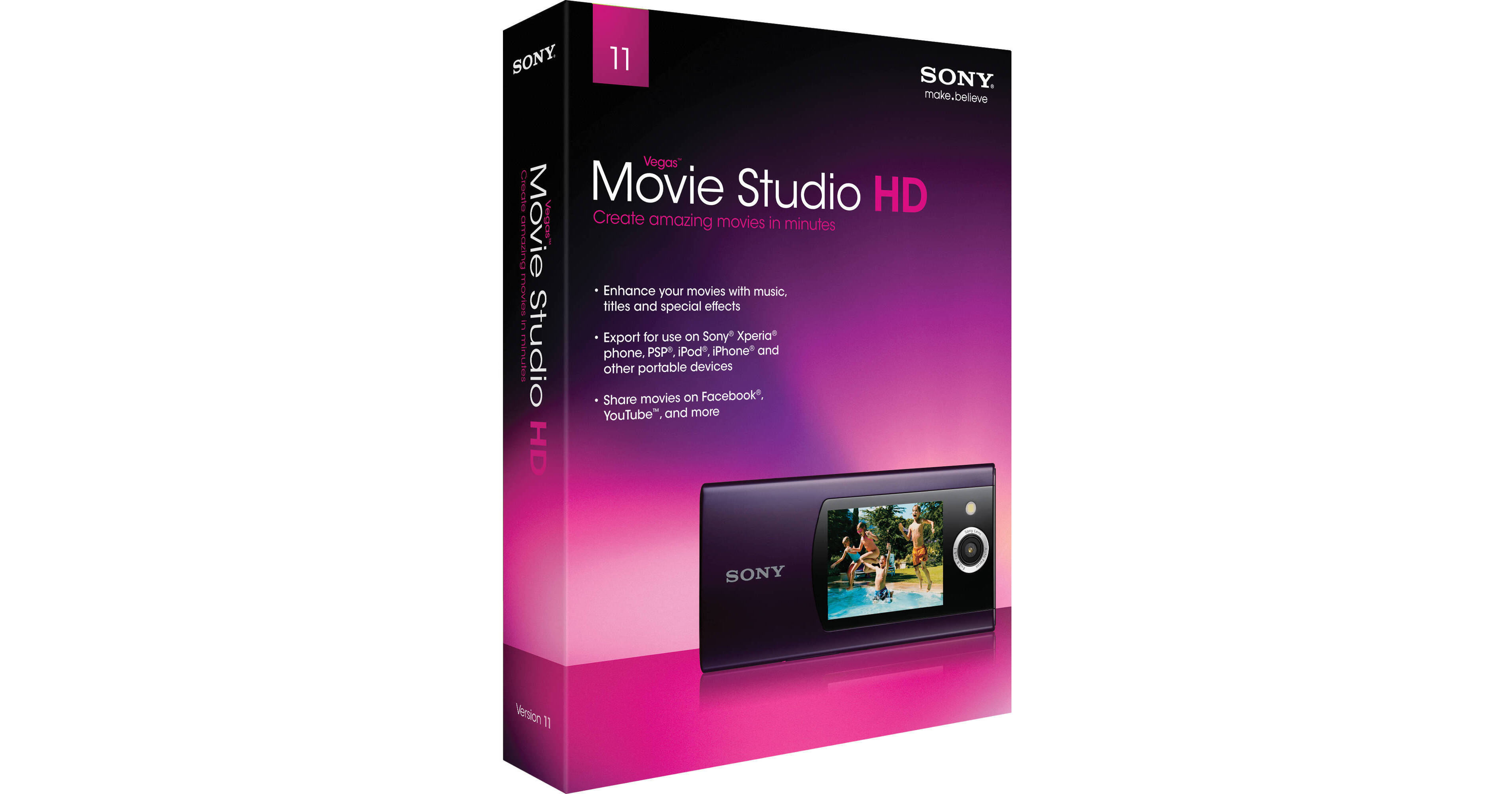
Vegas Movie Studio HD 11 from Sony puts professional video editing power in your hands, but perhaps more importantly, its actively helpful user interface will have you cutting, adding effects, and publishing finished movies in no time. The software is drag-and-drop simple, but powerful enough to edit HD video and preview any of the hundreds of included effects & transitions in real time.
Useful effects include red-eye removal, image stabilization for shaky footage, and cropping & panning across still images for a "Ken Burns effect." Movie Studio HD 11 even makes it easy to execute tasks that are usually considered professional-level, such as AV synch repair, title animation, multichannel (5.1) audio editing, and greenscreen removal. It can handle any of the file types you're likely to want to edit – DV, AVCHD, HDV, video from DSLR cameras – and edits a variety of different frame rates (even 24p, 50p & 60p).
Once you've cut your movie and added effects, music & a voiceover, Vegas Movie Studio HD 11 makes it easy to optimize your finished video for any playback device, such as iPod, PSPs, DVD players, and for social-networking sites like Facebook. Or upload directly to YouTube from within the software.
Use Vegas Movie Studio HD software to add special effects, transitions, titles, and music to your video and slideshows. Zoom, rotate, and pan across photos to animate still images in your movies. You can use the software to commemorate special events such as weddings and anniversaries, or create exciting, professional-looking business presentations