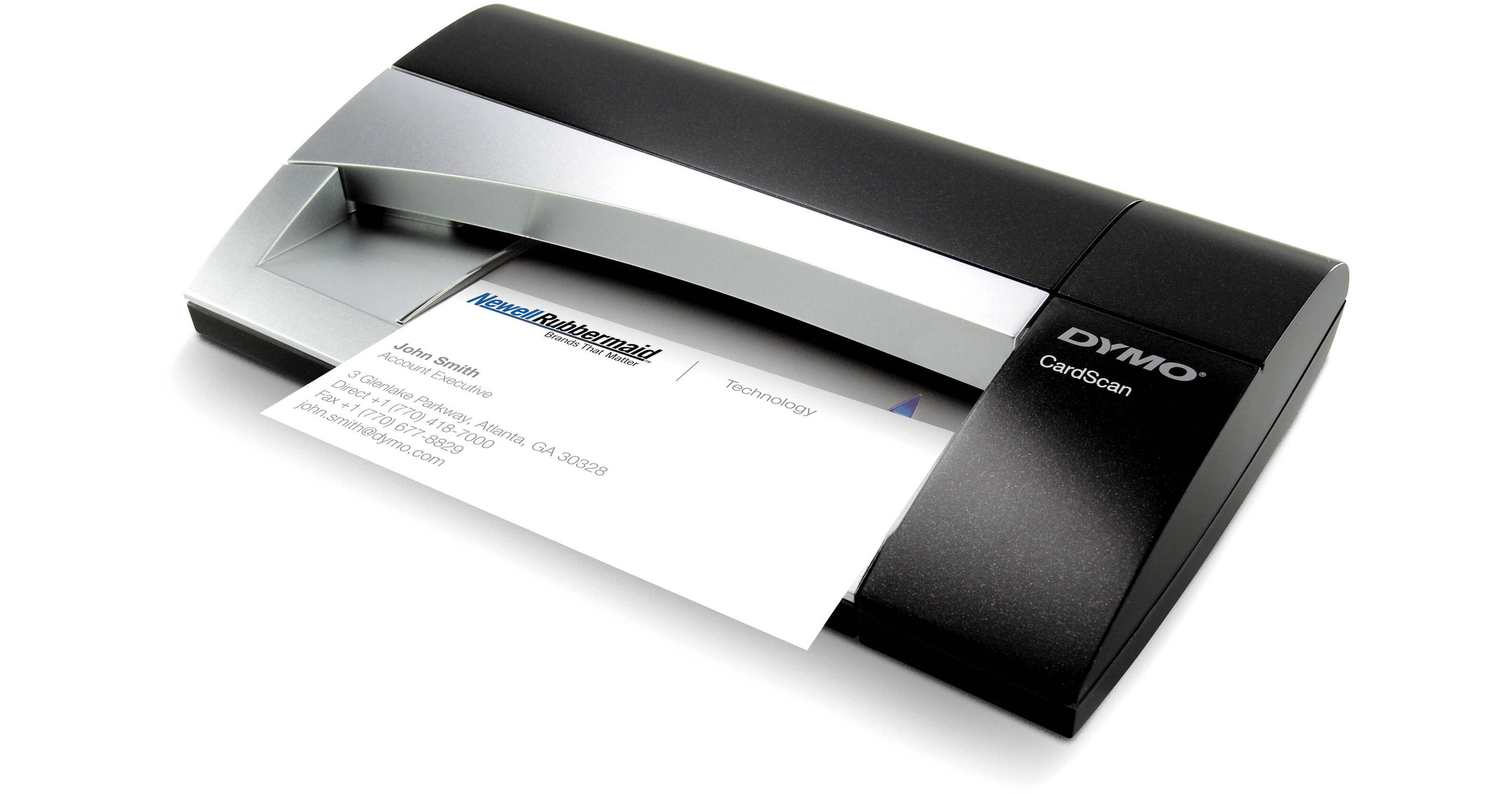
The CardScan Executive Scanner conveniently scans contact data from any business card and saves it to your computer and when used with Outlook, the included software enables you to import the data in one easy step. Additionally, the included software lets you edit, sort, search, and categorize your contacts as well as remove duplicates. In addition to scanning directly into Outlook, the scanner can save the contact information in formats compatible with Palm, Windows Mobile, Act, Lotus Notes or Mac Address Book.
Includes fast and accurate color-capable business card scanner and new CardScan v9 contact management software
Scan contact data directly from business cards, or drag and drop contact data from emails, Web pages, documents
Microsoft Outlook Add-in - scan business cards directly into your Outlook Contacts file
New Address Fixer functionality - verify and correct US addresses and ZIP + 4 codes
Note:
Windows only; requires Internet connection
New Save As feature - save any CardScan file in .csv (spreadsheet) or .vcf (VCard) format
New Improved user interface - edit, sort, search, categorize and de-duplicate contacts faster and easier than ever
Generate a map of any contact's address with one click
Print labels for contacts with one click
Note:
Requires Dymo LabelWriter 400 or 450 label printer, sold separately
Sync seamlessly with Outlook, Palm, Windows Mobile, Act! Standard and Premium for Workgroups, and Lotus Notes (Windows) or Mac Address Book (Mac)