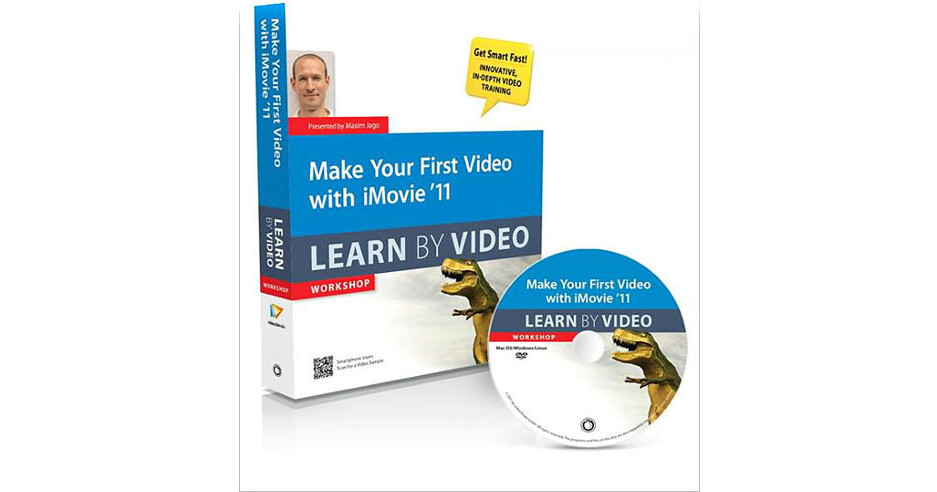
Make Your First Video with iMovie 11: Learn by Video DVD from Peachpit Press by Pearson Education is part of the Learn by Video series, a Video2brain course. It features an interactive video teaching everything a beginner needs to know to create polished-looking videos with iMovie 11. It teaches you from importing and organizing video files to using special effects like Green Screen, which lets you superimpose video footage of a person onto any background you want. Users will learn how to adjust the color of video clips, stabilize shakiness, and use Themes--which give a project special transitions, titles, and graphics. A major component, is learning to build a movie. By assembling and editing clips and users will learn various ways to share their finished movie, such as creating a DVD and sharing online.
The lesson files, assessment quizzes, review materials, and the interface design of the video, allows the viewer to jump to various topics and repeat sections as necessary. The unique watch-and-work feature allows the viewer to watch the video in a small window while working alongside it. Project files used in the lessons are included on the disc so viewers can practice what they've learned, and interactive review questions help reinforce freshly gained knowledge.
A printed booklet is included with supplemental material for an enhanced experience.