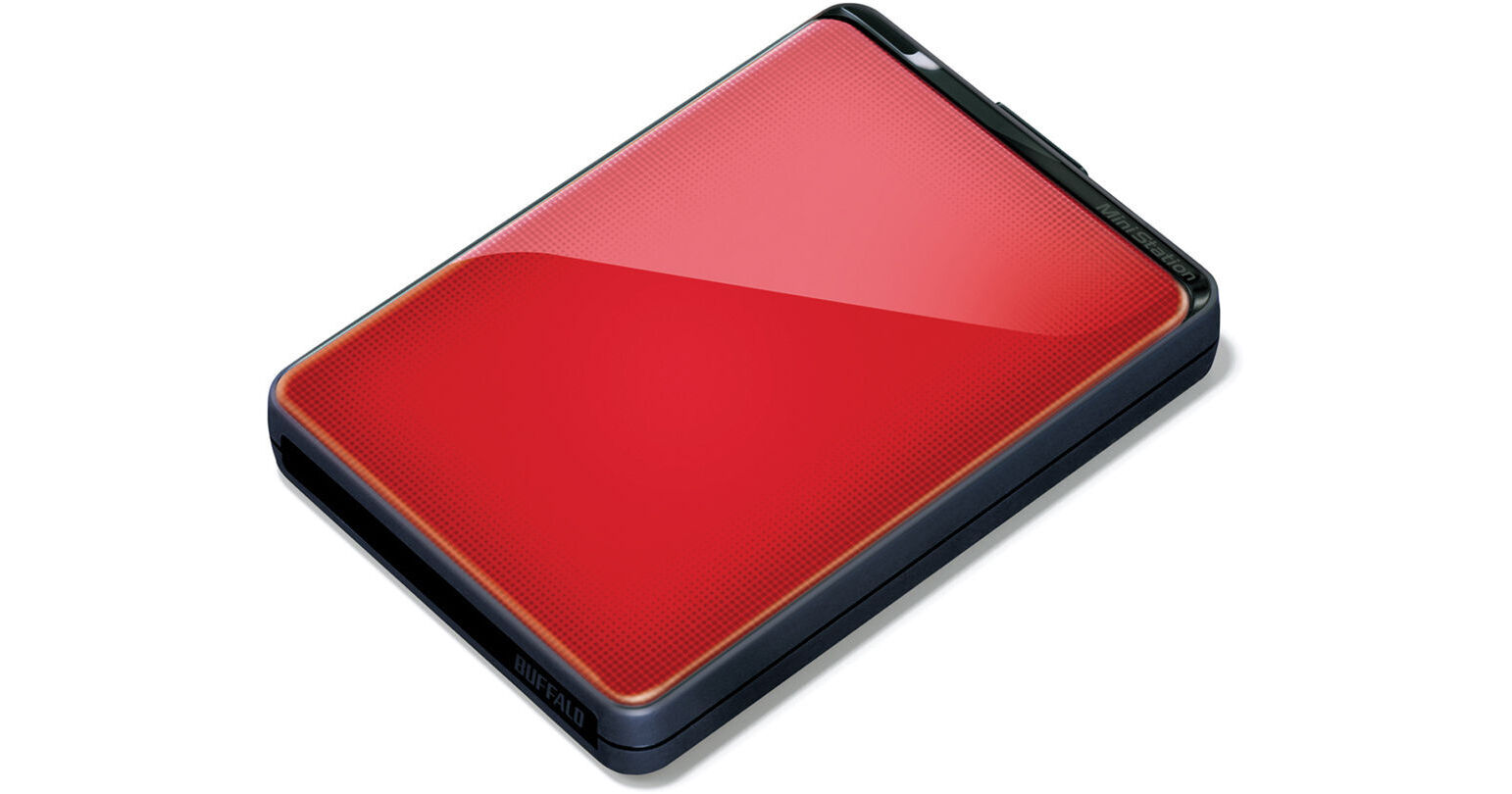
Buffalo 1TB MiniStation Plus Portable USB 3.1 Gen 1 Hard Drive (Red)

BH #BUHDPNT103RQ • MFR #HD-PNT1.0U3R
Print
Buffalo 1TB MiniStation Plus Portable USB 3.1 Gen 1 Hard Drive (Red)
Key Features
  • Super Fast USB 3.0 Interface
  • Data Transfer Speeds of Up to 5Gbps
  • Bus-Powered
  • Backwards Compatible with USB 2.0
The 1TB MiniStation Plus Portable USB 3.0 Hard Drive (Red) from Buffalo is a stellar portable hard drive that gives you ample storage and a variety of advanced features. The drive can hold up to 1TB of storage and features the USB 3.0 interface for connecting to your computer. With USB 3.0, the drive can access and transfer data at speeds of up to 5Gbps.* That USB 3.0 port is backwards compatible with USB 2.0 as well. Whether you are using USB 3.0 or 2.0, the drive is also powered by the USB interface, so you don't have to worry about lugging around a power adapter.
More Details
No Longer Available
No Store Display
Ask an Expert
866-842-7675

Buffalo Plus Overview

The 1TB MiniStation Plus Portable USB 3.0 Hard Drive (Red) from Buffalo is a stellar portable hard drive that gives you ample storage and a variety of advanced features. The drive can hold up to 1TB of storage and features the USB 3.0 interface for connecting to your computer. With USB 3.0, the drive can access and transfer data at speeds of up to 5Gbps.* That USB 3.0 port is backwards compatible with USB 2.0 as well. Whether you are using USB 3.0 or 2.0, the drive is also powered by the USB interface, so you don't have to worry about lugging around a power adapter.

Beyond capacity and transfer speed, the drive also features AES 256-bit encryption, password protection, a shock-absorbing chassis, as well as the Buffalo Tools software suite.** While the drive is formatted for use with Windows computers, you can also use it with Macs and Apple's Time Machine. All told, this external hard drive is a super-portable, feature-packed storage solution worth every penny.

Note:
*That interface is not supported by Mac computers
**Only compatible with Windows systems
Compact and Lightweight
Super-slim, lightweight chassis saves space for ultimate portability with a stylish, sophisticated design
USB Powered
Perfect companion for your laptop or netbook - no external power supply needed
Shock Absorbing Chassis
Shock protection elements help protect the hard drive from accidental bumps and drops
SuperSpeed USB 3.0 with TurboPC
Enhance the overall performance of your PC and increase file transfer rates up to 3X over USB 2.0 hard drives
Native USB 3.0 and USB 2.0 Compatible
Support for legacy USB 2.0 and SuperSpeed 3.0
Connect and Go
Preformatted hard drive is ready for immediate use with Windows
Hardware Disk Encryption
Optional 256-bit AES Full Disk Encryption (FDE) protects your data from unauthorized access
Time Machine Compatibility
Works perfectly with Time Machine to back up your Mac computer
2-Year Limited Warranty
Buffalo Tools Software Suite for Your Windows PC
Buffalo's Backup Utility
Easy-to-use and fully featured, Buffalo's Backup software for Windows PCs is simple to set up yet highly configurable for custom settings. Buffalo Backup protects your important files and documents by backing up to your Buffalo external hard drive. Buffalo Backup can be used to back up one or multiple computers with a single Buffalo external hard drive, and it includes a comprehensive restore function which makes restoring from backups extremely easy
ECO Manager
ECO Manager is an environmentally friendly energy efficiency tool designed to conserve energy by regulating the power usage of your Buffalo external hard drive at predetermined times. It can be configured to put a hard drive to sleep after a specified period of drive inactivity, increasing the hard drive's life while reducing energy usage, including laptop battery consumption
RAMDISK
RAMDISK is a simple utility that allows you to create a RAM disk on your Windows PC. The RAM in a PC is considerably faster than its hard drive, and by using spare PC RAM to create a RAM disk, you can give your computer a small but extremely fast environment to work on files in. When you have finished working on files from the RAM disk, simply save them to your PC's hard drive or an external hard drive for long-term retention. RAMDISK can be configured to automatically save the contents of the RAM disk to a hard drive during a Windows shutdown
SecureLock
SecureLock software provides complete control of the data encryption on your Buffalo external hard drive. SecureLock is used to set passwords and prompt users for access to encrypted data on DriveStation and MiniStation hardware based encryption models. On Buffalo hard drive models without hardware based encryption, SecureLock can be used to create a software encrypted environment for your data, protecting it from unauthorized access. SecureLock is your one-stop solution for data protection
TurboPC Utility for Windows Users
TurboPC includes two components to enhance file transfer performance with external hard drives. Utilizing the high speed RAM of your PC, TurboPC can increase file transfers by up to 2x over standard external hard drive connections, including USB 2.0 and USB 3.0. TurboPC also includes TurboCopy which provides additional system adjustments to increase performance substantially

Buffalo Plus Specs

Buffalo Plus Reviews

See any errors on this page?
Whatever You Need, We've Got It