Ask Our Experts800-606-6969
Hello, Log InAccount & Orders
Key Features
- Total of Five Tools for Enhancements
- Brush-in Effects for Added Precision
- Round & Square Gradient Effects
- Library of Nearly 100 Different Effects
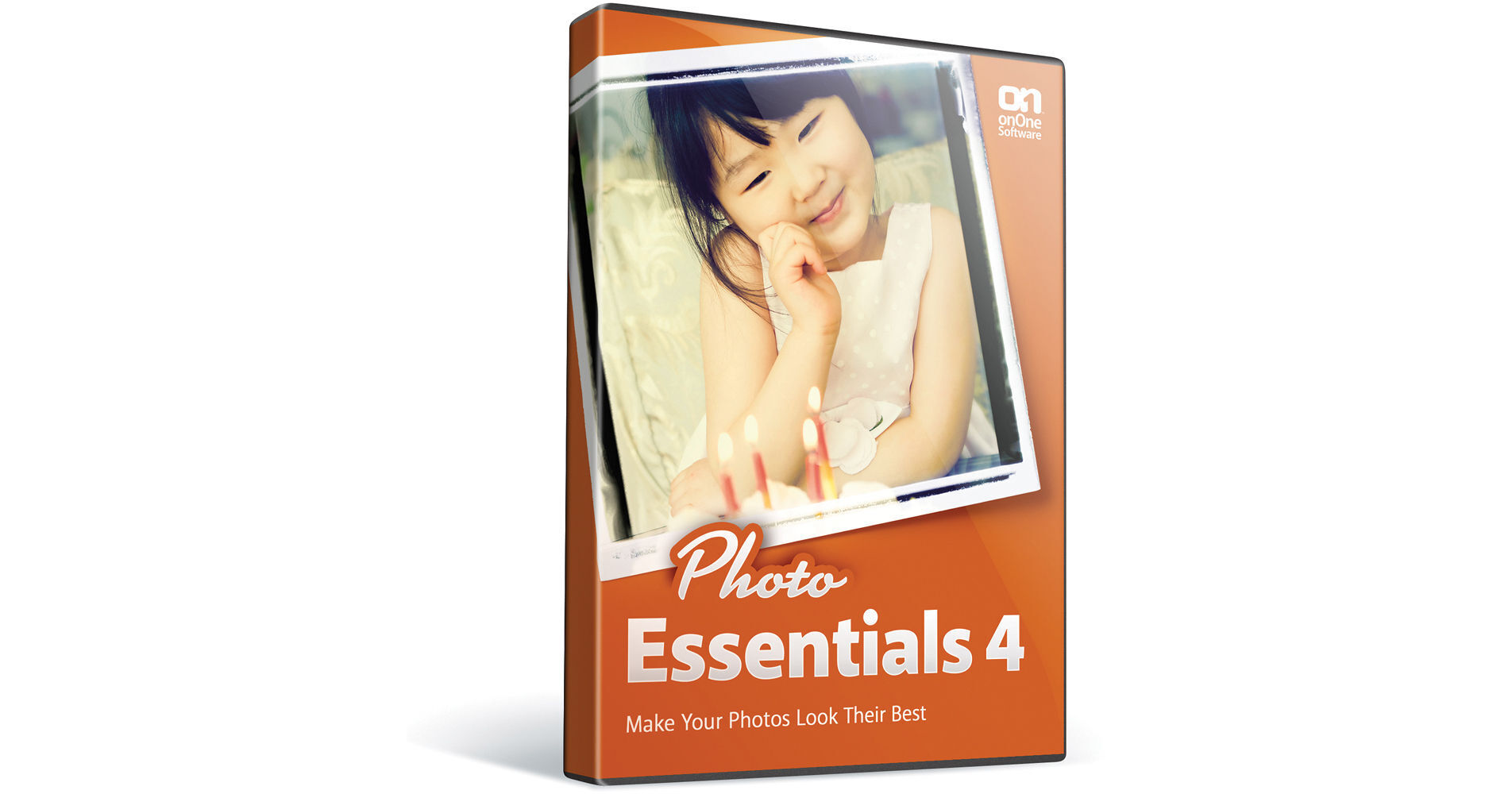
Photo Essentials 4 from onOne Software is an exceptional program that brings together five tools designed to maximize your experience within Adobe Photoshop Elements. Each of these tools features enhancements not found in Photo Essentials 3.
With Photo Essentials 4, the five tools you receive are Make It Better, Cut It Out, Make It Cool, Frame It, and Enlarge It. Make It Better provides you with quick brightness, color, and contrast correction. It also provides side-by-side before/after previews of the image that you are tweaking. Cut It Out allows you to remove unwanted backgrounds easily, painlessly, and seamlessly. It lets you paint away parts of a background so that small details like hair or or the mesh from a wedding veil remain. Make It Cool provides a library of nearly 100 effects for putting a spin on your photos. That library includes vintage looks, classic film looks, camera filters effects, certain darkroom techniques, like sepia toning, and more. Plus, you can stack multiple effects on top of each other. As a means to "finish" your photos, Frame It lets you add realistic film and darkroom edges and border effects to your images. You can also add artistic borders as well. Finally, Enlarge It lets you resize your images up to four times and still maintain sharp edges and small details. You can also choose from over sixty built-in document size presets for cropping in one simple step. While you can print in these document sizes, you can also notably create poster-sized prints and gallery-prints. Photo Essentials 4 operates as a plug-in within Adobe Photoshop Elements 8, 9, and 10.
More DetailsWith Photo Essentials 4, the five tools you receive are Make It Better, Cut It Out, Make It Cool, Frame It, and Enlarge It. Make It Better provides you with quick brightness, color, and contrast correction. It also provides side-by-side before/after previews of the image that you are tweaking. Cut It Out allows you to remove unwanted backgrounds easily, painlessly, and seamlessly. It lets you paint away parts of a background so that small details like hair or or the mesh from a wedding veil remain. Make It Cool provides a library of nearly 100 effects for putting a spin on your photos. That library includes vintage looks, classic film looks, camera filters effects, certain darkroom techniques, like sepia toning, and more. Plus, you can stack multiple effects on top of each other. As a means to "finish" your photos, Frame It lets you add realistic film and darkroom edges and border effects to your images. You can also add artistic borders as well. Finally, Enlarge It lets you resize your images up to four times and still maintain sharp edges and small details. You can also choose from over sixty built-in document size presets for cropping in one simple step. While you can print in these document sizes, you can also notably create poster-sized prints and gallery-prints. Photo Essentials 4 operates as a plug-in within Adobe Photoshop Elements 8, 9, and 10.
No Longer Available
See any errors on this page?