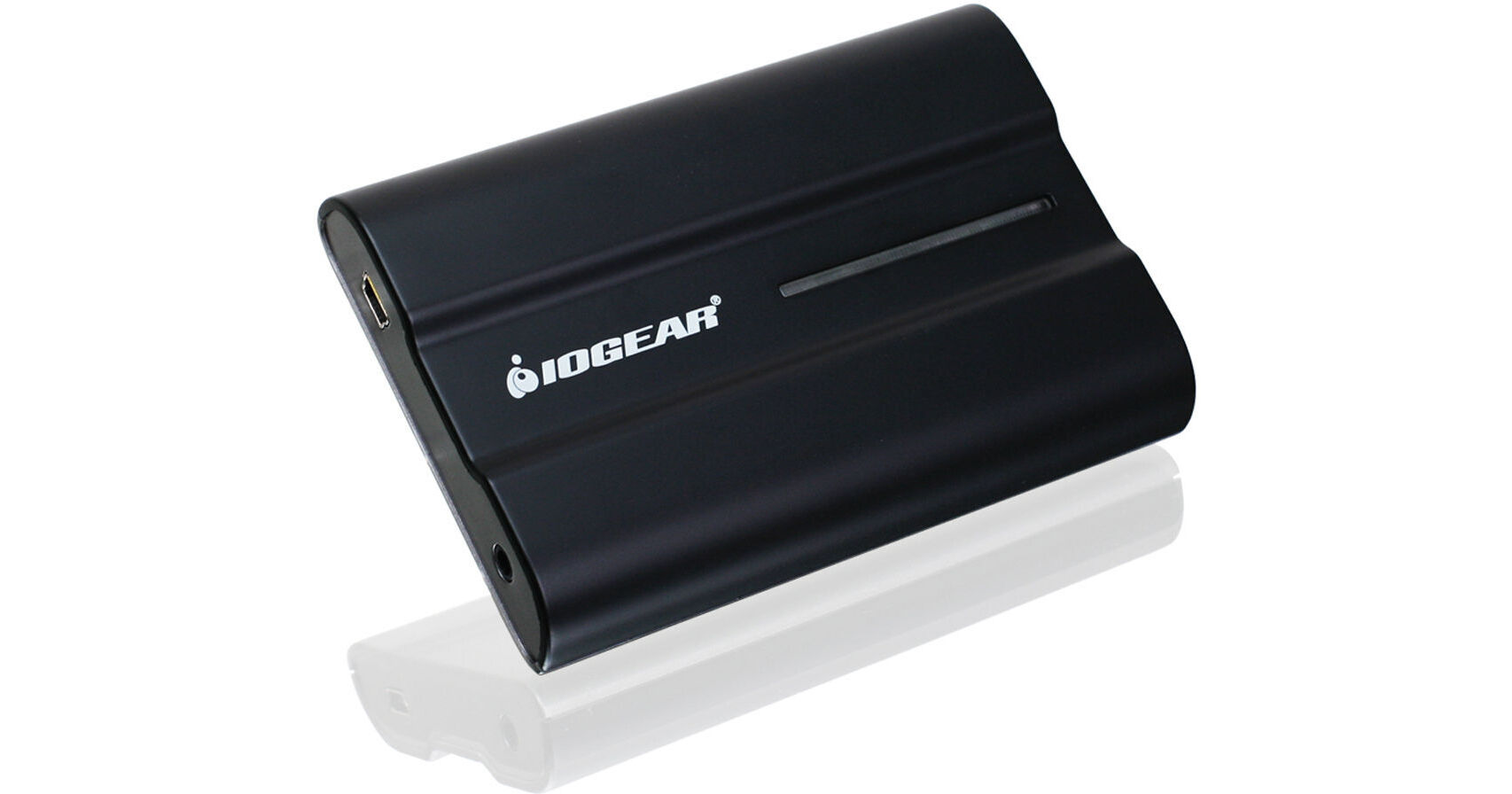
The USB External HD A/V Adapter Multi-Language Version from Iogear enables you to connect a high resolution HD display through the USB 2.0 port on your computer. The USB External HD A/V Adapter is powered through the USB cable, so no additional power supply is required. By using USB there is no need to open the computer case. Adding a second video card to a desktop or laptop can be complicated and impossible in some cases. With the HD display adapter simply install the driver, plug the adapter into the USB 2.0 port and you're ready to go.
Office Use
View large spreadsheets across two screens with display continuityMultitask more effectively without overlapping windowsOpen attachments on one screen while reading an email on the other
Graphic Use
Use second display for pallets & tools
Data Entry Use
Type documents on one screen while viewing reference material on the other
Wall Street
Use a notebook for viewing multiple screensView charts and live data at the same time
General
Easily connect additional HDMI monitors using a USB 2.0 cableEnjoy resolutions of up to 1600 x 1200 / 1920 x 1080 in 32-bit colorSupport both video and audio signals*No need to open cases (Great for laptops or leasing computers)
Note:
*Use more than one USB to HD adapter; users can only select one of the display devices for sound output