Ask Our Experts800-606-6969
Hello, Log InAccount & Orders
Key Features
- IEEE 802.11g Standard
- Up To 54 Mbps Data Transfer Speeds
- Power Over Ethernet Up To 100 Feet
- Wi-Fi Protected Setup Compatible: QSS
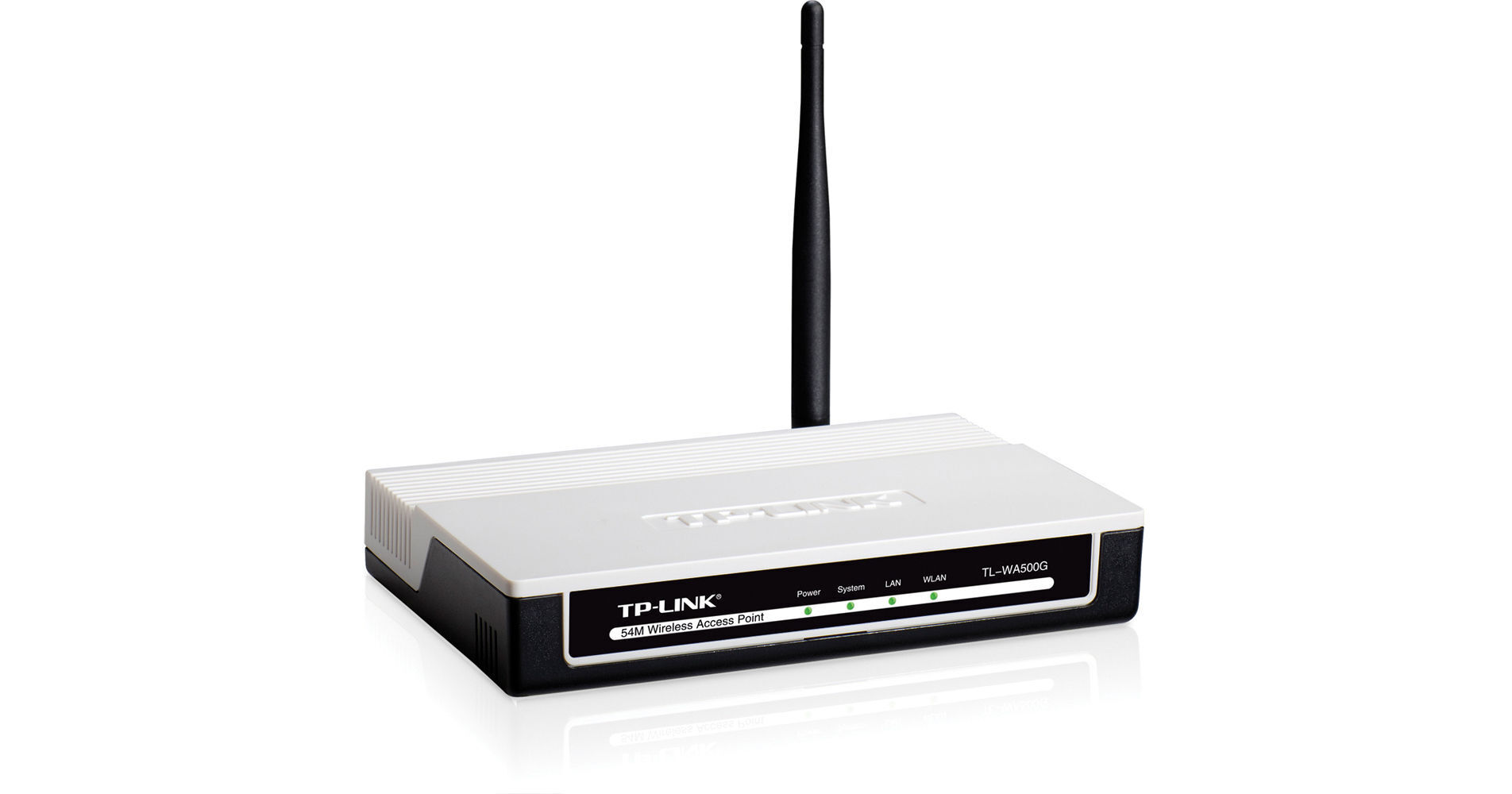
The TL-WA500G eXtended Range 54 Mbps Wireless Access Point by TP-Link is designed especially for small and home office networks. It can be used to connect multiple Ethernet-enabled devices like notebook and desktop computers, game consoles, digital media adapters, printers or storage devices to a wireless network. Also, the built-in eXtended Range technology boosts transmission range up to four times traditional 11g/b solutions. As if that wasn't enough, the TL-WA500G offers a detachable 4dBi external antenna which is interchangeable with higher gain antennas for even further enhanced wireless range.
Access Point, AP Client, Universal / WDS Repeater, Bridge and Multi-bridge modes are all supported. This enables various wireless applications to provide a more dynamic and comprehensive experience when using their AP. Multiple operating modes are also a great help when building wireless networks in hard-to-reach areas or eliminating wireless dead zones.
TL-WA500G offers WPA / WPA2 encryptions (both Personal and Enterprise) created by the Wi-Fi Alliance industry group, promoting WLAN interpretability and security.
The TL-WA500G comes equipped with Quick Secure Setup (QSS) enabling you to nearly instantaneously set up your security--just by pressing the "QSS" button. Automatically establish a WPA2 secure connection, which has been shown to be more secure than WEP encryptions. Not only is this a faster than normal security setup, it's far more convenient in that there's no need to remember a password.
The TL-WA500G is capable of being powered by Ethernet cable to simultaneously send data and electricity to wherever your AP is located--even up to 98.4' (30 m) away. This feature enables you to place the AP in the position most conducive to receiving the best signal, such as on the wall or ceiling of your office.
More DetailsNo Longer Available
See any errors on this page?