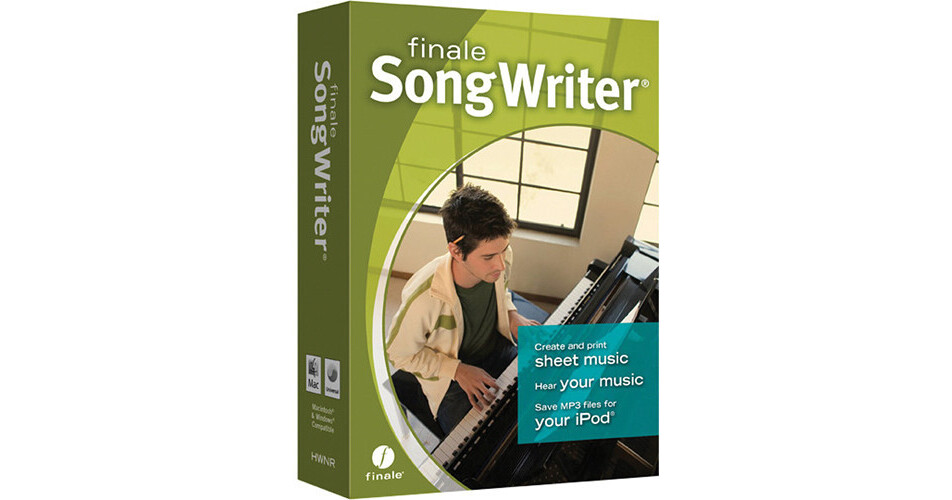
SongWriter 2012 from MakeMusic is an entry level notation program that still has a lot to offer in terms of professional looking output. The maximum number of staves is capped at eight, so a Wagnerian type score won't fit. But for band arrangements, small orchestral pieces and the like, the program has much to offer.
A setup wizard helps in defining the instrumentation and from there notes can be entered real-time via a MIDI keyboard (a MIDI interface is required on the computer), via the computer keyboard or by clicking the mouse. Collaboration with other partners is a breeze with the software being able to open files made by the entire family of Finale software, as well as import MIDI and MusicXML files created by hundreds of other products.
Using the Human Playback feature along with the software instruments, the composer or arranger can immediately hear the finished product, and edit to taste. Harmonization and a Drum Groove feature add usefulness to the program. An integrated mixer allows for shaping the sonic space surrounding the music with control over reverb, panning, balance, and more.
Sharing projects is easy due to the large format support of the program that includes both audio and printed export. Students can be guided with the included music education worksheets. And if at any point there are questions, SongWriter includes QuickStart Videos and other resources, right in the Launch Window.
- When you notate your music by hand, changing the key or adding an intro means starting over - when your music is in SongWriter it's easy to change keys, add measures, and move things around any way your creative impulses move you
- You can listen to the results before the rehearsal - when you can hear what you've written you can quickly refine your music to sound exactly the way you want
- SongWriter does the heavy lifting, like managing how each staff plays back and transposes, so you don't have to - simply select the instruments you wish to write for and get started
- Should you ever have a question, SongWriter includes QuickStart Videos and other resources, right in the Launch Window
- When inspiration strikes, you want to notate it quickly - simply play your MIDI keyboard and music automatically appears in SongWriter
- Enter notes with your computer keyboard or mouse
- SongWriter can help when work with collaborators even if your partners use different software - SongWriter can open files made by the entire family of Finale software as well as import MIDI and MusicXML files created by hundreds of other products
- Hear your notes as you enter them, and then press play to hear how they interact - the instant feedback empowers you to quickly shape the music of your imagination
- Human Playback and high-quality software instrument sounds make it possible to hear your music played with the nuance and expression of human performers
- SongWriter offers composers and arrangers idea-generating tools to save time and suggest creative options when you need help harmonizing your melody, or figuring out the correct percussion notes
- Band-in-a-Box Auto-Harmonizing can automatically turn your melody into two- or three-voice harmony
- Use Drum Groove to easily add custom drum parts in a variety of styles
- An integrated mixer lets you further shape the sonic space where your music lives - you control reverb, panning, balance, and more
- When your music looks professional, it's easier to read - with engraver quality music you get better performances
- You can add lyrics, chord symbols, repeats, codas, and a wide variety of musical markings
- Writing for guitar doesn't end with chord symbols - you can also choose to display crisp fretboard diagrams
- Creating tablature for guitar or bass is simple and easy
- When you enter a note on a percussion staff, SongWriter provides on-screen feedback indicating whether you're about to enter a snare, bass drum, or other percussion instrument - and displays the appropriate notehead
- Not only can you put all these items on your page, you have control of your page, too
- Want to move a measure from this system to the next? It's as easy as hitting the Down arrow key
- Share audio files, sheet music, electronic files - whatever works best
- Print beautiful sheet music
- Create iPod-ready MP3, WAV, or AIFF audio files
- Guide students with music education worksheets (included) or your own creations
- Exchange music with users of other Finale family software, including the free NotePad
- Send MIDI files (and more powerful MusicXML files) to users of other software programs
- Post your music at the Finale Showcase, MakeMusic's free site where people can see, play, and print your music