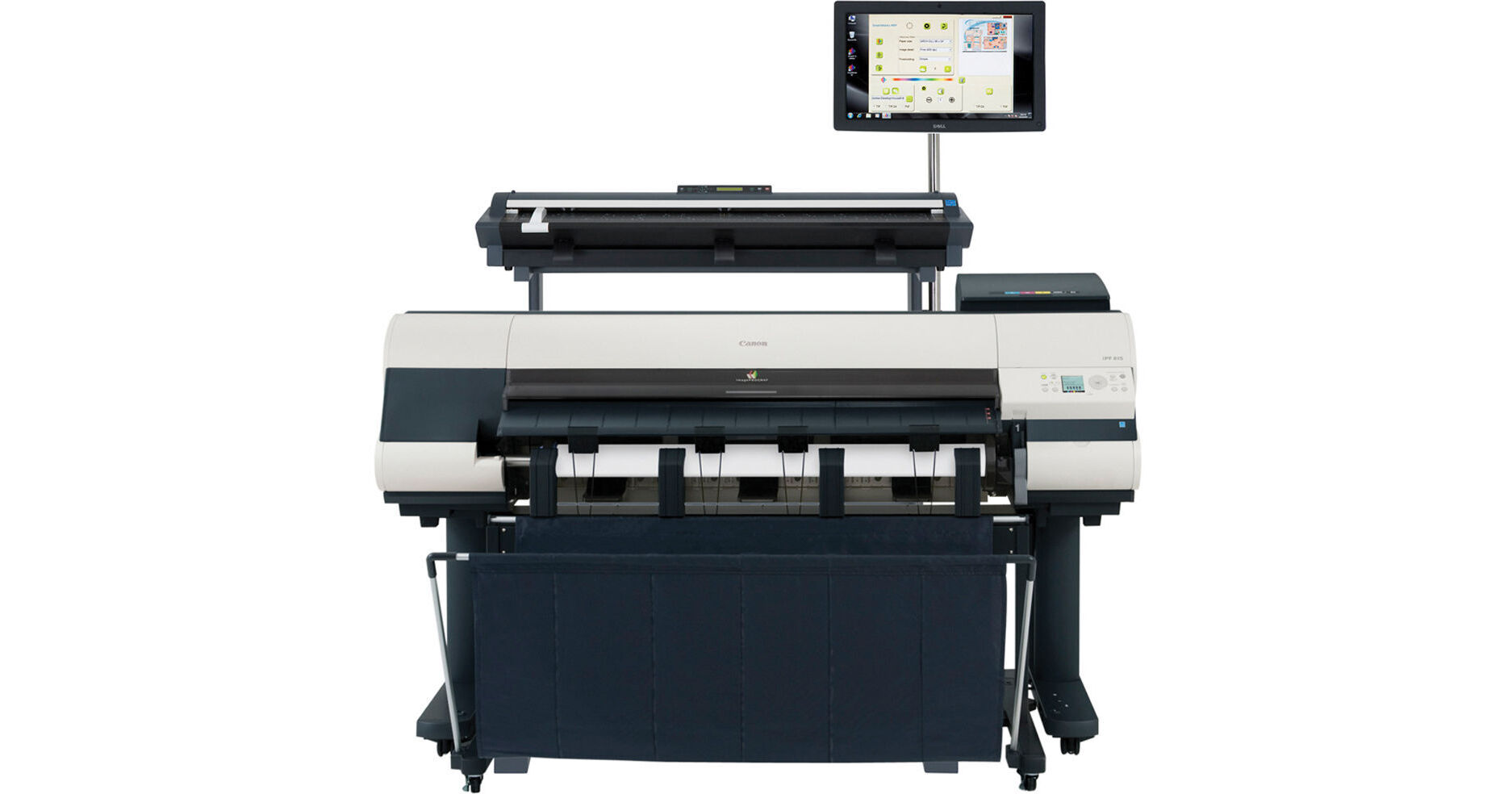
The imagePROGRAF iPF815 MFP from Canon is a complete print and scan-to-copy/file/email solution designed to meet the demands and accuracy for CAD and other design-based applications. The printer uses Canon's 5-tank ink cartridge system with a 15,360-nozzle printhead to produce documents up to 36.0" wide on a wide range of media. The printer's high dpi, small 4.0 pl ink drop, and ±0.1% line accuracy is ideal for producing detail-oriented technical documents such as CAD drawings and maps, as well as borderless posters, photos, and prints.
The unit has its own 32 GB dedicated file processing memory as well as 384 MB of RAM. Even when printing large, complex documents printing and scanning won't slow down your computer. In addition to a USB connection, the printer includes an Ethernet interface so you can easily share the iPF815 with your entire team. The printer's powerful software suite helps you get the most out of your iPF815 with media management tools, automatic media switching, page nesting, preset document profiles, and color adjustment. Even though the printer can handle large complex documents, it's still easy enough to print standard documents, photos, and posters from any computer on the connected network. The large 130-ml ink tanks translate into a lower cost-per-print regardless of the size of your document.
Having a scanner and computer interface built into your CAD printer facilitates scanning and copying large CAD drawings, as well as documents, posters, and photos. The integrated LCD panel provides the ability to scan, copy, and edit documents right on the iPF815 without the extra step of transferring the file to a computer.
The built-in 160GB hard drive is perfect for storing scanned as well as commonly printed files so you can print files not only from your computer, but also from the printer itself. Additionally, storing files on the printer itself means that other users connected to the printer can access shared files from their own workstations.
The optional stacker provides a flat surface to offload prints and eliminates the need for operator handling. Built for high productivity, this stacker automatically picks up documents of mixed document sizes and stacks them up to 300 sheets
Features include:
- Log Recording Time
- Job Name
- Job Owner
- Client Job ID
- Client Job Submission Time
- Job Completion Time
- Job Completion State
- Ink consumption per job
- Media Type
- Number of completed pages
- Media consumption area per job
Features:
- Exact page size that corresponds with the actual print size
- Print Type setting
- Print Quality settings
- Color Mode setting
- Brightness slide bar setting
- Black ink print feature
- Advanced media settings
The Real Preview feature lets users ensure that the print setting and the layout on the roll paper is correct by providing real time preview, allowing users to change the print setting even after clicking on "print." The Free Layout feature enables nesting and custom layouts of images or files of nearly any type (available for both Windows and Mac driver)
The imageRUNNER Enlargement Copy feature built-in to the printer driver lets users transfer data from their Color imageRUNNER device with Universal Send to the imagePROGRAF printer - all with the touch of a button - enabling users to easily create posters from hard copy documents
At a Glance:
- Easy-to-use preset document profiles (examples are Poster, CAD, Photo)
- Automatic print quality options dependent on print application and media
- Real Preview that lets users change document and printer settings after clicking "print"
- Page nesting feature with Free Layout for Windows and Mac
- imageRUNNER Enlargement Copy feature - with a hot folder solution to print Color imageRUNNER
- PDFs directly without opening in a PDF viewer
- Economy Print Mode
- Borderless printing
- Easy setting/Advanced setting