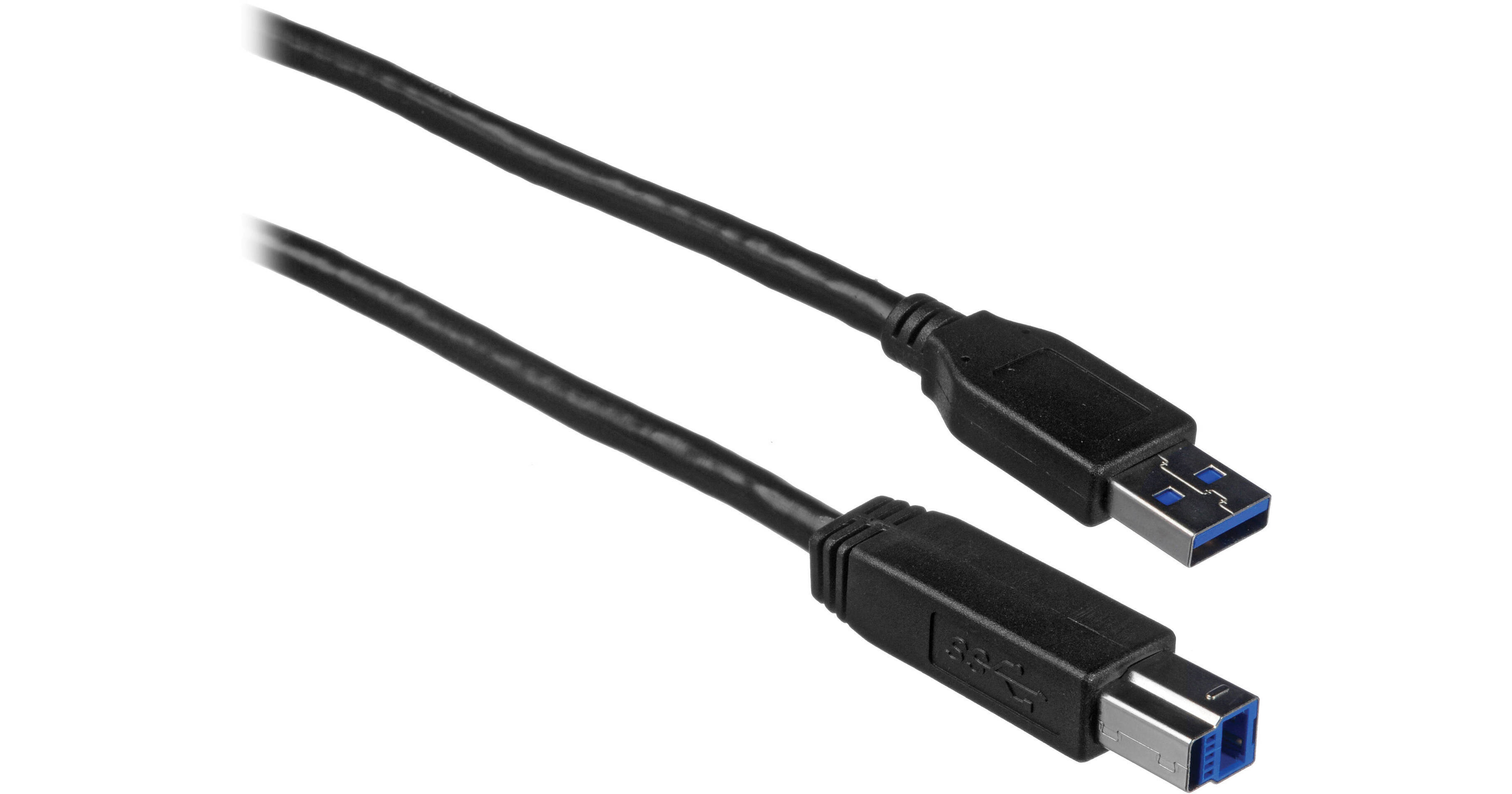
The 3' (0.91 m) USB 3.0 A Male to B Male Cable from Comprehensive provides simultaneous operation of SuperSpeed (USB 3.0 speeds) and non-SuperSpeed (USB 2.0 speeds) information exchanges. The USB Cable brings significant power and performance enhancements to the USB standard. It is backwards compatibility with many USB-enabled PC's and peripheral devices currently in use. It is designed for next-generation SuperSpeed USB device connections. The USB Cable offers a throughput of up to 4.8 Gbps when used with a USB 3.0 host and device. It features high quality Shielded Twisted Pair (STP) construction that helps to prevent electro-magnetic interference and ensures reliable data communication.
- Transfer Rates of up to 4.8 Gbps
- Premium Shielded Twisted Pair
- Plug & Play Functionality
- Compatible with PC and Mac
Comprehensive USB-A Male to USB-B Male 3.1 Ge... Overview
Comprehensive USB-A Male to USB-B Male 3.1 Ge... Specs
| Interface | |
| Connector 1 | |
| Connector 2 | |
| Cable Length | |
| Color |
| Package Weight | |
| Box Dimensions (LxWxH) |
Comprehensive USB-A Male to USB-B Male 3.1 Ge... Reviews
Fixed a monitor issue
My monitor would turn off when I turned the ceiling fan on or off. I thought this was because the displayport cable was hanging against the wall close to the power cable for the fan. But it turned out to be because my USB cable was a combination of a cable that was too short and a cheap extension cable I got with a monitor stand. I replaced that cable setup with this is because I thought the USB 3.0 hub in the monitor was connecting to my PC as USB 2.0. So, I switched to this 10' cable. After changing the cable, I still saw the monitors connection showing up as USB 2.0. But, I plugged a USB 3.0 device into the same hub and then realized it shows up at the top of the list as 2.0, and inside a smaller list near the bottom which you have to expand as 3.0. And it showed up the same way when I plugged the old cable setup back in. Realizing this I thought I'd just wasted money, but the monitor started staying on reliably.... I was baffled. So I got my multimeter out and found the extension cable didn't conduct between the male and female plugs' metal shells. That means it's either not shielded or the shield is not properly grounded. From what I've gathered on the Internet and from chat bots, the lack of a shield on USB 3.0 will cause it to generate enough EMI to disrupt displayport's sync. It still may have been related to the ceiling fan, but it's more likely the ceiling fan was affecting displayport by causing disruptions in the unshielded/improperly shielded USB 3.0 connection. Thanks for reading. Get this cable, it's properly shielded.
Exactly what I ordered
The cable came in the mail sooner than I expected. This was the only website where I was able to easily find the cable that I was looking for. Other websites did not have good search options.
