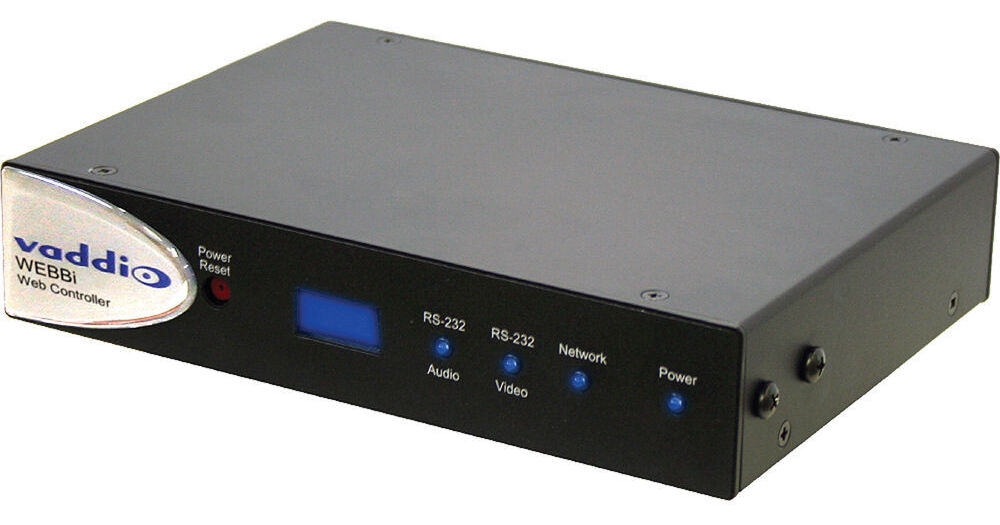
The Vaddio WEBBi Web Controller is a web-based server appliance with a universal browser-based control panel designed to control all Vaddio EasyUSB devices. You can control all of your cameras, switchers, audio, and even powering on and off your TV can be done through this WEBBi controller.
The WEBBi Browser Control Panel screen allows you to adjust the volume and MicPOD Microphone output levels; switch video sources; pan, tilt, and zoom your PTZ camera; and store and recall camera presets. Because it’s controlled via a browser, you can use a PC, tablet, smartphone, wireless mouse, or keypad to access the controller. The WEBBi controls are activated via a mouse or touchpad, so if you have a browser, you can control it.
It is designed as a true plug-and-play solution. You can simply plug the WEBBi into your Ethernet network, follow the easy setup menu in the startup screen to activate the devices you want controlled, and you are now ready to start controlling your system.